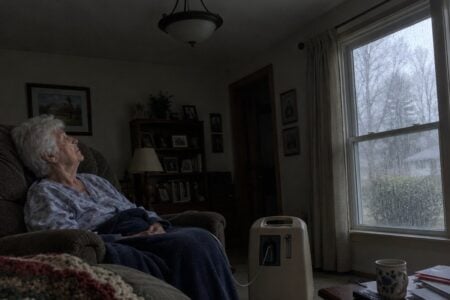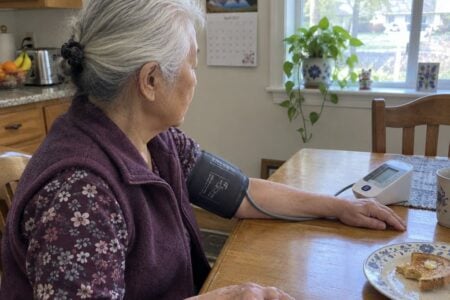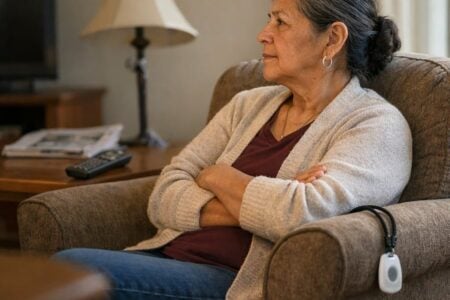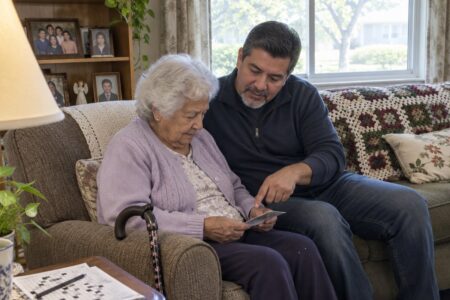
Picture getting a call and wondering if Mom made it home okay. That worry is why many families look for the top-rated safety apps for seniors.
The right app can send help, share a location, or let family know you are fine.
Below you will find personal safety apps, medical alert apps, fall detection, location sharing and everyday apps for living alone, plus a few places to find someone to talk to. I note what each one does well and what it won’t do, so you can pick with your eyes open.
How Apps Make Seniors Safer:
A daily check-in app like Snug Safety alerts your emergency contacts if you miss your check-in. It does not detect falls.
A medication reminder app like Medisafe tells you when it is time to take your pills.
Turn on Fall Detection on an Apple Watch, and it can call for help and text your emergency contacts after a hard fall if you don’t respond.
See where a loved one is with a location sharing app. Life360 shows family members on one map, on iPhone and Android.
Keep track of a chronic condition by logging symptoms in an app like Wave Health, then share the report with your doctor.
Get rides and deliveries arranged by phone through GoGoGrandparent, with no smartphone needed.
No app keeps anyone perfectly safe, but the right one can make help a lot quicker to reach. Keep reading to find a good fit for your family.
Personal Safety Apps For Seniors
Snug Safety
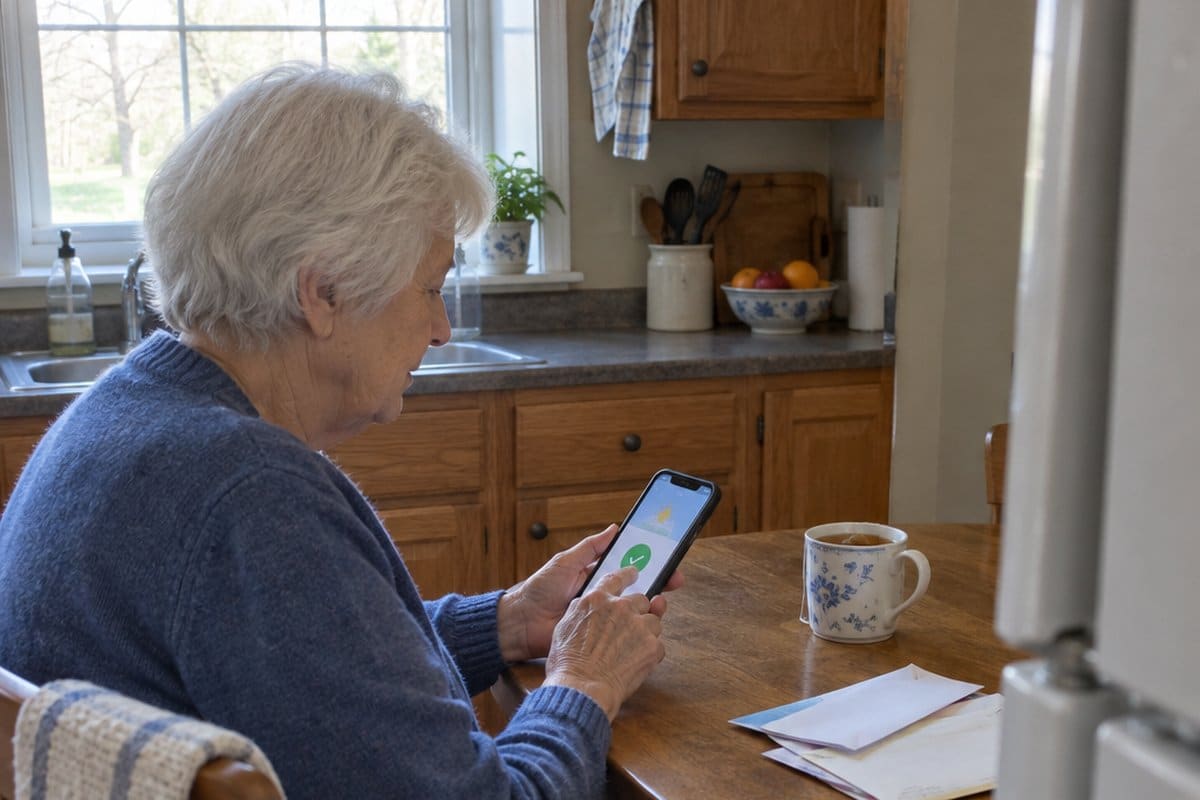
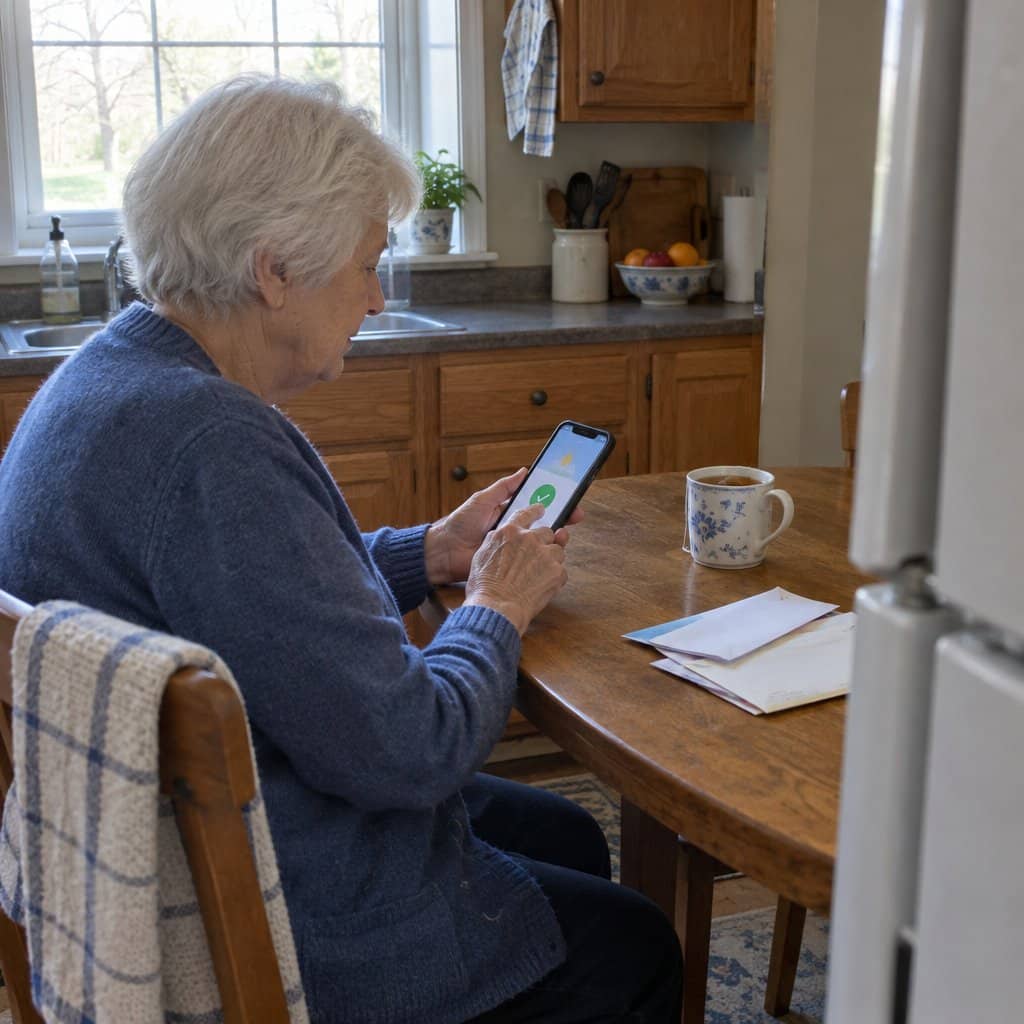
Snug Safety is a daily check-in app for people who live on their own, on iPhone and Android. It is about as simple as an app gets: one big green button, once a day.
How Does Snug Safety Work
You pick a check-in deadline and the people to tell if you miss it. Snug sends a reminder before your deadline, and you tap the green button to say you’re fine.
It Is Fairly Simple
- Set up the account with your name and email, choose your emergency contacts, and pick your daily deadline.
- Each day, Snug reminds you before the deadline. Open the app and press the large green button to check in.
- If your phone is lost or dead, you can still check in by calling Snug’s toll-free number from any phone.
On the free plan, a missed check-in sends your emergency contacts a text with your last known location.
On the paid Snug Dispatch plan, a dispatcher calls you first. If you don’t answer, they call your contacts, and if no one can be reached, they arrange a wellness check by local responders.
The trade-off is timing. Snug only knows something is wrong once a check-in is missed, so a fall in the morning might not be noticed until your deadline, which is why I’d pair it with fall detection if falls are the worry.
Learn more about the Snug Safety app here.
Best Medical Alert Apps For Seniors
Red Panic Button
The Red Panic Button app works a bit like a medical alert necklace, except the button lives on your phone. It is on both iPhone and Android.
One press of the big red button sends a text and an email to your chosen contacts, with your location as a map link. You can also send a quick photo or video if you can’t talk.
It only reaches the people on your list, not 911 or a monitoring center. It also only helps if the phone is within reach, so it suits someone who keeps their phone in a pocket.
Fall Protection And Notification Apps
Apple Watch Fall Detection
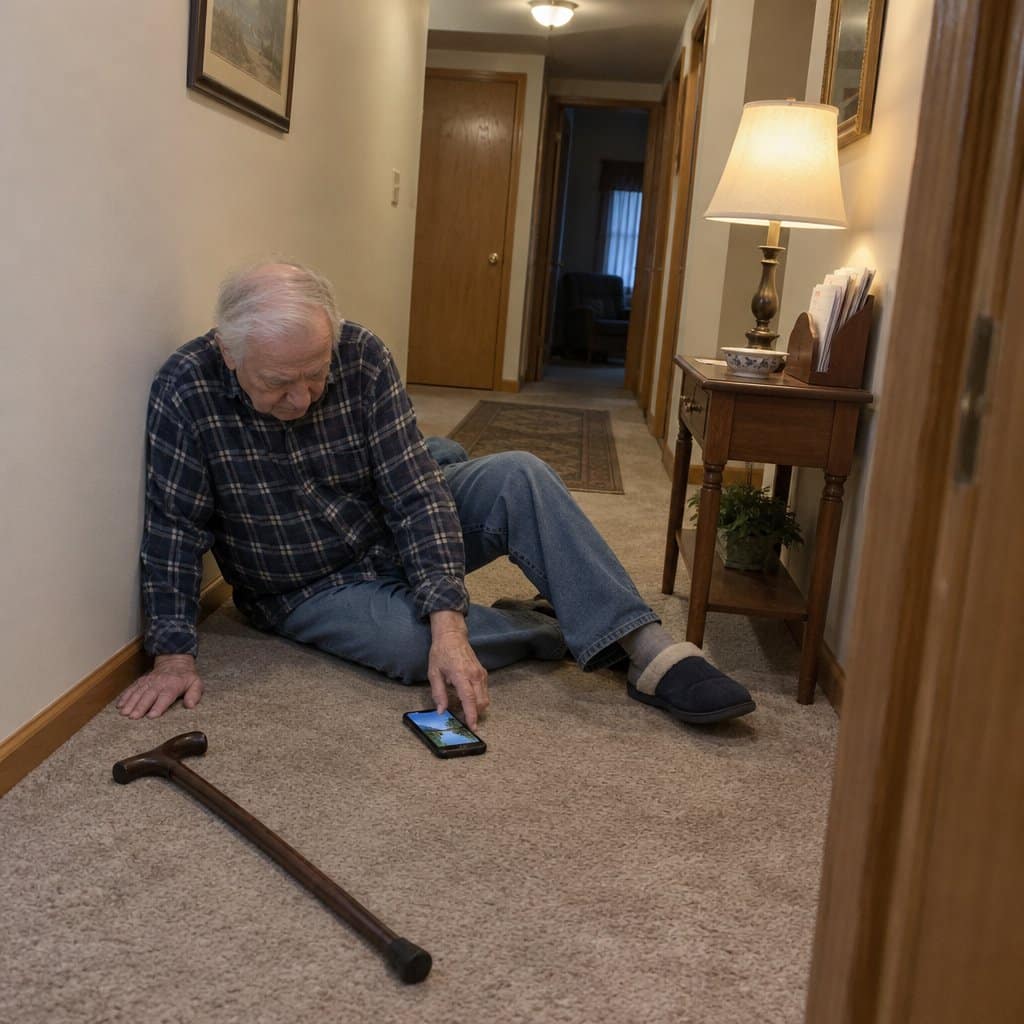
If your loved one wears an Apple Watch, fall detection is already built in and only needs to be turned on in the Watch app on the iPhone. After a hard fall, the watch taps the wrist, sounds an alert and asks if they are okay.
If there is no response for about a minute, it calls emergency services and sends a message with the location to their emergency contacts. They can also say they’re fine and dismiss it with one tap.
It does miss some falls, especially slow slides to the floor, and the watch has to be worn and charged. To call from away from the phone, it needs a cellular model or the iPhone nearby, so check that before you count on it.
Emergency Apps For The Elderly
Life360
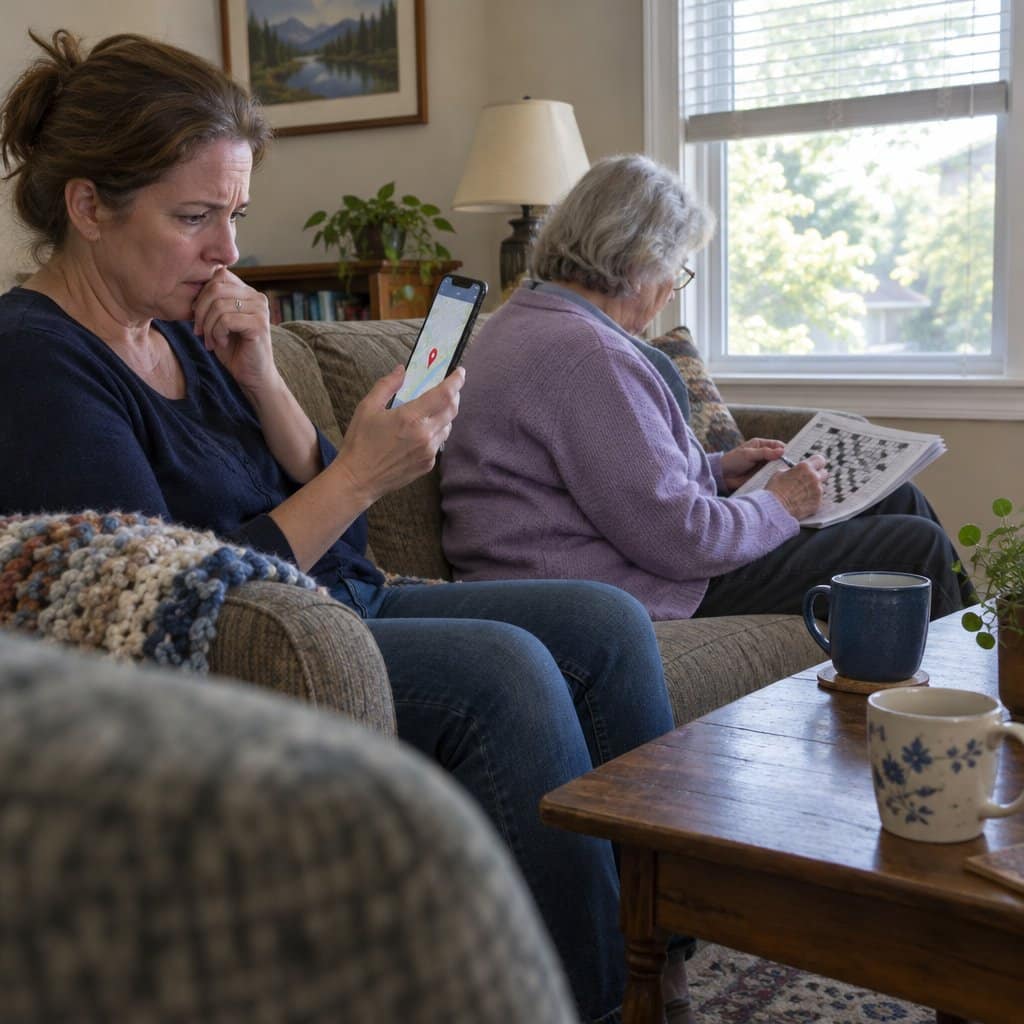
Life360 is a family location app for iPhone and Android. Everyone in the family circle shows on one map, and you can get an alert when someone arrives home or leaves a place you set.
The free version includes location sharing and crash detection for car rides. The paid memberships add an SOS button that alerts family with the location, and some plans add emergency dispatch.
I like it for a parent who still drives or walks to the store on their own. It only works with their phone on them and charged, and some people feel watched, so agree on it together first.
GPS Tracker Apps For The Elderly
Keeping an eye on a parent from a distance used to mean a lot of phone calls. Now a GPS Tracker or GPS Tracker For Seniors can show on your phone’s map where they are.
Here is what a good tracker app can do:
It Helps You To Keep Track Of An Elderly Family Member
A tracker lets a parent keep going out on their own while you know they are okay. If they get lost, you can see roughly where they are and get to them faster.
Most also offer geofence alerts when someone leaves a set area, location history, low battery warnings, and on some, inactivity or fall alerts.
Location can be off indoors or with a weak signal, so treat the map as a guide, not a pinpoint.
See my favorite GPS tracking apps for seniors and the elderly here.
RAZ Memory Cell Phone and the RAZ Care App
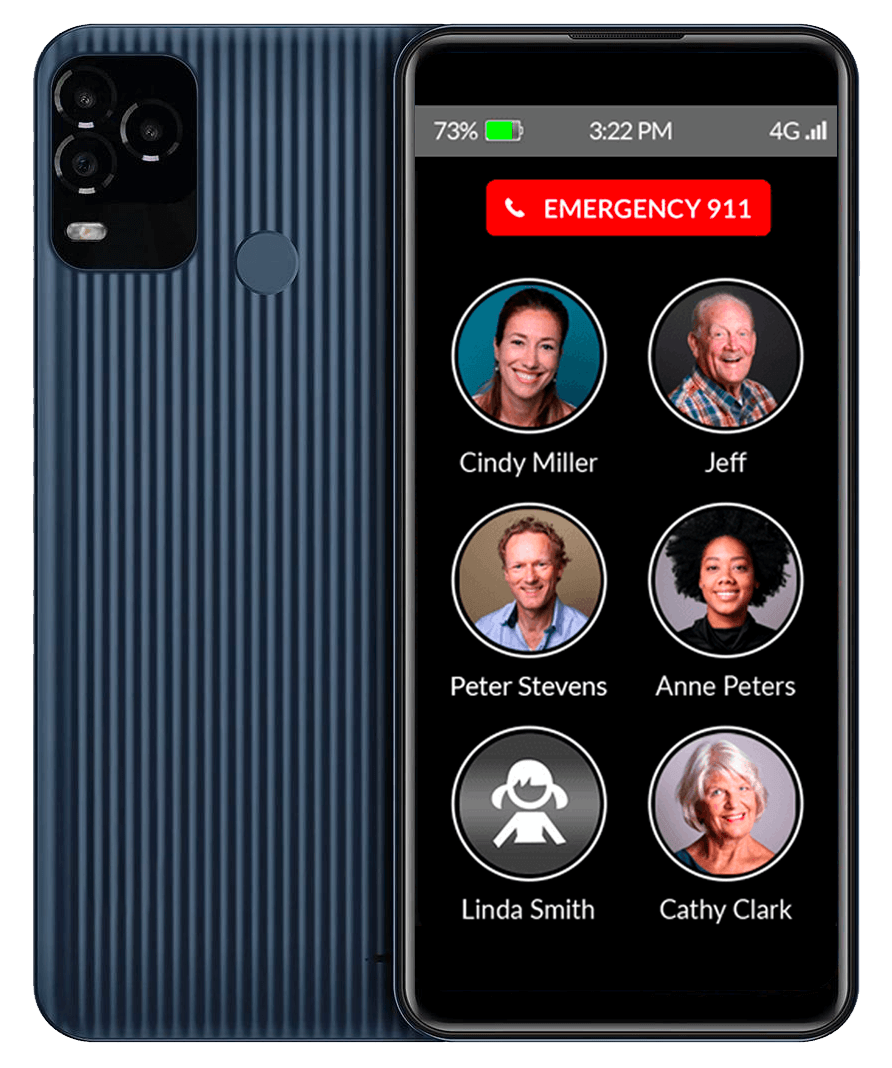
Most apps on this page go on a phone your loved one already owns. The RAZ Care app works the other way around: it goes on your phone and runs the RAZ Memory Cell Phone, a simple phone made for memory loss.
From the app you can see the phone’s location, battery and signal, and change its contacts and settings. It is not for someone who wants apps or photos, since the phone has neither.
Best Apps For Seniors Living Alone
Living alone brings real freedom, and most people want to keep it as long as they can. The risk is that with no one nearby, a minor fall can turn serious if you can’t let anyone know.
Quiet days can also get lonely, and changes in hearing, eyesight or balance make some chores harder.
A few tools help seniors and the elderly who live alone stay independent while family gets a little peace of mind.
NOMO Smart Care Medical Alert System
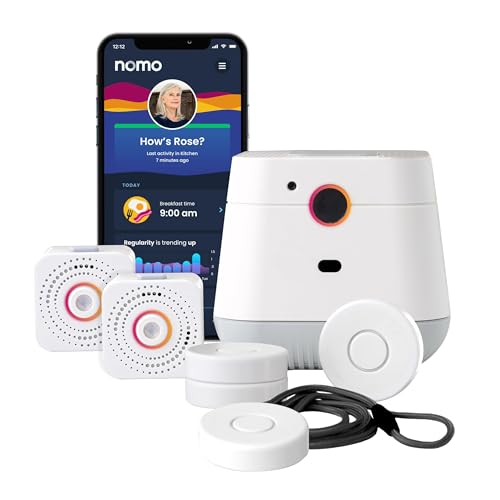

Research has suggested that falls are a bigger risk when a person lives on their own. NOMO is a fall alert system for the home, with no camera, that sends alerts to the family’s phones through its app.
Your loved one wears a small tag that senses a fall, and the hub lets you talk to them out loud without them reaching for a phone. Everyone in the Care Circle gets the alert, so it doesn’t all land on one person.
The catches are that it runs on home Wi-Fi and only works inside the house. Round-the-clock professional response is a monthly subscription after the trial, so decide whether family alerts are enough. Like any wearable, the tag can miss some falls and only helps when it is worn, so keep a backup such as a call button or a daily check-in.
You can see it set up in my NOMO Smart Care review.
Rescu
After a fall or injury, a phone call isn’t always possible. Pain can make it hard to talk, or the phone may be across the room.
The Rescu app, on iPhone and Android, sends police, fire or an ambulance to your location with two taps, without a voice call. When you set it up, you add your medical details and emergency contacts, so they are ready before you ever need them.
It can help when speaking is hard. If you can call 911, that is still the most direct way to get help.
Apps That Give You Someone To Talk To
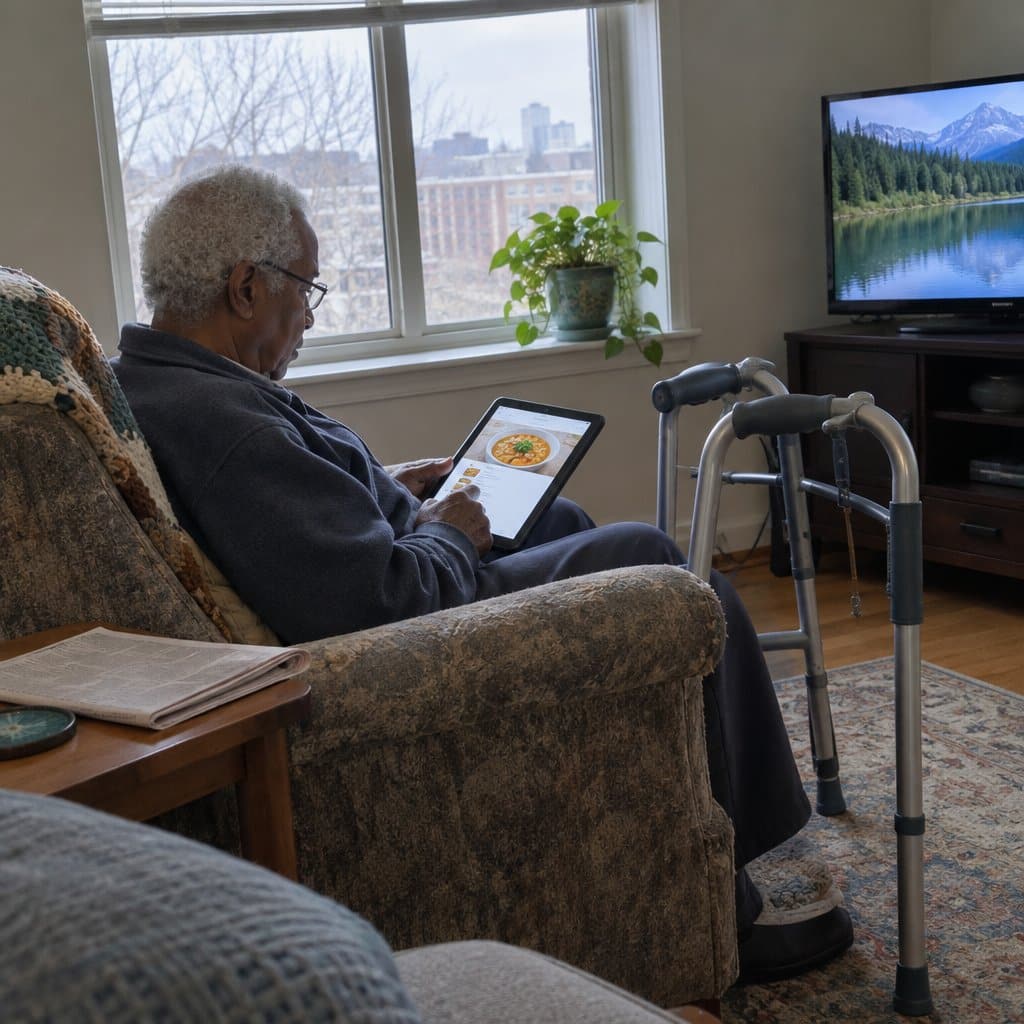
Living alone can get quiet. Long stretches without much conversation can leave a person feeling lonely and cut off.
HearMe is an app that connects you with a real person for a private chat any time. You can talk with a peer listener about a hard day, a loss or a big change, and some areas also offer trained guides and licensed counselors.
If a phone call feels more natural than an app, the Friendship Line from the Institute on Aging is a toll-free line, open 24 hours, for adults 60 and older and adults living with disabilities who are feeling lonely or low. It is based in California but takes calls from across the country.
One trade-off: these are listening services, not emergency help. They will not alert anyone if something goes wrong, so they work best next to a check-in or fall detection app.
Everyday Apps For Seniors Living Alone: Pills, Speech, Phone Settings And Sleep
Living alone suits a lot of people just fine. Still, a few daily things get harder when no one is around, and a handful of apps and phone settings can cover them.
Start with medication, since a missed pill is easy to overlook when you live alone. A pill reminder app schedules reminders by day and time, and some can send your doctor a list of what you have taken. A reminder can still be missed, so a pill organizer or a family check-in makes a good backup, and ask your pharmacist about timing and doses.
Pill Monitor is a free choice on iPhone, and Medisafe works on both iPhone and Android. See my guide to pill reminder apps for more choices.
Next is Live Transcribe, a free speech-to-text app from Google for Android. It turns what people say into words on the screen in many languages, though it needs an internet connection for most of them.
On newer iPhones, the built-in Live Captions feature does the same job. You’ll find it in Settings, then Accessibility, then Live Captions.
The same Accessibility menu has Zoom, which makes the screen larger, and VoiceOver, which reads the screen out loud. The Magnifier app also turns the camera into a magnifying glass for menus and labels.
For sleep, BetterSleep (once called Relax Melodies) is free to download on iPhone and Android. You can mix soothing sounds like a river, a crackling fire and rain, and a timer turns it off after you fall asleep.
You may also want security cameras, smart locks and motion sensor lighting, and it helps to stay close to your neighbors. Apps work best alongside those habits.
One trade-off: none of these apps will call for help on their own. For that, you will want one of the check-in or fall detection options covered above.
Staying Safe with Senior Apps
When choosing a safety app for an older adult, be sure to:
- Read the privacy policy, and skip apps that share data without asking.
- Check what data the app collects and whether you can turn parts of it off.
- Turn off location sharing for apps that don’t need it, but leave it on for the safety apps that use it to send help.
- Be wary of apps that ask for more access than their job needs.
- Make sure emergency contacts are correct before turning on alerts.
- Test the alert once with your contacts, so everyone knows what it looks like.
- Turn on two-step sign-in if the app offers it.
- Make sure your loved one understands what is shared and with whom.
- Every few months, check the settings and update contact numbers.
A little care with settings lets your loved one get the help without giving up their privacy.
Conclusion
With so many safety apps out there, it can feel like a lot at first. Start with the one worry that matters most, whether that is falls, getting lost or living alone, and pick one app for it.
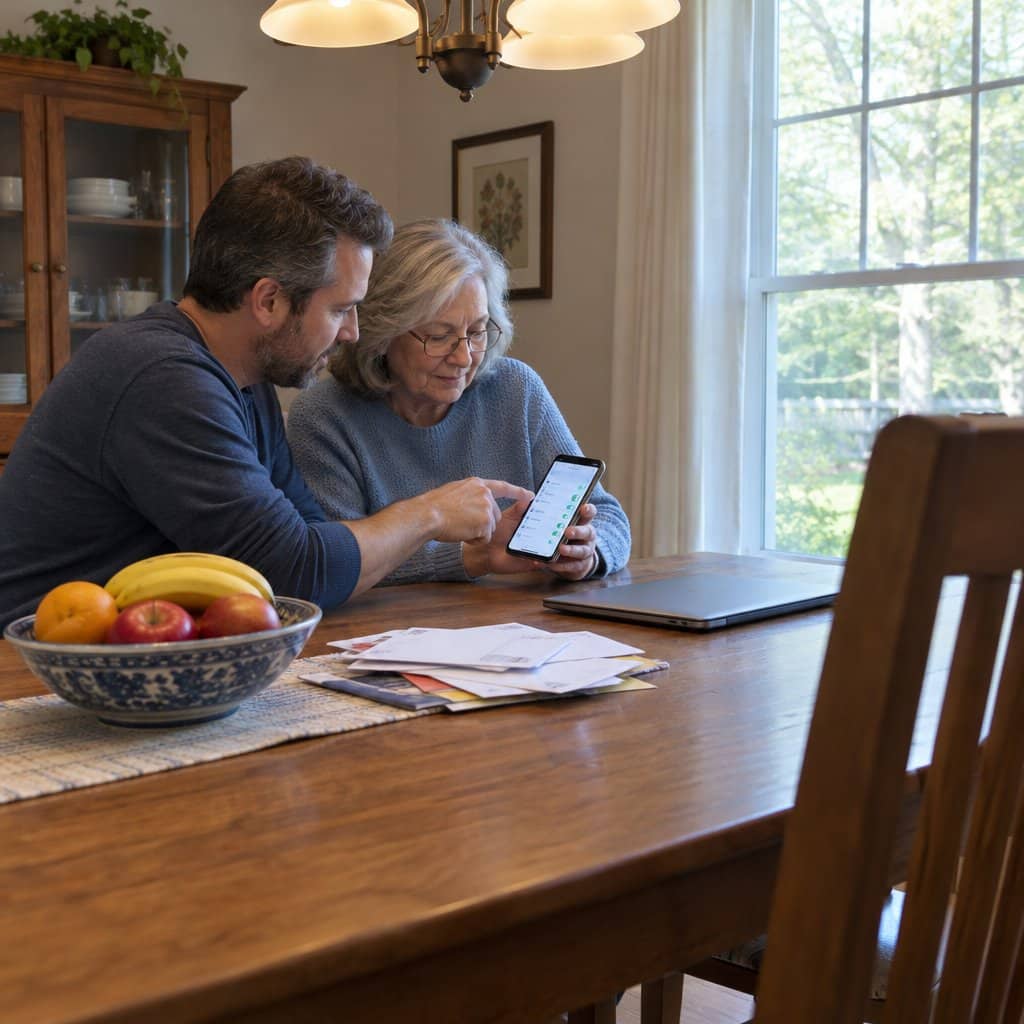
If downloading and setting up an app is new to you, ask a family member or friend to sit down with you for twenty minutes. Then test it together, so you both know it works.