
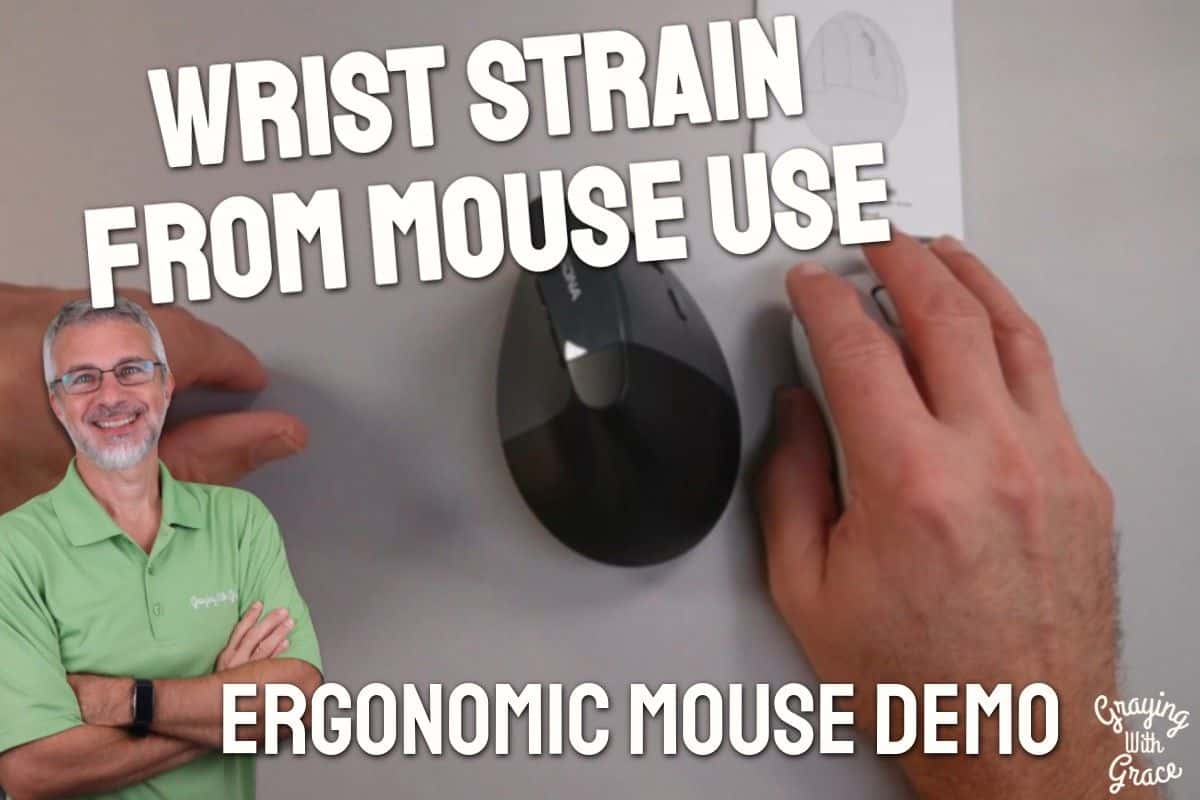
If you have spent years at a computer, your wrist has been held in that same twisted, palm-down position for most of them. You probably did not notice it at first. Then one day you did, and now you notice it every single day.
That nagging ache in your forearm and wrist is not just age. It is the result of prolonged forearm rotation, and a vertical mouse is one of the simplest design changes you can make to address it. As a Certified Senior Advisor (CSA) and Senior Home Safety Specialist (SHSS), I spend a lot of time evaluating products that help older adults stay comfortable and independent at home, and ergonomic computer tools are no exception.
I recently got my hands on the KYSONA EM18 Wireless Ergonomic Vertical Mouse and put it through its paces. Here is everything you need to know before you decide if it belongs on your desk.


Quick Takeaways
- Solves: Wrist and forearm fatigue from prolonged computer use in the traditional palm-down mouse position
- Best for: Right-handed older adults who spend real hours at a computer or tablet and want ergonomic relief
- Worth it? Yes, especially if wrist discomfort has already become a daily issue
- Best senior-friendly feature: Easy scroll wheel that moves smoothly for people with arthritis
- Biggest limitation: This is a right-hand-only design, so left-handed users will need to look elsewhere
How This Could Help You
Think about how many hours a week you spend moving a mouse across a desk. Every one of those hours, your forearm is rotated so your palm faces down. Over time, that rotation adds up in a very uncomfortable way.
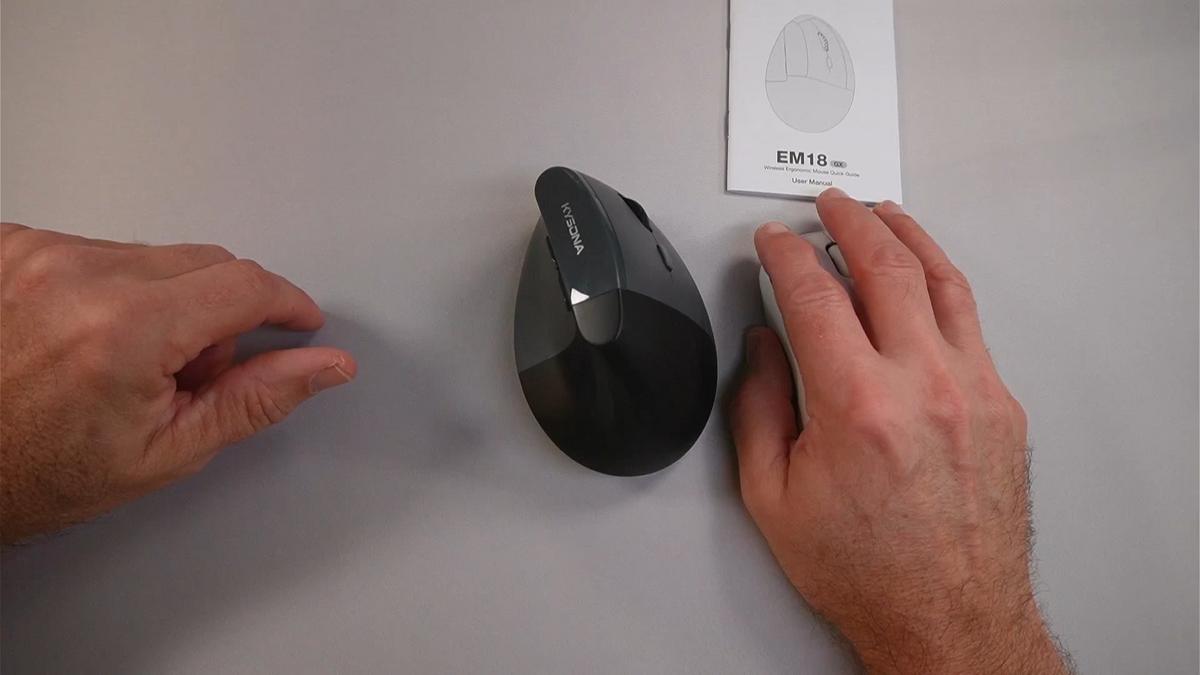
The KYSONA EM18 Wireless Ergonomic Vertical Mouse changes that angle by holding your hand more like a natural handshake position. Your forearm stays in a neutral, upright orientation instead of twisted toward the desk. It is a subtle shift, but if your wrist has been making its opinions known lately, you will feel the difference.
Does this mean it will erase decades of strain overnight? No, and I want to be honest about that. What it does is stop adding to the problem every time you sit down to check email, pay bills online, or video chat with the grandchildren.
If you use multiple devices, this mouse is especially handy. You can pair it to your desktop, your laptop, and a tablet, then switch between them with a single button press. No re-pairing, no fussing with settings, just click and go.
Ready to discover more innovative strategies for healthy, comfortable aging? Subscribe to our newsletter for expert-tested tips and product recommendations designed specifically for older adults.
Important Details You Should Know
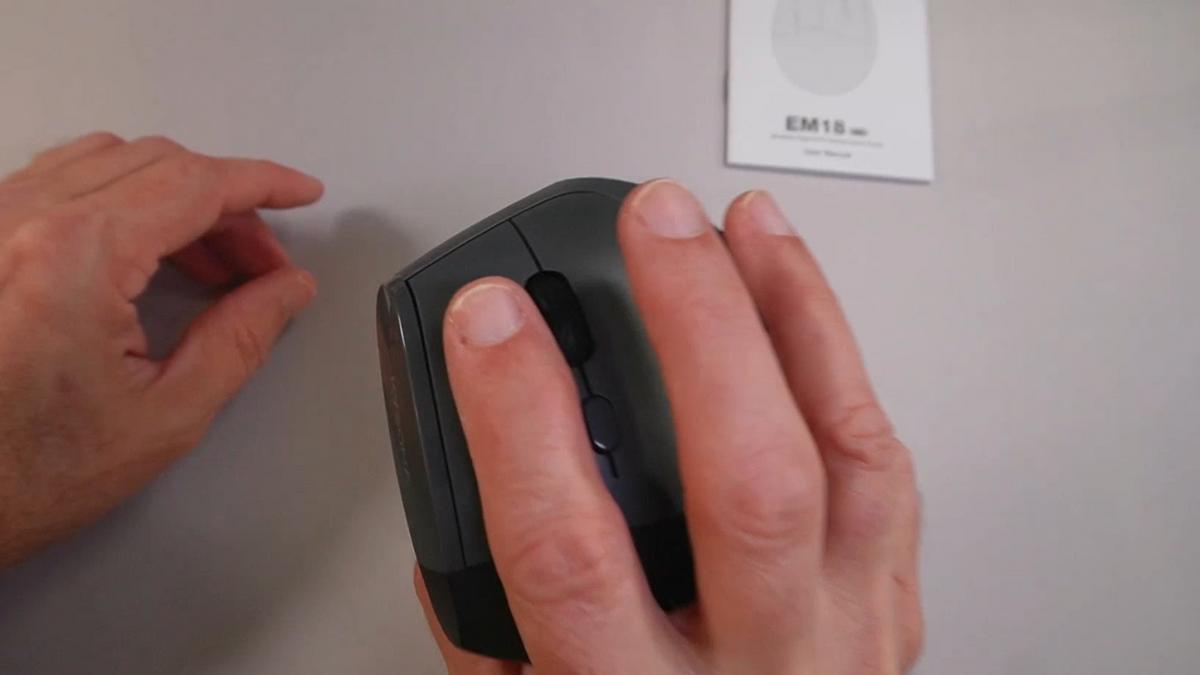
The EM18 is sized for medium to large hands. As I demonstrated in the video, I have average-sized hands and the fit felt natural, with my fingers resting comfortably on the buttons and my thumb reaching the side controls without stretching.
If you have exceptionally small hands, it might feel a little oversized. If you have exceptionally large hands, it could feel snug. But for most people, the fit is just right.
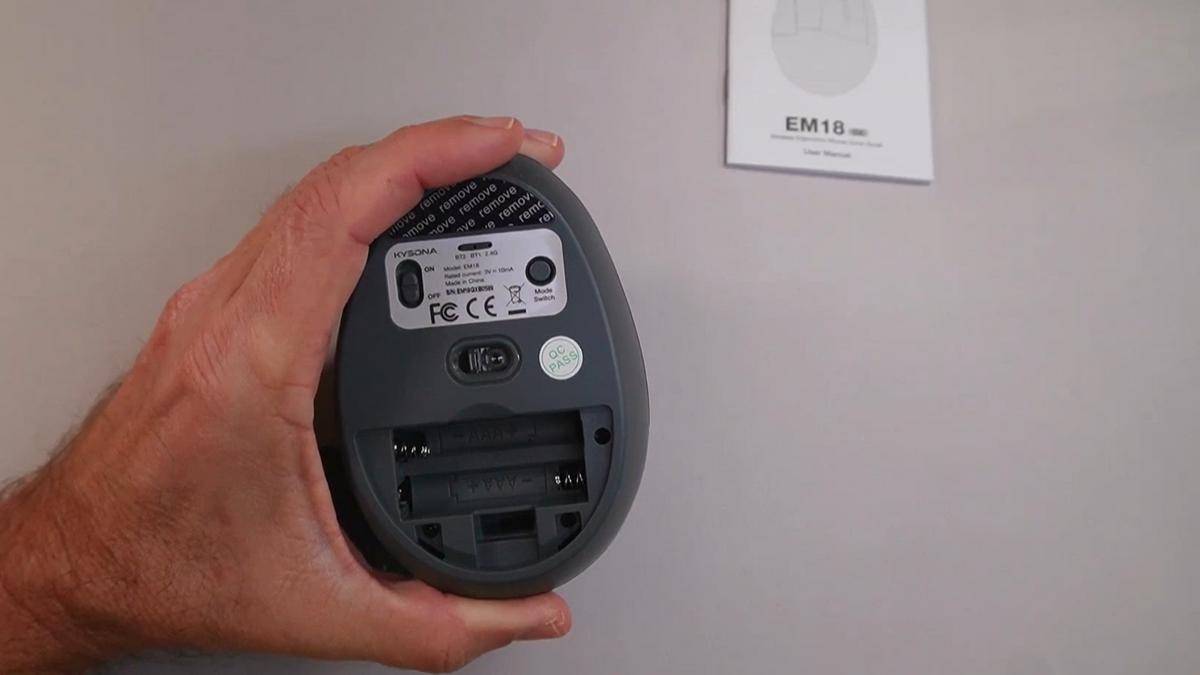
The mouse runs on two AAA batteries, which are not included in the box. Plan to grab a set before you sit down to set it up. Battery life will vary depending on how much you use it, but based on my experience with wireless mice in this category, expect anywhere from several weeks to several months of use per set.
It is a right-hand-only design. The vertical orientation means it is physically shaped for one hand or the other, and this one is built for right-handers exclusively.
Getting Started
Inside the box you will find the vertical mouse itself, a small USB receiver dongle (about the size of a thumbnail), and the battery compartment ready for your two AAA batteries.
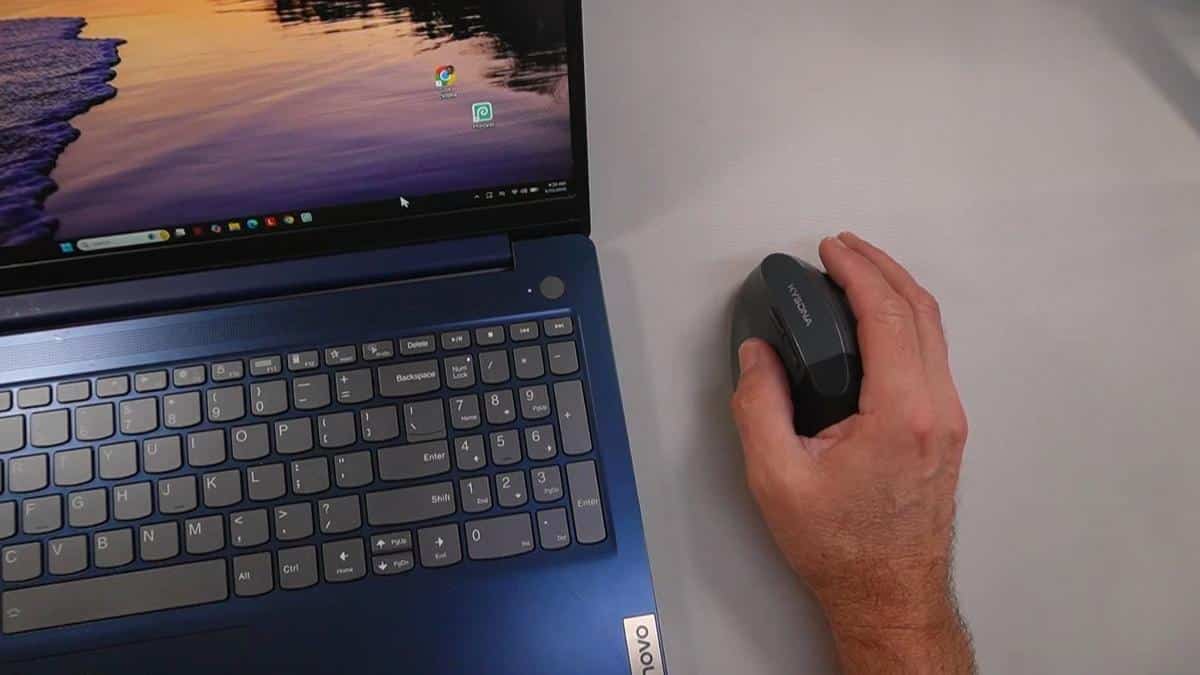
Setup is genuinely simple. When I evaluated this product, I noticed that the USB dongle method was the fastest option. You plug the tiny receiver into an available USB port on your computer, turn the mouse on, and it connects automatically. I heard the confirmation chime from the laptop within seconds of plugging it in.
Bluetooth pairing is also straightforward. You switch the mode selector on the mouse, press the Bluetooth button, and your device finds it almost immediately. In the video, you can see that the whole process from pressing pair to moving the cursor took only a few seconds.
There are three connection slots total, so you can store pairings for three different devices and jump between them without starting over each time. That is a genuinely useful feature if you move between devices during a typical day.
Features That Matter to You
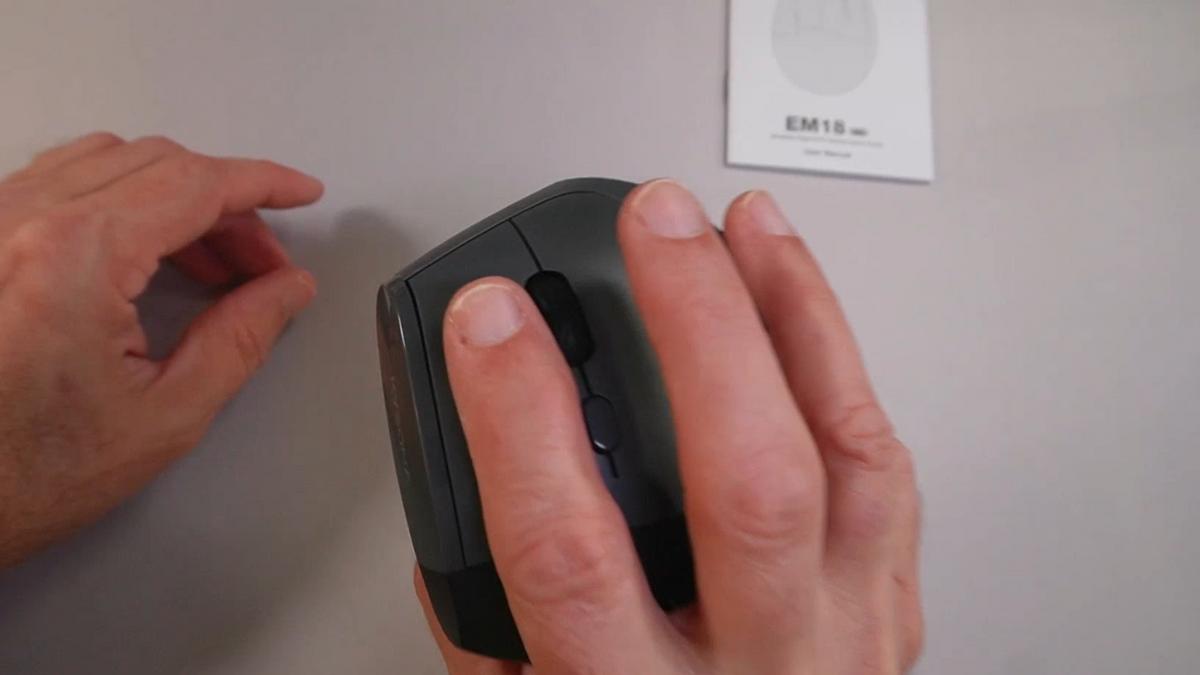
The silent click feature is one of my favorites on this mouse. As I demonstrated in the video, you can feel the click register under your finger, so you get the tactile confirmation that the button worked. But the sound is nearly whisper-quiet, which is perfect if you are working in a shared space or do not want to disturb a sleeping spouse.
The scroll wheel deserves a specific mention for anyone dealing with arthritis. When I evaluated this product, I noticed the wheel moves with very little resistance and has a satisfying click-feel with each notch. It does not require a firm grip or a strong push to scroll down a web page.
The five-level DPI adjustment lets you control how fast the mouse cursor moves across your screen. If you have ever lost your cursor because it zipped off to a corner before you could track it, slowing down the sensitivity is a game changer. You press the DPI button to cycle through the five speeds until you find the one that feels right for your eyes and your movements.
The KYSONA EM18 also includes forward and back navigation buttons on the side, which let you page up or down quickly without moving your hand to the keyboard. Small convenience, big difference over a long session.
Real Life Experience
Let me paint you a picture. You sit down in the morning to read the news, answer a few emails, and check in with family. An hour passes. Then two. By mid-afternoon, with a traditional mouse, that dull ache in your wrist and forearm has usually checked in for the day.
With the vertical grip, your forearm is simply not rotated the same way. As I mentioned in the video, it is not a dramatic fix, it is just a more natural position to spend several hours in. Think of the difference between sitting in a chair with good lumbar support versus one without. The benefit is quiet but cumulative.
When I demonstrated the DPI settings live on screen, you could see clearly how much the cursor speed changes from the slowest to the fastest setting. If you share a computer with someone who prefers a different speed, cycling through to your preferred setting takes only a couple of button presses.
The scroll wheel impressed me in real use. In the video, you can see that it rolls smoothly and easily, exactly what you want when you are scrolling through a long article or a recipe page and do not want to grip hard to make it move.
Battery maintenance is minimal. When the batteries run low, you swap them out, nothing to charge, no cable to track down. For many older adults, that simplicity is a genuine comfort.
Will You Be Able to Use It?
If you can hold a standard mouse right now, you can almost certainly use this one. The vertical position does require a slight adjustment period, maybe a day or two, as your hand learns a slightly different angle. That is completely normal and most people find it feels intuitive quickly.
The buttons are positioned for easy reach without stretching. The DPI button, mode switch, and power button are all accessible without repositioning your grip significantly.
If you have moderate arthritis in your fingers or wrist, the easy scroll wheel and light click buttons make this a comfortable option. If your grip strength is significantly limited, you may want to consult with an occupational therapist to confirm this style of mouse works for your specific situation.
Always consult with your doctor or occupational therapist before making health-related product decisions, especially if you are managing a wrist, hand, or arm condition.
Important Considerations
This mouse is not designed for left-handed users. The vertical shape is physically molded for the right hand, and there is no ambidextrous version in this model. If you use your mouse with your left hand, you will need to search specifically for a left-handed vertical mouse.
There is no visual indicator to tell you which DPI speed level is currently active. You simply cycle through the settings until the cursor movement feels right to you. For most people this is a minor inconvenience, but if you share the mouse or accidentally press the DPI button, you will need to cycle back through to find your preferred speed.
If you have significant cognitive challenges or find new technology setups frustrating, you may want a family member or caregiver to handle the initial pairing. Once it is set up, using it day to day is simple and requires no ongoing technical knowledge.
This is a computer and tablet accessory, not a medical device. It can reduce the strain associated with prolonged mouse use, but it is not a treatment for carpal tunnel syndrome or other wrist conditions. If you have a diagnosed wrist condition, please discuss ergonomic changes with your healthcare provider.
Help When You Need It
KYSONA is an Amazon-based brand, so support and return options follow standard Amazon policies. If you purchase through Amazon, you have the benefit of their return window if the mouse does not work as expected.
For troubleshooting, the connection process is simple enough that most issues can be resolved by cycling the power switch or re-pairing via Bluetooth. The product does not require software installation, which removes a common source of tech frustration entirely.
Replacement AAA batteries are universally available and inexpensive, so keeping this mouse running is never a supply challenge.
Understanding the Cost
Ergonomic vertical mice span a wide range of price points. The KYSONA EM18 Wireless Ergonomic Vertical Mouse sits in the accessible mid-range, offering a strong feature set without the premium price tag of some well-known ergonomic brands.
When you weigh the potential reduction in daily wrist discomfort against the cost, most people find this type of investment pays for itself quickly in comfort alone. A single visit to a physical therapist for wrist pain costs considerably more.
If budget is a concern, this model offers more connection flexibility than many comparable mice in its price range, making it a genuinely good value in the ergonomic category.
Making It Work for You
Give yourself two to three days to adjust to the vertical grip. Your hand is learning a new angle, and the first day may feel slightly unfamiliar. Stick with it, because most people find they stop noticing the difference within a short time and simply notice that their wrist is more comfortable.
Start with the slowest DPI setting and work your way up until the cursor speed feels natural and easy to control. If you ever lose the cursor on a large monitor, stepping down one speed level usually solves it instantly.
If you use this with multiple devices, take a few minutes when you first set it up to pair all three connection slots. Once that is done, switching between your desktop, laptop, and tablet is a single button press for the rest of the mouse’s life.
Keep a spare set of AAA batteries in your desk drawer so you are never caught off guard when the current set runs low.
Our Recommendation
If you spend meaningful time at a computer and your wrist or forearm has started voicing complaints, this mouse is a practical, affordable step worth taking. The vertical grip genuinely changes the mechanics of how your arm works during long sessions, and for most people, that change is a welcome one.
It is a particularly strong choice if you use more than one device, because the three-mode wireless system means one mouse serves your whole setup without the headache of re-pairing.
If you are a left-handed user, skip this one and look specifically for a left-handed vertical mouse model. And if your wrist condition is already diagnosed or severe, please loop in your occupational therapist before switching your equipment.
For the right-handed older adult who wants simple, reliable ergonomic relief without a steep learning curve or a steep price tag, this one earns a genuine recommendation from me.
Where to Get It
You can check current pricing and availability for the KYSONA EM18 Wireless Ergonomic Vertical Mouse on Amazon using the link below. Stock and pricing can change, so it is always worth a quick look before you decide.
Wrapping Up
Your wrist has put in years of hard work, and it deserves a better setup. The vertical mouse design is not a miracle, but it is a smart, simple change that puts your hand in a more natural position every time you sit down at a screen.
If you have already made the switch to a vertical mouse and noticed a difference, I would love to hear about it in the comments below. And if you have questions about whether this specific model is the right fit for your situation, drop them there too. I read every one.
Here is to more comfortable computing and fewer end-of-day wrist complaints.


