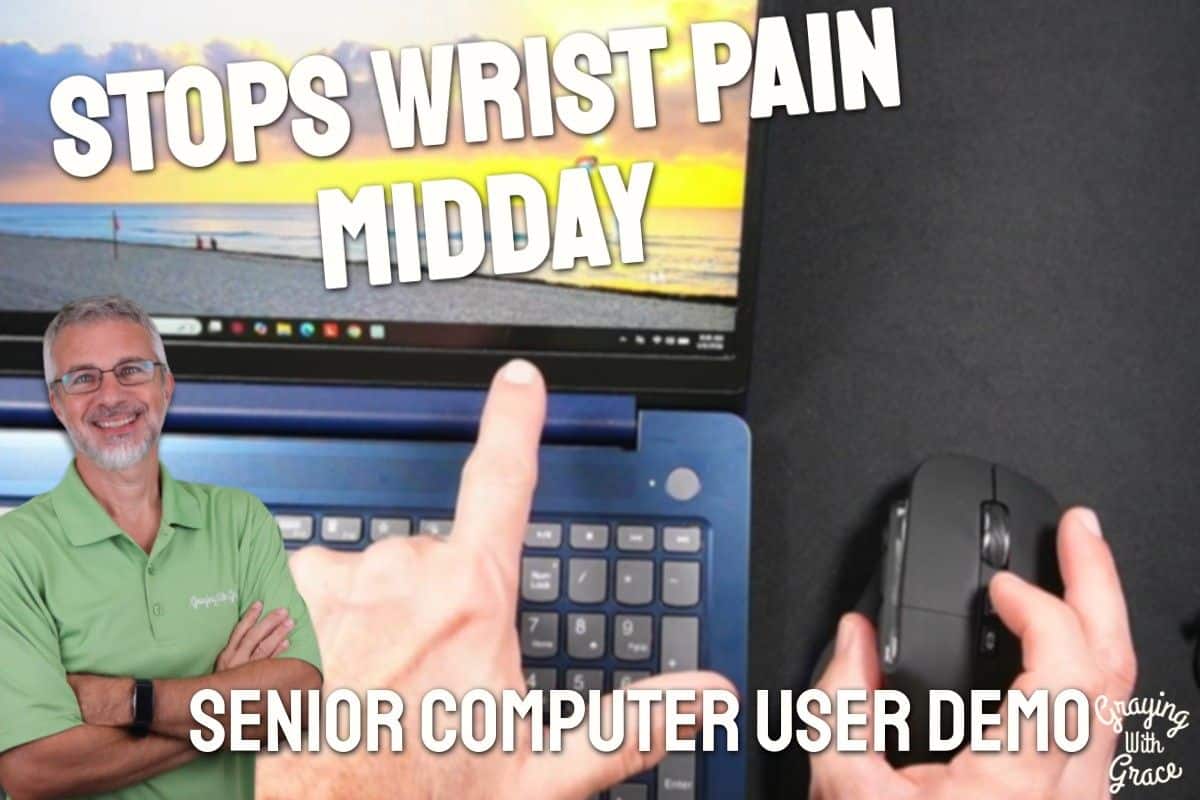
If your wrist starts aching by mid-morning and only gets worse as the day goes on, the culprit probably isn’t how much you use your mouse. It’s the position your hand is forced into every single time you use one.
Traditional flat mice lock your palm face-down for hours at a stretch. That position compresses nerves in your wrist in a way that builds up damage over months and years — and for older adults already dealing with arthritis, reduced grip strength, or early carpal tunnel symptoms, it can make computer use genuinely painful.
I’m Scott Grant, Certified Senior Advisor (CSA) and Senior Home Safety Specialist (SHSS) at Graying With Grace. I personally tested the Share Sunshine Ergonomic Vertical Mouse and put it through its paces on my own desk to give you an honest, practical picture of what it does well and where it falls short.
In this review I’ll walk you through the ergonomic design, the dual connectivity, the real-world comfort, and everything else you need to decide whether this mouse belongs on your desk.


Quick Takeaways
- Solves: Wrist pain, nerve compression, hand fatigue from hours of daily computer use
- Best for: Older adults with carpal tunnel symptoms, arthritis, or hand discomfort — and caregivers shopping for a thoughtful gift
- Worth it? Yes, especially for anyone spending several hours a day at a computer
- Best senior feature: The vertical handshake grip that immediately puts your wrist in a neutral, pain-reducing position
- Biggest limitation: The RGB light under the mouse cannot be disabled
How This Could Help You
Do you find yourself shaking out your hand halfway through checking email, or stopping mid-sentence because your wrist just aches? That nagging discomfort is your body telling you something needs to change.
The Share Sunshine Ergonomic Vertical Mouse addresses that problem at the source. Its vertical design tilts your hand upright into a natural handshake position, which takes the twisting pressure off your wrist entirely.
Think about what you use your computer for every day — emailing family, video calling grandchildren, managing finances, browsing for gifts. All of that becomes more comfortable when your hand isn’t fighting its own anatomy.
For caregivers, this mouse is a genuinely thoughtful gift. It’s not a gadget for gadget’s sake. It’s a practical tool that helps an aging parent or spouse stay connected to the people and activities they love, without the physical toll.
The dual connectivity also means one mouse can handle both a desktop computer and an iPad, which cuts down on clutter and confusion — something many older adults will genuinely appreciate.
Important Details You Should Know
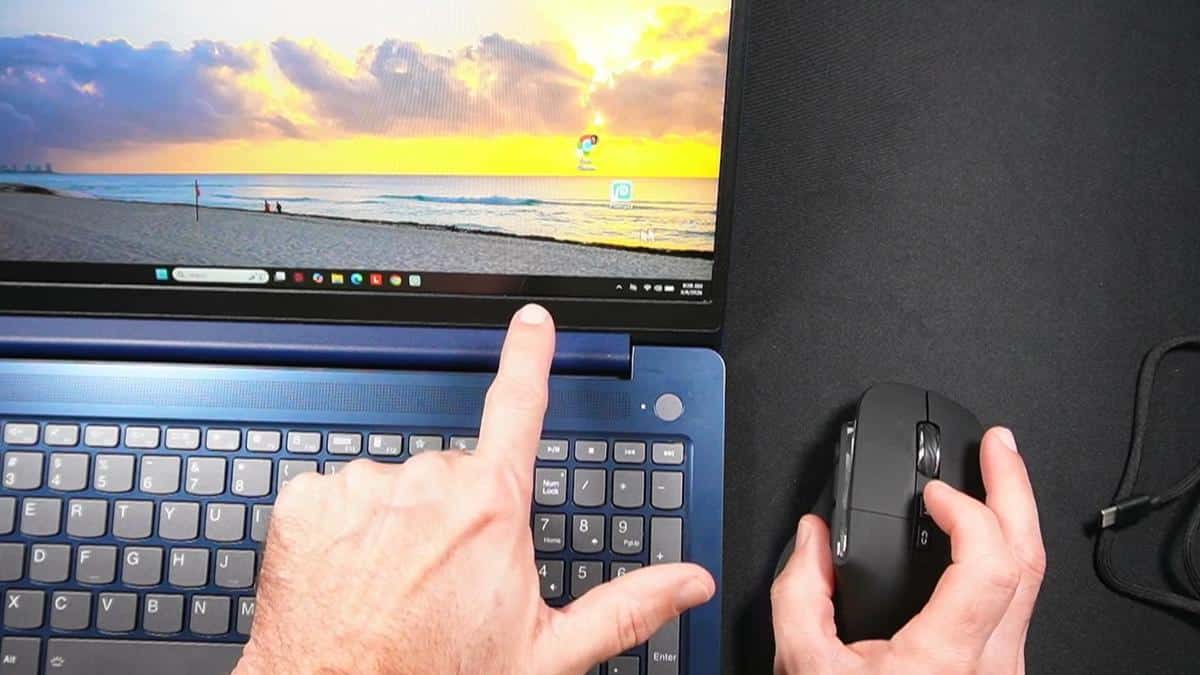
This mouse is designed for medium to large hands. As I demonstrated in the video, I have average-size hands and my fingers hang over the edge just slightly — which actually felt comfortable and natural rather than cramped.
Unless you have very small hands, this mouse will likely fit you well. If you wear roughly a size 9 glove or larger, it’s an excellent match.
The mouse is wireless and connects either via a small USB dongle that stores neatly in the bottom of the mouse, or via Bluetooth. It has a rechargeable battery built in, so there are no AA batteries to fumble with or forget to replace.
There is a subtle breathing RGB glow that comes from under the mouse. It’s gentle — not a bright strobe — and as I noted in the video, I actually found it useful for spotting the mouse quickly on a dark desk pad. That said, I was not able to find a way to turn it off, so if any light at all bothers you, keep that in mind.
The build feels solid. The braided charging cable that comes with it is thick and durable, which is a nice touch compared to the flimsy cables that come with cheaper accessories.
Getting Started
Setup is genuinely simple — one of the easiest wireless mouse setups I’ve encountered. In the video, you can see that the USB dongle is stored right in the bottom of the mouse itself, so it won’t get lost in a junk drawer.
To use the USB dongle, just pull it out of the mouse, plug it into any open USB port on your computer, flip the switch on the bottom of the mouse to the 2.4G setting, and you’re working within seconds. No software to install.
For Bluetooth, go into your computer’s Bluetooth settings, click “Add Device,” flip the switch on the mouse to the Bluetooth position, and it appears on screen almost immediately. When I evaluated this product, I noticed the Bluetooth pairing took about 15 seconds from start to finish — genuinely fast.
Once both devices are paired, you switch between them by flipping that small toggle on the bottom. That’s it. No re-pairing, no waiting.
Ready to discover more innovative strategies for healthy, comfortable aging? Subscribe to our newsletter for expert-tested tips and product recommendations designed specifically for older adults.
Features That Matter to You
The Share Sunshine Ergonomic Vertical Mouse has a few features that stand out specifically for older adults — and they go well beyond the vertical design.
The DPI button on top lets you control how fast the cursor moves across your screen. As I demonstrated in the video, the lowest setting moves the cursor slowly and precisely — perfect if you ever find yourself clicking the wrong thing because the cursor jumps around too fast. You can dial it up if you prefer quicker movement, and cycle through settings with a single button press.
On the side of the mouse there are three quick-action buttons: a double-click button, a page-up button, and a page-down button. The page-up and page-down buttons let you scroll through a webpage or document without using the scroll wheel — handy if scrolling feels awkward or if your finger tires easily.
The double-click side button automates repetitive clicking tasks. If you find yourself copying and pasting frequently, or submitting the same kind of form over and over, that button can save your fingers real wear and tear over the course of a day.
There is no learning curve for the basic functions. Left click, right click, and scroll wheel all work exactly as you’d expect. The ergonomic angle is the only thing that takes a few days to feel completely natural — and most people adjust within a week.
Always consult with your doctor or occupational therapist before making health-related product decisions, especially if you are managing active carpal tunnel syndrome or a diagnosed repetitive strain injury.
Real Life Experience
I used this mouse on my own desk for a full week before filming the review, and a few things stood out right away.
When I evaluated this product, I noticed the switch from a flat mouse to a vertical one feels a little strange for the first day or two — like learning to write with your non-dominant hand. But by day three, reaching for the flat mouse felt odd instead. Your hand genuinely settles into the upright position.
As I demonstrated in the video, I only needed to charge the mouse once during that entire week of regular daily use. That tracks with the typical 20-to-40-hour range for rechargeable ergonomic mice in this class. And the beauty is that you can keep using it while it charges — just plug in the braided cable and keep working.
In the video, you can see that the mouse tracks smoothly and immediately when switched on via the USB dongle. The cursor movement felt stable and predictable across my wooden desk surface and on a fabric mouse pad.
The RGB light underneath does glow continuously. As I mentioned in the video, I found it actually helpful on a dark desk pad — that soft glow makes it easy to spot the mouse at a glance without hunting around. But it’s worth knowing in advance that it stays on whenever the mouse is powered.
The side buttons are easy to reach without repositioning your hand. The page-up and page-down buttons in particular felt like a natural fit for scrolling through longer emails or news articles without straining my index finger on the scroll wheel.
Will You Be Able to Use It?
This mouse requires the ability to hold it with one hand in an upright grip — similar to picking up a thick TV remote. If you have moderate arthritis or reduced grip strength, the large comfortable size actually works in your favor because your whole palm rests against the body of the mouse rather than just your fingers gripping a narrow device.
If you have significant tremors or very limited hand strength, you may want to consult an occupational therapist before switching to any vertical mouse, as the grip angle is different from what most people are accustomed to.
The setup process is straightforward enough for most older adults to handle independently. If Bluetooth feels intimidating, the USB dongle option skips all of that — plug it in, flip the switch, and you’re ready to go.
Caregivers can easily set up both device connections in advance so the older adult in their life never has to touch the Bluetooth settings at all.
Important Considerations
This mouse is designed for medium to large hands. If you have small hands, it may feel oversized and potentially awkward to control. Measure from your wrist crease to the tip of your middle finger — if that’s under about 6.5 inches, you may want to look at a smaller vertical mouse option.
The iPad and MacBook compatibility works only through Bluetooth, not the USB dongle. That’s not a problem as long as your iPad is running iPadOS 13.4 or later — but older iPads may not support mouse connectivity at all.
If you are sensitive to any light near your workspace — including night use — the always-on RGB glow under the mouse is worth considering carefully. I could not find a software option to disable it.
This mouse is a management and prevention tool for wrist discomfort, not a medical treatment. If you are experiencing significant pain, numbness, or weakness in your hand or arm, please see your doctor before relying on any ergonomic accessory to address those symptoms.
Help When You Need It
The Share Sunshine Ergonomic Mouse comes with a one-year warranty. The manufacturer describes it as “worry-free,” which typically covers manufacturing defects and functional failures like tracking problems, button issues, or charging faults.
It’s worth reaching out to the seller directly to confirm whether accidental damage is included, since that detail isn’t spelled out in the product listing.
The mouse is sold through Amazon, so returns follow Amazon’s standard return window. If something arrives damaged or doesn’t work as described, Amazon’s buyer protection makes the process relatively straightforward.
Understanding the Cost
The Share Sunshine Ergonomic Vertical Mouse sits in a competitive price range for ergonomic mice — not the cheapest option available, but meaningfully less than premium vertical mice from specialty brands that can cost significantly more.
When you factor in that it replaces the need for separate mice for your desktop and your tablet, the value improves further. One device, two connections, no extra clutter.
The longer-term value case is even stronger. Preventing or managing wrist pain through better ergonomics can save real money on doctor visits, physical therapy, or workplace accommodations down the road. A quality ergonomic mouse that lasts three to five years is a modest investment compared to those alternatives.
The rechargeable battery also means no ongoing cost for disposable batteries — a small but real saving over time.
Making It Work for You
Give yourself at least three to five days to adjust to the vertical grip before deciding whether it’s right for you. The first day or two may feel unfamiliar — that’s completely normal and does not mean the mouse is wrong for your hand.
Start with the lowest DPI setting and work up gradually. Slower cursor movement gives you more control while you’re getting comfortable with the new grip angle.
If you use both a desktop and a tablet, pair both devices before your caregiver or family member leaves. That way switching between them is just a one-button flip, no settings to navigate.
If the RGB light bothers you at night, a small piece of opaque tape over the underside glow is a simple workaround until a software solution is confirmed.
Take breaks. Even the best ergonomic mouse benefits from regular short pauses — five minutes of hand stretches each hour makes a meaningful difference alongside any ergonomic tool.
Our Recommendation
If you spend more than an hour or two a day at a computer and your wrist, hand, or fingers are telling you they’re not happy about it, this mouse is a genuinely smart upgrade.
It’s especially well suited for older adults dealing with early carpal tunnel symptoms, arthritis, or general hand fatigue — and it’s one of the better options I’ve tested at this price point for dual-device users who want one mouse to handle both a computer and a tablet.
It’s also a thoughtful, practical gift for a parent, spouse, or friend who is too accustomed to pushing through the discomfort to go looking for a solution themselves.
If you have very small hands, or if any ambient light near your workspace is a firm dealbreaker, you may want to explore other vertical mouse options in a smaller form factor with confirmed RGB controls.
For everyone else — this is a well-built, easy-to-use ergonomic mouse that genuinely does what it promises.
Where to Get It
You can find the Share Sunshine Ergonomic Vertical Mouse on Amazon. Use the link below to check current pricing and availability, and look through the verified buyer reviews for the most up-to-date real-world feedback on battery life and connectivity.
Let’s Wrap This Up
Your wrists have been putting up with a lot. A flat mouse that twists your hand palm-down for hours every day is a slow accumulation of strain that tends to catch up with people — especially as we get older.
The Share Sunshine Ergonomic Vertical Mouse offers a simple, practical solution that you can plug in and start benefiting from today. The handshake grip, the dual connectivity, the rechargeable battery — these are thoughtful features that make a real difference in daily comfort.
Have you made the switch to a vertical mouse, or are you still dealing with wrist pain from a traditional one? Drop a comment below and share your experience — I read every one, and your insight genuinely helps other readers make smarter decisions.