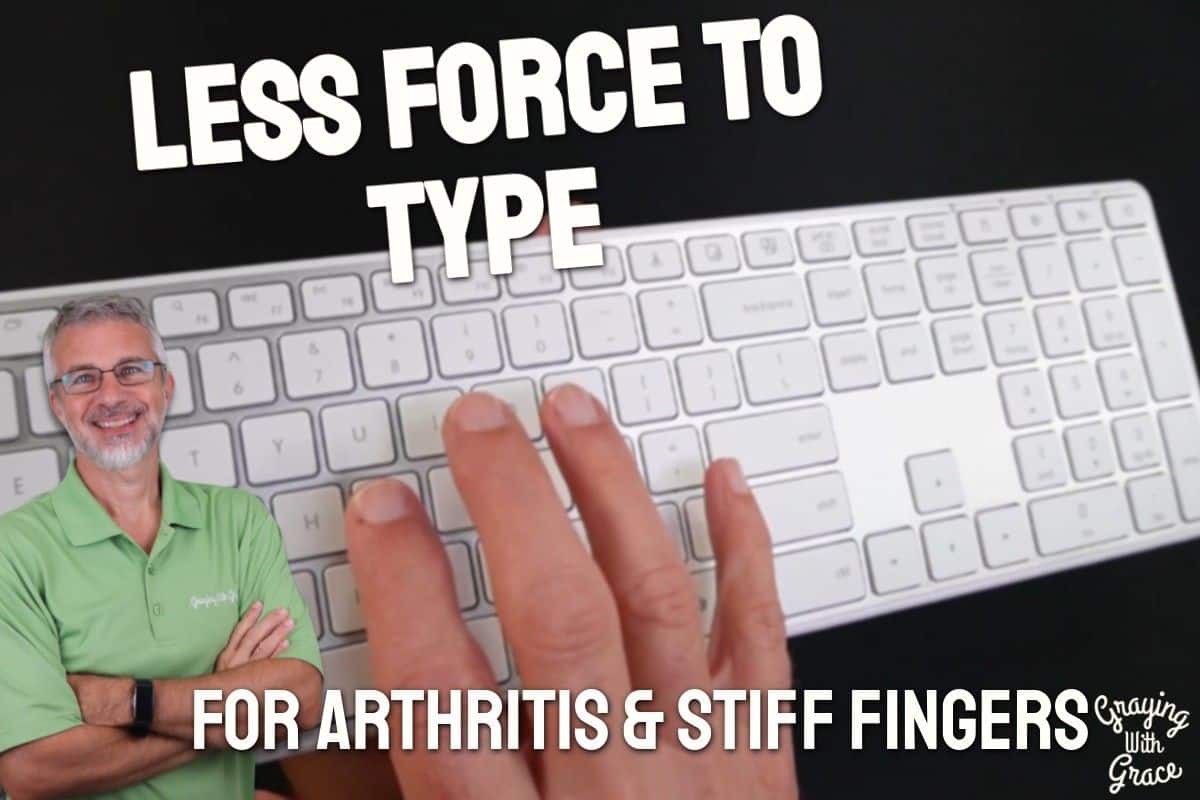
Has typing started to feel like a chore? If your fingers are stiffer than they used to be, or your hands ache after a long session at the computer, you might be blaming yourself — but the real culprit could be sitting right in front of you.
Most standard keyboards require more force than people realize. Day after day, that adds up, and your hands pay the price. As a Certified Senior Advisor (CSA) and Senior Home Safety Specialist (SHSS), I pay close attention to the everyday tools older adults use — and keyboards are one that rarely gets the attention they deserve.
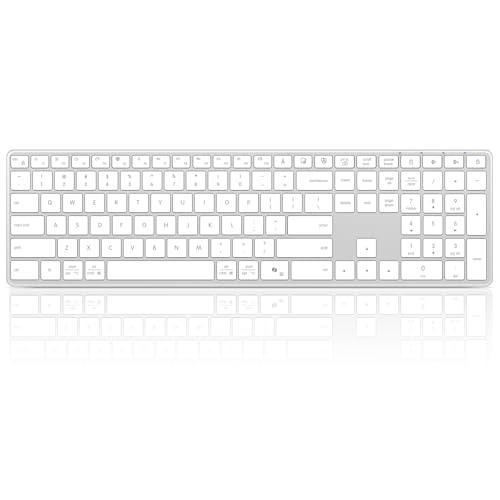
I personally evaluated the Bnnwa Wireless Bluetooth Keyboard to see whether it lives up to its promises for people dealing with arthritis, finger dexterity challenges, or just plain hand fatigue. Here is what I found.

Quick Takeaways
- Solves: Hand fatigue and discomfort caused by high-resistance keys on standard keyboards
- Best for: Older adults with arthritis, stiff fingers, or anyone who types frequently and wants quieter, easier keystrokes
- Worth it? Yes — if comfortable, low-effort typing matters to your daily routine
- Best senior-friendly feature: Familiar full-size layout with a number pad — nothing to relearn
- Biggest limitation: No backlight, so it is not ideal for dim or low-light environments
How This Could Help You
Think about what your hands go through on a typical day of computing. Every keystroke on a stiff keyboard is a small demand on joints that may already be inflamed or tired.
The Bnnwa Wireless Bluetooth Keyboard uses scissor-switch keys, which require noticeably less force to press than a traditional keyboard. That means less strain per keystroke — and over the course of a long email, a video call setup, or an afternoon of online browsing, that difference is real.
If you share a space with a spouse, a caregiver, or a grandchild doing homework nearby, the quieter keys are a genuine courtesy. No more clackety-clack echoing across the room.
Do you use a laptop in the living room and a desktop in the den? This keyboard connects to three separate devices and lets you switch between them with a single button press. One keyboard. No cable swapping. No re-pairing every time.
Important Details You Should Know
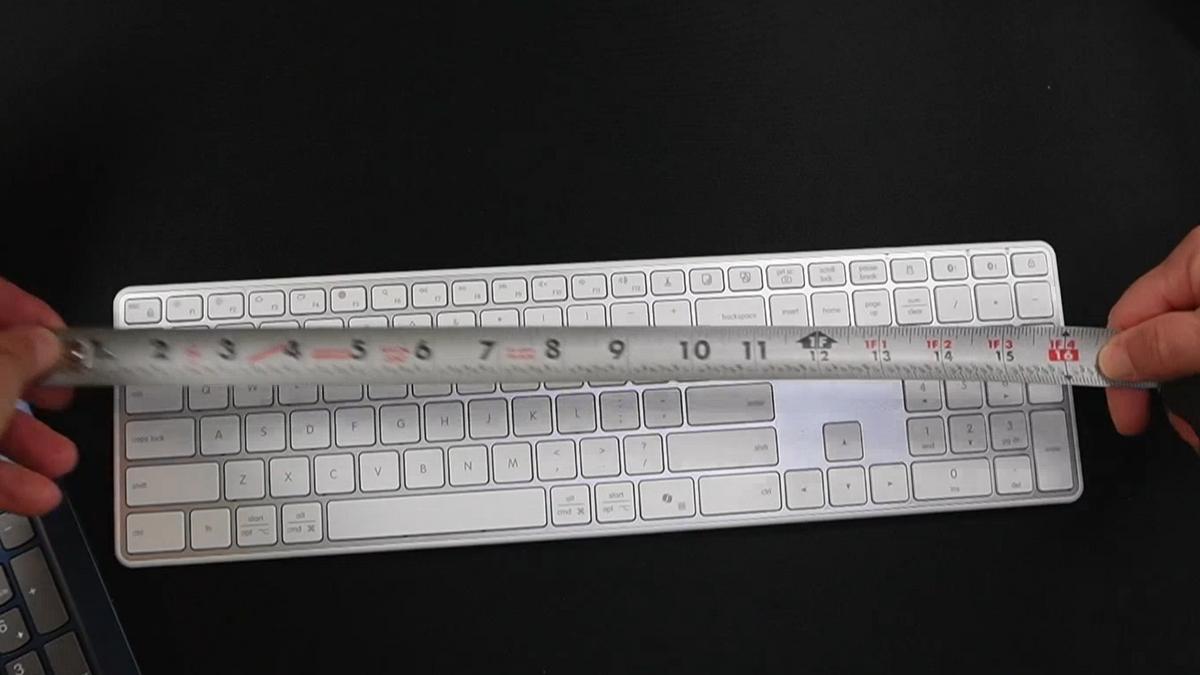
The keyboard has a low-profile stainless steel build that feels sturdy without being heavy. It sits a little flatter on your desk than a standard keyboard, which some people find more comfortable for their wrists.
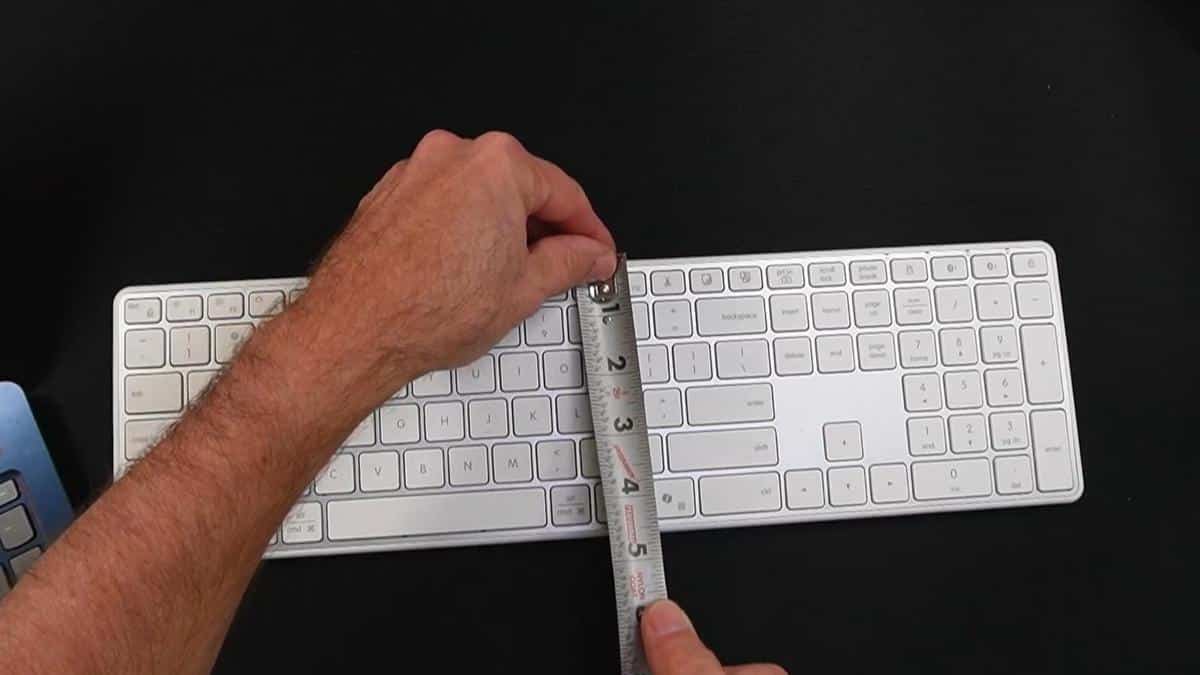
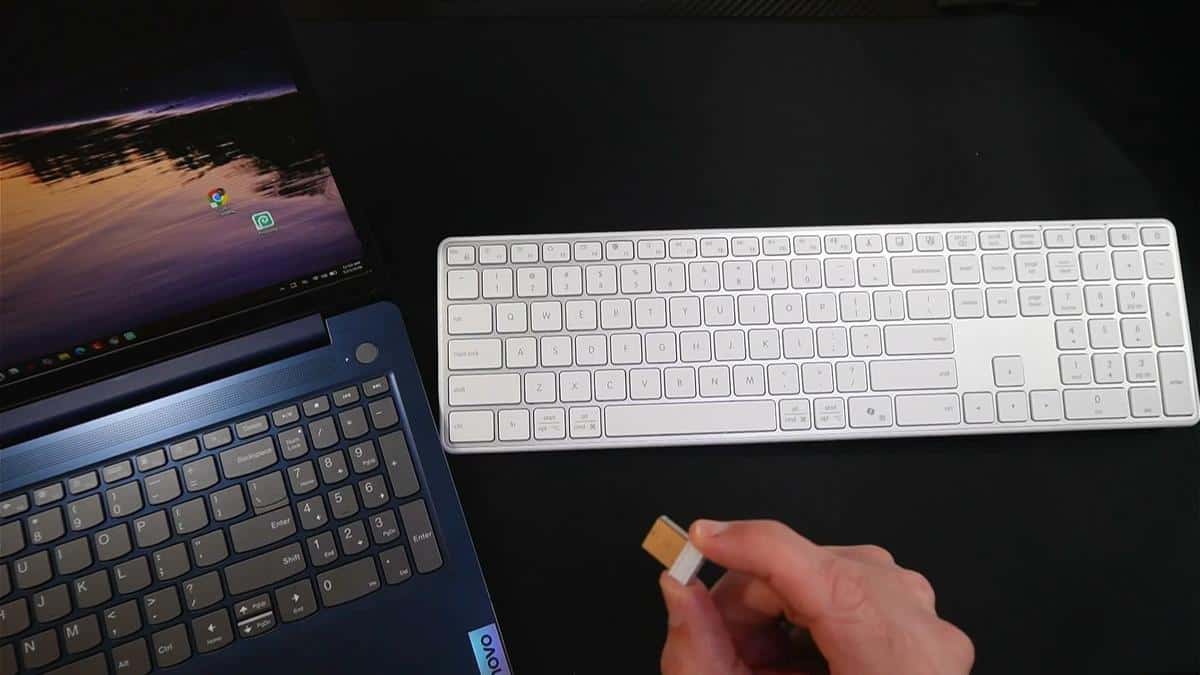
As I demonstrated in the video, the full dimensions are just under four and three-quarter inches by a little over sixteen inches — compact enough to leave more desk space open, while still being a complete, full-size layout.
The silver-white color is clean and modern. It will blend in nicely on most desks without looking clinical or out of place in a home setting.
Getting Started
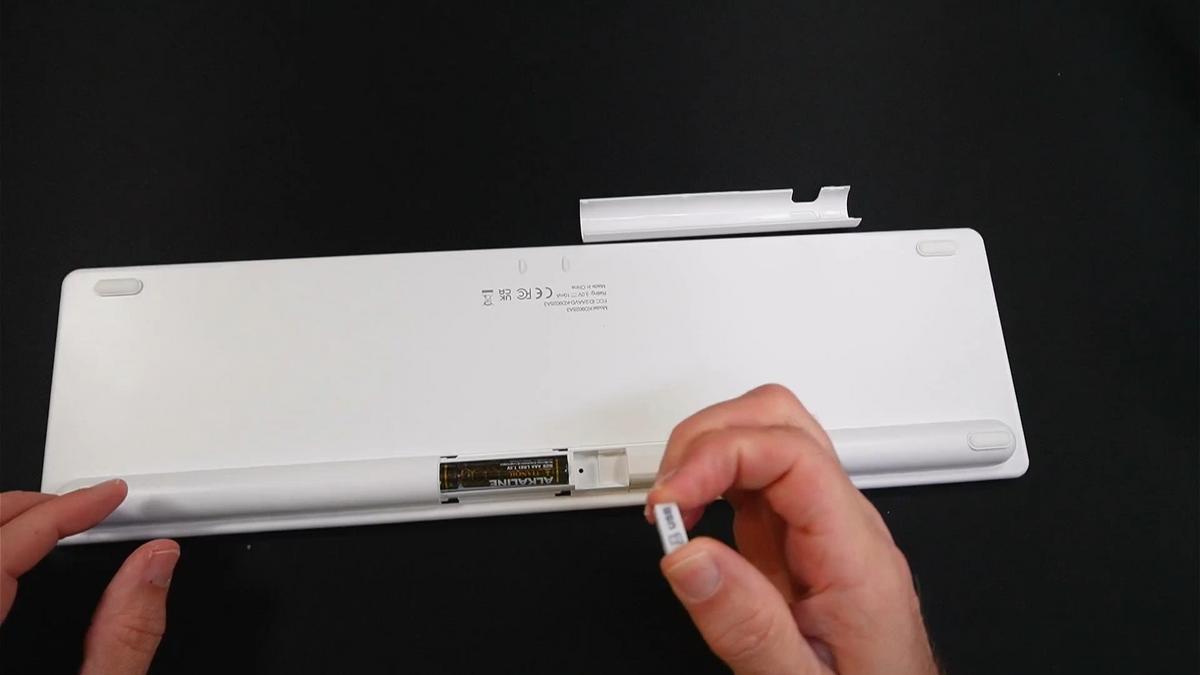
When I evaluated this product, I noticed the setup process is refreshingly simple. The box includes the keyboard, two AAA batteries, and a small USB dongle — everything you need is right there.
To activate it, you remove the battery cover, pull out the little tab to engage the batteries, and flip the power switch. Indicator lights on the top let you know it is on.
In the video, you can see that I connected via the USB dongle first — I just plugged it into an open USB port on the computer, pressed the corresponding button on the keyboard, and it was recognized almost immediately. Connecting via Bluetooth was equally fast: press one of the Bluetooth buttons, the keyboard flashes to show it is searching, and the computer prompts you to connect. Done.
One heads-up from my testing: the dongle sits snugly inside the battery compartment for storage. You may need a coin or a small screwdriver to pop it out the first time. Not a big deal, but worth knowing before you start.
Ready to discover more innovative strategies for healthy, comfortable aging? Subscribe to our newsletter for expert-tested tips and product recommendations designed specifically for older adults.
Features That Matter to You
The single most important feature here for older adults is the scissor-switch key mechanism. These keys take less force and travel a shorter distance than traditional keyboard keys, which translates directly to less strain on arthritic or stiff fingers.
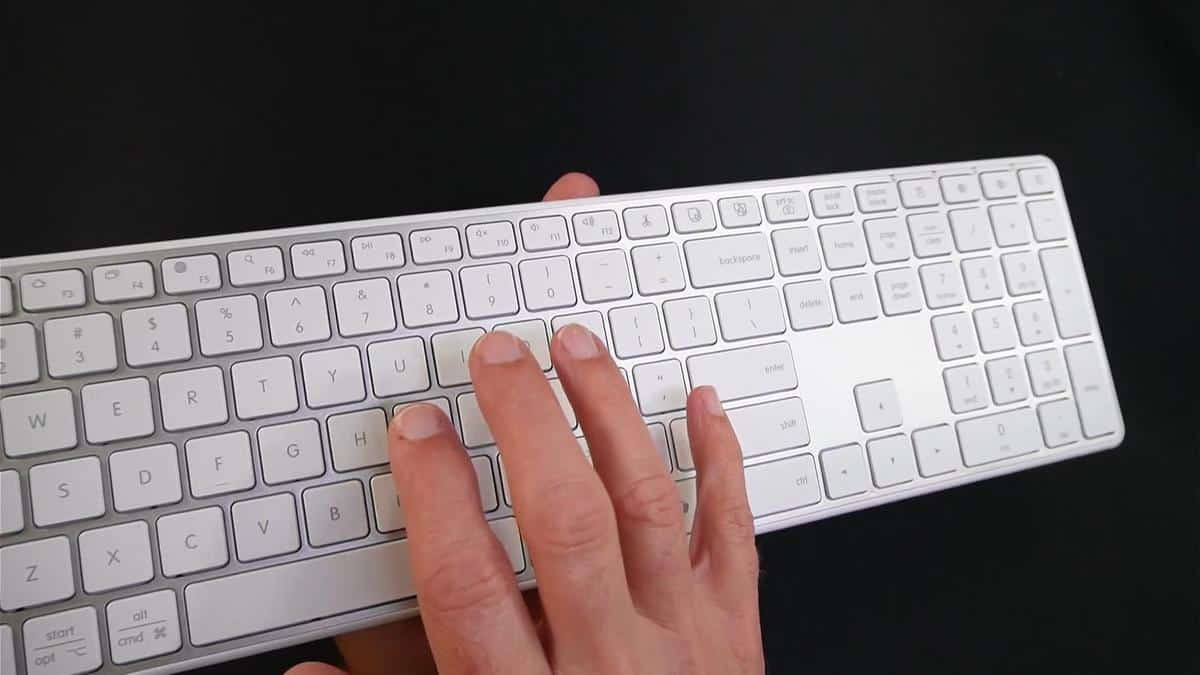
As I demonstrated in the video, the typing on the Bnnwa Wireless Bluetooth Keyboard is noticeably smooth and quiet. I typed into a Notepad window during the demo, and the difference in sound and resistance compared to a standard keyboard was clear.
The full-size layout with a dedicated numeric keypad on the right is a bigger deal than it sounds. Many wireless keyboards sacrifice the number pad to save space — and for anyone used to entering numbers, managing finances, or using the numpad for navigation, that missing section is frustrating. This one keeps everything right where you expect it.
The three-device pairing is genuinely convenient. You get two Bluetooth channels and one 2.4GHz dongle connection. Switching between them is just a button press — no diving into settings menus or re-pairing from scratch.
The keyboard also enters a sleep mode after five minutes of inactivity to protect battery life. Waking it back up is as simple as pressing any key.
Real-Life Experience
Picture this: it is morning, you are at your desk with coffee, catching up on email. With a standard keyboard, thirty minutes of typing leaves your knuckles grumbling. With low-profile scissor switches, that same session feels lighter — because it literally is.
When I evaluated this product, I noticed how smooth each keystroke felt during my demo. There was no heavy thud or resistance. The keys responded cleanly and quickly without needing to be pushed firmly.
In the video, you can see that switching between the dongle connection and Bluetooth took only seconds. If you use a tablet for reading in the evening and a desktop during the day, that kind of flexibility means one keyboard covers your whole routine.
Battery life is managed smartly by that five-minute sleep timer. The keyboard runs on two AAA batteries, which are included in the box. Depending on how much you type, you can expect a solid run before needing replacements — and AAA batteries are easy to find anywhere.
Cleaning is simple — the low-profile keys leave less space for crumbs and dust to hide beneath them compared to traditional raised-key keyboards. A soft, dry cloth or a gentle burst of compressed air is all you need for regular upkeep.
Will You Be Able to Use It?
If you can operate a standard keyboard, you will likely find this one easier — not harder. The layout is identical to what most people have been using for decades, so there is no learning curve.
For older adults with moderate arthritis or reduced finger strength, the lower key resistance is the key benefit. You do not have to press hard. The keys respond to a gentle, confident touch.
Initial setup does require navigating a couple of steps — turning on the keyboard, either plugging in the dongle or activating Bluetooth pairing. A caregiver or family member could handle this one-time setup easily, and from that point on, the keyboard is largely plug-and-play.
Important Considerations
This keyboard does not have a backlight. If you type in a dimly lit room or have significant vision challenges, that is a meaningful limitation. You will want good overhead lighting, or this may not be the right fit.
For someone with severe hand tremors or very limited hand mobility, even low-profile keys may present a challenge. In those cases, I would encourage a conversation with an occupational therapist about adaptive input devices before purchasing.
The dongle must stay plugged into your computer for the 2.4GHz wireless connection to work. As I demonstrated in the video, removing it breaks the connection. It is small, and small things can wander — so designate a spot for it and put it back when not in use.
This keyboard is designed for Windows and PC use. If you are a Mac user, it may not be the ideal pairing. Always check compatibility with your specific devices before purchasing.
Always consult with your doctor or occupational therapist before making health-related product decisions, including adaptive computer equipment.
Help When You Need It
Bnnwa is an Amazon-based brand, so customer support is typically handled through Amazon’s messaging system or the seller’s direct contact. Check the product listing for the most current warranty and return details.
Amazon’s standard return window generally applies, which gives you time to try the keyboard and return it if it is not a good fit. Always verify return eligibility before purchasing.
Replacement AAA batteries are universally available at any grocery, pharmacy, or big-box store — so ongoing supply is never a concern.
Understanding the Cost
The Bnnwa Wireless Bluetooth Keyboard sits in the budget-to-mid-range tier for wireless keyboards, which makes it an accessible option for most households.
When you factor in the multi-device connectivity, the full-size layout, and the arthritis-friendly key mechanism, you are getting real value. Many keyboards at this level sacrifice one of those features — this one includes all three.
If you are comparing options, be aware that keyboards with backlighting or rechargeable batteries typically cost more. If those features are priorities for you, it may be worth stretching the budget. But if quiet, comfortable, wireless typing across multiple devices is what you need, this one delivers without overcharging for it.
Making It Work for You
Place the keyboard on a flat, stable surface at a height that keeps your wrists neutral — not bent up or down. A keyboard tray or a desk at the right height makes a noticeable difference in comfort over time.
If you are using all three device slots, label them mentally: slot one for your laptop, slot two for your tablet, slot three for your dongle-connected desktop. Switching becomes second nature quickly.
Store the USB dongle in the battery compartment when not in use — exactly as I showed in the video. It is a small habit that will save you a lot of frustration later.
If your fingers still feel fatigued after switching to this keyboard, consider pairing it with a wrist rest for additional support. It is a simple, inexpensive addition that can make a real difference for people who type for extended periods.
Our Recommendation
If typing has become uncomfortable and you suspect your keyboard is part of the problem, the Bnnwa Wireless Bluetooth Keyboard is worth a serious look. It solves the right problems for the right audience — lower key resistance, familiar layout, wireless freedom, and multi-device flexibility — without unnecessary complexity.
It is best suited for older adults who type regularly, deal with arthritic or stiff hands, and want to simplify their setup without switching between multiple keyboards or dealing with cable clutter.
If backlighting is non-negotiable, or if you primarily use a Mac, you may want to explore other options. But for Windows users who want comfortable, quiet, wireless typing — this one earns a genuine recommendation.
Where to Get It
You can check current pricing and availability for the Bnnwa Wireless Bluetooth Keyboard on Amazon using my link below. As an Amazon affiliate, I earn a small commission at no extra cost to you — and it helps keep Graying With Grace running.
Conclusion
Your hands work hard every day. They deserve a keyboard that works with them — not against them. The Bnnwa Wireless Bluetooth Keyboard offers a thoughtful combination of low-force keys, a full familiar layout, and the freedom to connect to multiple devices without a single cable.
If any of what I described sounds like it fits your situation, I encourage you to take a closer look. And if you have switched keyboards before or have been quietly suffering through hand discomfort, I would love to hear about it.
Drop a comment below and let me know — has typing gotten harder, or have you already found something that helps? Your experience might be exactly what someone else needs to read today.