

You finished a video call with your grandchild and felt that warm glow — until you noticed you’d accidentally clicked a link that popped up mid-call.
Or maybe your grandchild mentioned that grandma shared a photo on Facebook and tagged the school. No big deal, right? Actually, it might be.
Here’s what I’ve found after years of working with older adults and their families: family online safety isn’t about one generation protecting the other. It’s a two-way conversation — and when grandparents and grandchildren have it together, both sides come out safer and closer.
That’s exactly what this article is about. Five practical areas where you both have something to learn and something to teach.
Family Online Safety Checklist for Grandparents and Grandkids
Get a printable Family Online Safety Checklist that you and your grandchildren can work through together—covering scams, parental controls, photo sharing, passwords, and screen time—so you can have honest, practical conversations that protect everyone without the stress or judgment.

Both Generations Are Being Targeted by Scams — Watch Out for Each Other
Scammers don’t pick just one generation. They go after everyone — just in different ways.
How older adults are targeted:
- Fake tech support calls claiming your computer has a virus
- Medicare or Social Security fraud attempts
- The grandparent scam — someone pretending to be a grandchild in urgent trouble
How children and teens are targeted:
- Fake giveaways on gaming platforms
- Social media impersonation accounts pretending to be friends
- Phishing links disguised as free downloads or prizes
The overlap is where it gets dangerous. Family members share login credentials, forward links without checking them, or click something on a shared device that exposes everyone.
Here’s the reframe worth holding onto: decades of navigating manipulation — salespeople, misleading contracts, bad advice — gives you a real advantage in recognizing online scams. That same instinct applies directly to suspicious emails and texts. Learning to recognize and report online scams is a skill you can genuinely model for your grandchildren.
One simple family rule: Before clicking any unusual link or responding to an urgent message, text one family member first. That pause is often all it takes to stop a scam cold.
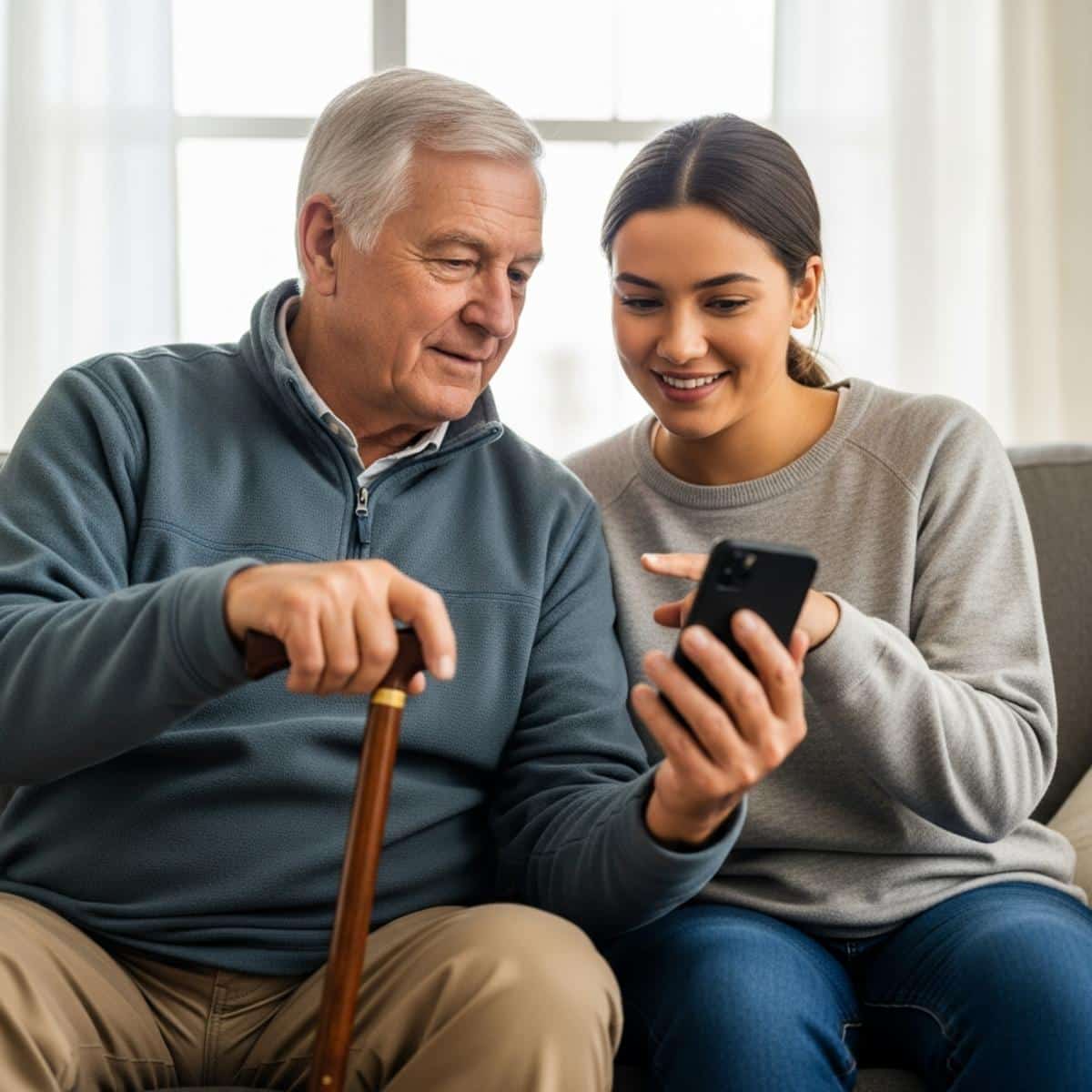
Setting Up Parental Controls Together Is a Bonding Opportunity
Parental controls aren’t surveillance — they’re shared agreements about healthy digital limits.
What they actually do:
- Filter content based on age-appropriateness
- Set daily screen time limits by app or category
- Track which apps are being used and when
When you understand what’s in place on a grandchild’s device, you can support those boundaries during visits rather than accidentally working around them. And here’s what most people don’t realize: the same filtering concepts that protect kids from harmful websites work on your devices too.
Sitting down with a grandchild to look at their screen time settings together is genuinely one of the better conversations you can have. They explain how the app works. You share why limits matter from your own experience with distraction and focus. Both of you learn something.
Families exploring parental control apps like Bark, Circle, or Qustodio often find that the dashboards are straightforward enough for grandparents to understand and even monitor during visits — especially helpful when grandchildren spend extended time at your home.
Action step: During your next visit or video call, ask your grandchild to walk you through the parental controls on their device. Genuine curiosity opens the door to important conversations.







Want more practical guides on staying safely connected with the people you love? Subscribe to our newsletter for trusted, easy-to-follow tech tips designed specifically for older adults.

Safe Video Calling and Photo Sharing Keeps Everyone Close – Without Compromising Privacy
Staying connected through video calls and shared photos is one of the greatest joys of modern family life. A few simple habits keep those moments private.
What many people don’t realize about photos:
- Photos taken on smartphones often contain embedded location data
- Posting publicly visible photos of grandchildren on social media exposes them to strangers
- An unsecured text thread with many recipients is more public than it feels
Safer alternatives that are worth the small effort:
- Private family group apps with access controls
- Encrypted messaging platforms like iMessage or Signal
- Shared photo albums with invite-only access
For video calls, a few habits matter: be aware of what’s visible in your background, use trusted platforms you recognize, and never accept a video call from an unknown number claiming to be a family member in trouble.
Simplified tablets designed for older adults — like a senior-configured iPad or a GrandPad — handle secure video calling and private photo sharing with fewer settings to navigate, which means fewer accidental privacy missteps.
When you model thoughtful photo-sharing, you’re teaching your grandchildren that privacy is a value — not just a rule someone imposed on them. That lesson sticks.
Action step: Review the privacy settings on your most-used social platform together with a family member during your next visit or call. Staying meaningfully connected with family is worth protecting.






Passwords Are the Front Door — Lock Yours and Help Your Family Lock Theirs
Using the same password across multiple accounts is one of the most common and dangerous digital habits — and it’s not just a senior issue. People of every age do it.
Here’s why it matters for the whole family: if a scammer gets into your email account, they immediately have access to your contact list, your family’s names, and enough personal details to target people you love.
The difference between saving passwords in a browser versus a password manager:
- Browser-saved passwords are convenient but can be accessed if someone gets into your device
- A dedicated password manager like 1Password or NordPass generates unique, complex passwords and stores them securely — and many offer family plans
Family plans through password managers let grandparents and adult children share secure credentials for things like streaming services without exposing sensitive accounts like banking or email.
You don’t need to overhaul everything at once. Starting with one small digital safety change can build the confidence to take the next step.
Action step: Start with just one account — email — and change it to a strong, unique password this week. If a password manager feels overwhelming at first, ask a grandchild or adult child to help you set it up. It’s a 15-minute project that protects everyone.




Family Online Safety Checklist for Grandparents and Grandkids
Get a printable Family Online Safety Checklist that you and your grandchildren can work through together—covering scams, parental controls, photo sharing, passwords, and screen time—so you can have honest, practical conversations that protect everyone without the stress or judgment.

How to Talk About Screen Time Without It Turning Into a Lecture
Grandparents often have more influence with grandchildren than they realize — especially on sensitive topics. The key is approaching it with curiosity rather than correction.
Why this works: When a grandparent says “I’ve been figuring this out too,” it disarms defensiveness. When a grandparent says “You’re on that phone too much,” it triggers the same shutdown as hearing it from a parent.
The conversation that opens doors sounds like this:
- “I’ve been trying to figure out how to make sure I’m not wasting time online either. What do you do when you need a break from your screen?”
- “I got a weird message yesterday that seemed off. Can I show you? How would you handle something like that?”
- “What apps do you actually like using? I want to understand what’s good about them.”
- “Is there anything online that ever feels uncomfortable or weird to you?”
These questions invite your grandchild to be the expert. When they feel trusted and capable, they’re far more likely to open up about what’s actually happening in their digital life — including things they might not tell their parents.
Your life experience with navigating change, recognizing manipulation, and building healthy habits is more relevant than any parental control app. The ability to stay meaningfully engaged with grandchildren is one of the most protective things you can offer them.
You don’t need to be a tech expert. You need to be genuinely curious and willing to learn alongside them.
You’re More Prepared for This Than You Think
Family online safety isn’t a problem to solve once and forget. It’s an ongoing conversation — and the fact that you’re thinking about it already puts you ahead of most families.
You’ve navigated decades of change. New tools, new challenges, new ways of staying connected with the people you love. The digital world is just the newest terrain, and you’re more than capable of navigating it.
Building consistent connection with grandchildren through technology is worth protecting — not just for their safety, but for yours too. Social connection is one of the most powerful health benefits available to older adults, and the research on what regular family contact does for cognitive health is genuinely striking.
Choose one of the five areas covered here and bring it up with a grandchild or family member this week. Not as a lesson — as a conversation.
What have you learned from your grandchildren about staying safe online? Share it in the comments. Your experience might be exactly what another grandparent needs to hear today.


![Keep feat elderly woman walker family living room conversation[1]](https://www.grayingwithgrace.com/wp-content/uploads/2026/05/KEEP-FEAT-elderly_woman_walker_family_living_room_conversation1-e1779544485375-450x300.jpg)

![Keep older woman video call tablet kitchen warm smile[1]](https://www.grayingwithgrace.com/wp-content/uploads/2026/05/KEEP-older_woman_video_call_tablet_kitchen_warm_smile1-e1778624028172-450x300.jpg)
![Keep older couple computer woman cane protective[1]](https://www.grayingwithgrace.com/wp-content/uploads/2026/05/KEEP-older_couple_computer_woman_cane_protective1-e1778616055742-450x300.jpg)
![Group of seniors sharing simple grocery saving tips[1]](https://www.grayingwithgrace.com/wp-content/uploads/2026/01/group_of_seniors_sharing_simple_grocery_saving_tips1-e1769521429158-450x300.jpg)
![Elderly man with cane looking up recurring charge[1]](https://www.grayingwithgrace.com/wp-content/uploads/2026/01/elderly_man_with_cane_looking_up_recurring_charge1-e1769520115610-450x300.jpg)


