You know that specific, low-grade worry that settles in around 4 PM when your mom still hasn’t texted to say she made it home from her appointment? That quiet hum of is she okay? that you can’t quite shake until your phone lights up?
That feeling is exactly what this product is designed to ease.
Most tracking solutions ask something of the person being tracked. Carry this. Wear that. Remember to charge it. For older adults who value their independence, that ask can feel intrusive — and for those managing memory challenges, it may simply not be realistic.
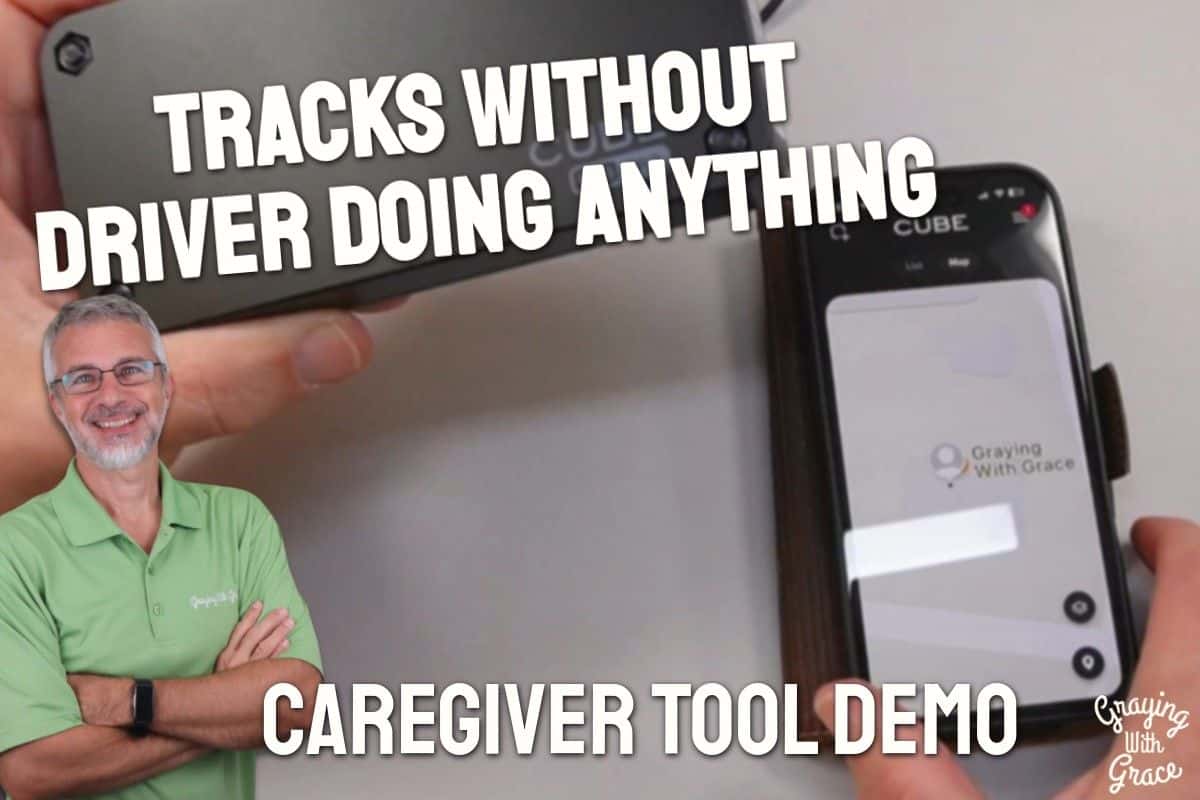
As a Certified Senior Advisor (CSA) and Senior Home Safety Specialist (SHSS), I personally evaluated the Cube Pro GPS Tracker for Vehicles to see whether it lives up to its promise of hands-off, real-time location tracking for families navigating exactly this challenge. I’ll walk you through how it works, what setup looks like, and who it genuinely helps.


Quick Takeaways
- Solves: The worry of not knowing where an aging parent’s vehicle is, without requiring the driver to do anything differently
- Best for: Adult children and caregivers monitoring an older adult who still drives independently
- Worth the investment? Yes, for families where location peace of mind justifies a modest monthly subscription
- Best senior-friendly feature: The driver doesn’t have to touch it, charge it, or even know it’s there
- Biggest limitation: Ongoing subscription required — this isn’t a one-time purchase
How This Could Help You
Have you ever driven past your parent’s house just to check that the car was still in the driveway? Or sent a third “did you make it?” text before finally giving up and calling?
The Cube Pro GPS Tracker for Vehicles is built for that gap — the one between “they’re completely fine” and “I need to intervene.” It gives you location visibility without turning a routine errand into a check-in negotiation.
For the older adult, there’s a genuine upside too. Fewer “where are you?” calls. Less pressure to report in. More of the quiet dignity that comes with just… going about your day.
Families managing the early stages of cognitive decline, parents who get disoriented in unfamiliar areas, or anyone whose driving has become a source of family conversation — this device provides a low-friction layer of awareness that doesn’t require anyone to change their habits.
Ready to discover more innovative strategies for healthy, comfortable aging? Subscribe to our newsletter for expert-tested tips and product recommendations designed specifically for older adults.
Important Details You Should Know
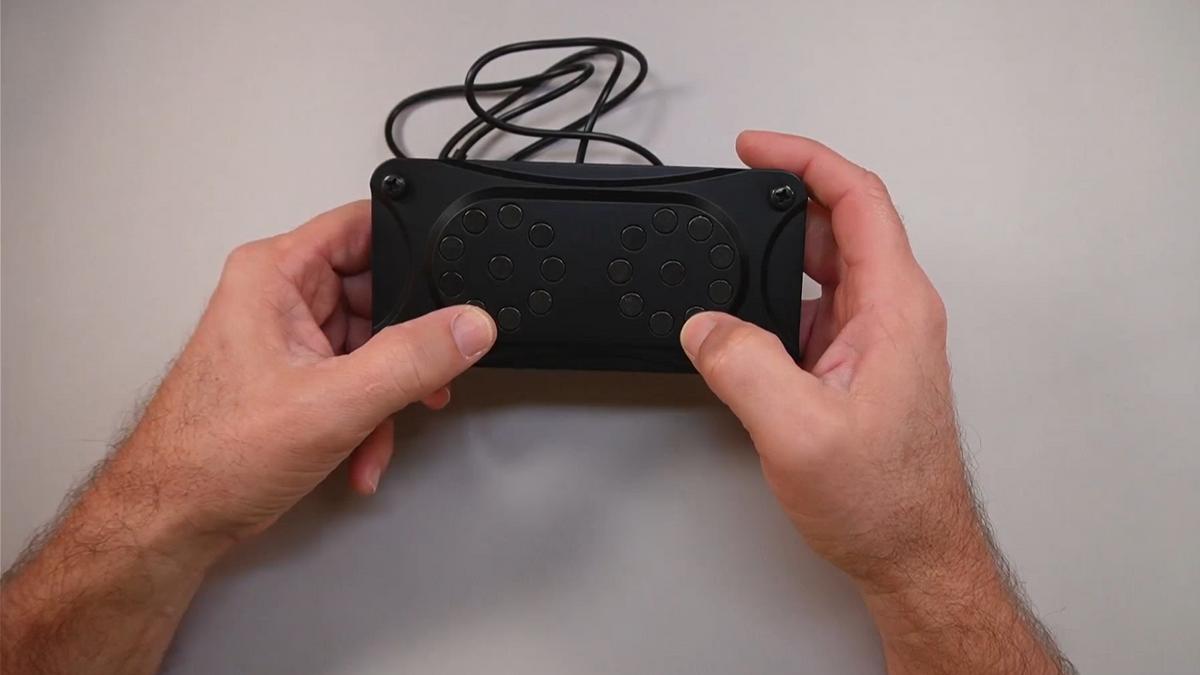
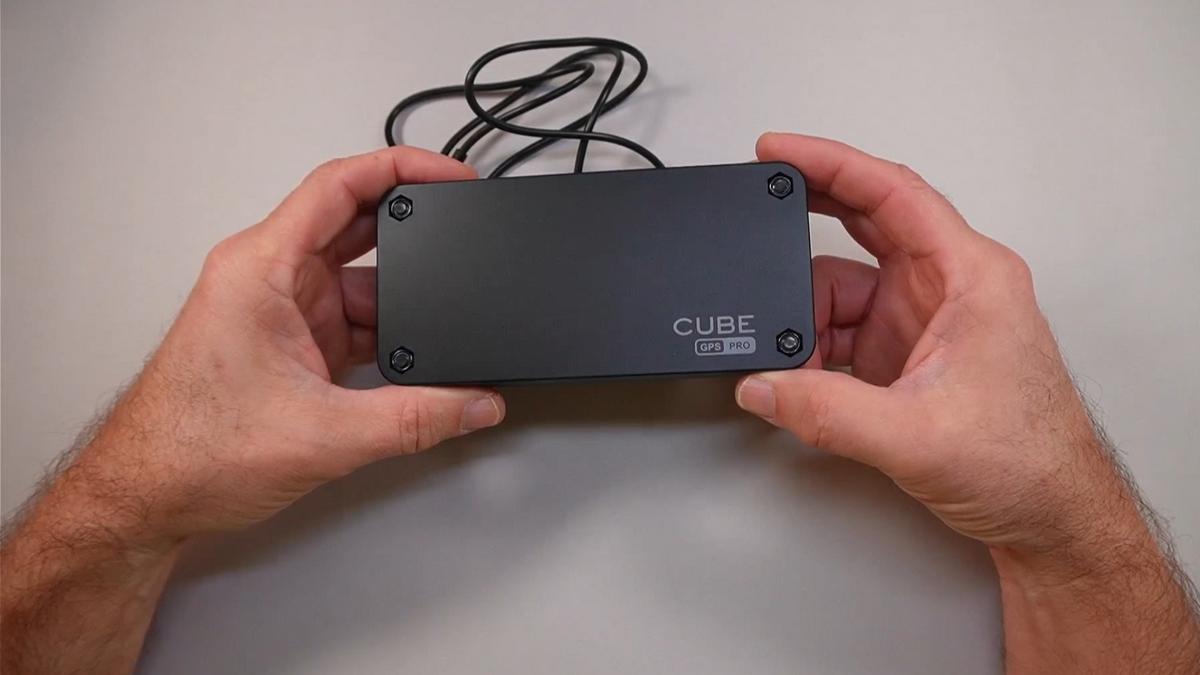
The Cube Pro is compact — roughly the same size as an iPhone, as I noted during my hands-on evaluation. That footprint matters because it’s small enough to disappear completely once placed.
It’s IP67 waterproof rated, which means rain, car washes, and the general grime of life under a vehicle frame won’t compromise it. That’s a real durability win for something you’re leaving in place for months at a time.
The built-in magnets are strong. In the video, you can see that the unit grips metal surfaces firmly without any tools, tape, or additional hardware. It doesn’t wobble. It doesn’t slide.
Build quality feels solid and purposeful — this isn’t a fragile gadget. The USB charging port seals with a protective cover, which I demonstrated on camera, and that seal is an important detail for keeping moisture out.
Getting Started
The box includes the Cube Pro unit and a USB charging cable. That’s really all you need to get started, aside from a smartphone and a few minutes to set up the app.
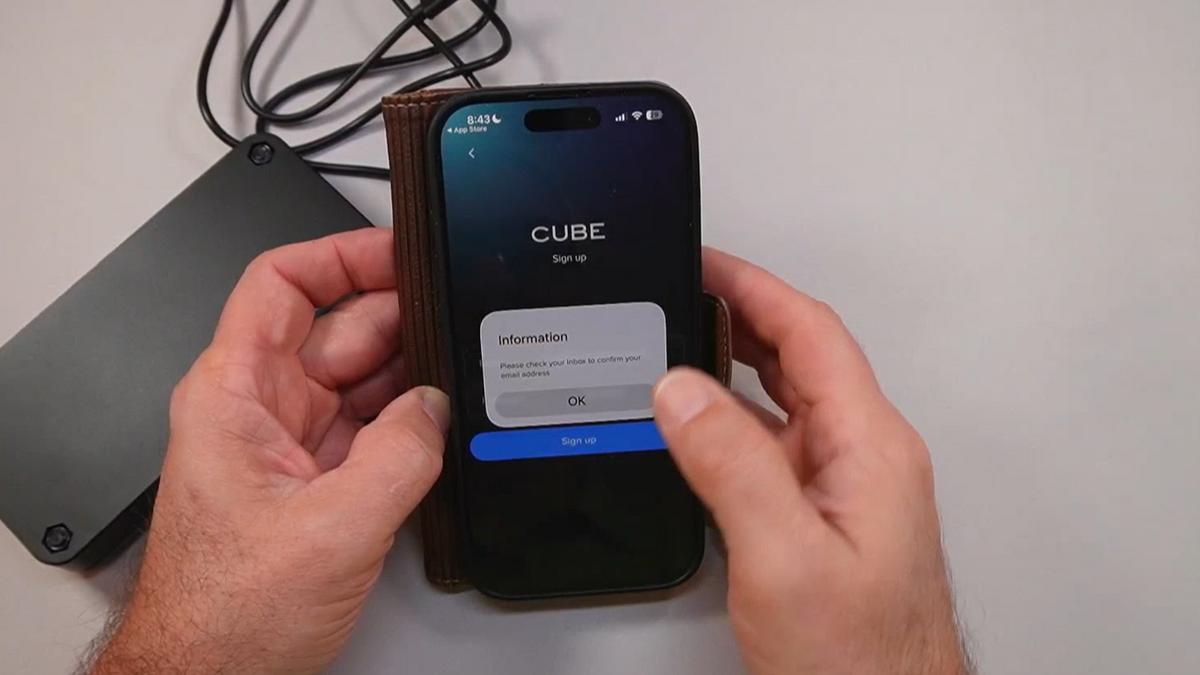
As I demonstrated in the video, the setup process runs through the Cube Tracker app, available in both the Apple App Store and Google Play. You create an account with your email, grant location and notification permissions, and then pair the device by scanning its barcode and holding the power button for five seconds until you hear a beep.
One important note: the tracker requires an active subscription to connect to the cellular network. There is a small processing fee to start, followed by a free trial period. After that, you can choose between a monthly or discounted annual billing option.
If multiple family members need access to the same tracker — say, a daughter in one city and a son in another — they can all install the app and log in with the same account credentials. As I explained in the video, sharing is account-based, not device-limited.
Features That Matter to You
Let’s talk about what actually shows up in your daily life as a caregiver.
The live map view shows the current location of the vehicle and the last known position. That last known position detail matters — if the tracker is in a parking garage or low-signal area, you still have a reference point.
The geofence feature is one I find especially practical. As I demonstrated in the video, you draw a virtual boundary — a neighborhood, a zip code, a familiar area — and the moment the vehicle leaves that zone, you get a push notification on your phone. No need to check the app constantly. It comes to you.
The Cube Pro GPS Tracker also stores route history for up to five years. You can see where the vehicle went, when it moved, and how long it stayed at each stop. That’s useful not just for immediate reassurance, but for identifying patterns over time — like if a parent is consistently driving farther than expected, or at unusual hours.
For caregivers managing this question from a distance, the combination of real-time location, geofence alerts, and route history is genuinely comprehensive.
Real Life Experience
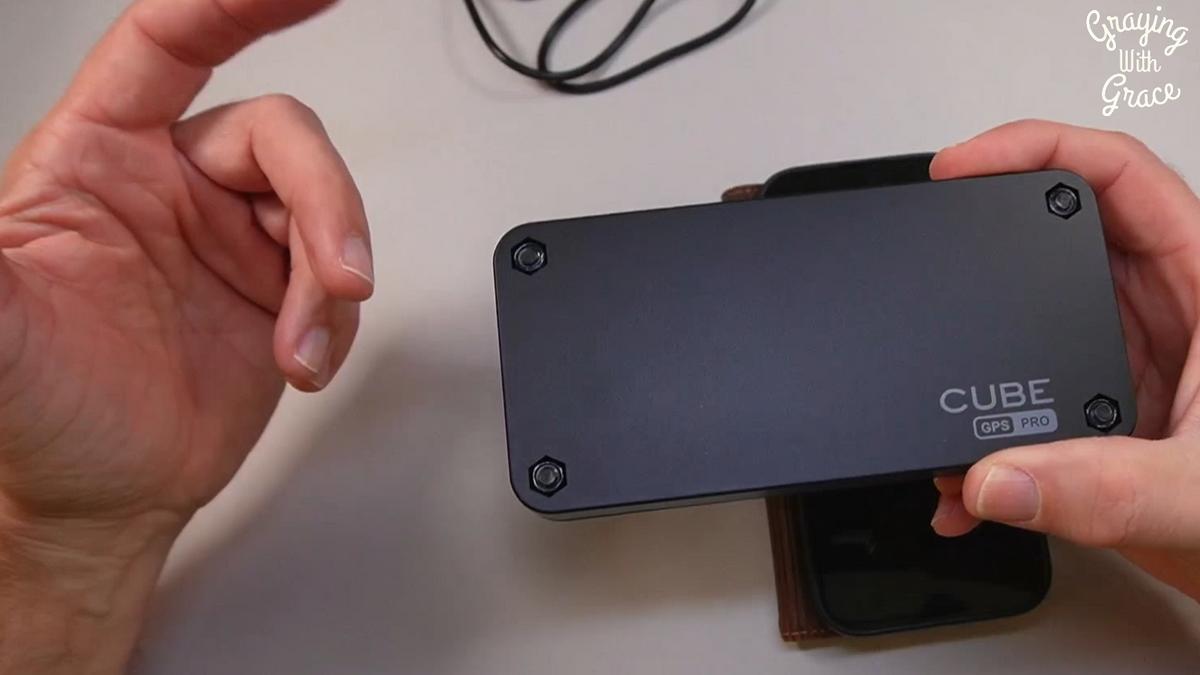
When I evaluated this product, I noticed right away how little friction the physical setup involves. You charge it, seal the port, turn it on, and stick it somewhere metal. There’s no mounting bracket to wrestle with, no wiring to route.
The magnetic grip surprised me. In the video, you can see me place it against a metal surface and it snaps into position with confident hold. Under a seat frame or beneath a bumper, it’s not going anywhere.
Battery life is rated at up to one year, though as I mentioned in the video, that estimate depends on how frequently the tracker pings for location updates. More frequent updates mean shorter battery life. It’s a trade-off you can adjust based on your needs.
Charging is simple — the same kind of USB cable that comes in the box. When the battery eventually needs attention, you just retrieve the unit, plug it in, and put it back. As I demonstrated on camera, you seal that charging port cover back in place before returning it to the vehicle. Don’t skip that step.
Day-to-day maintenance is essentially nonexistent. This is a set-it-and-monitor-it situation, which is exactly what busy caregivers need.
Will You Be Able to Use It?
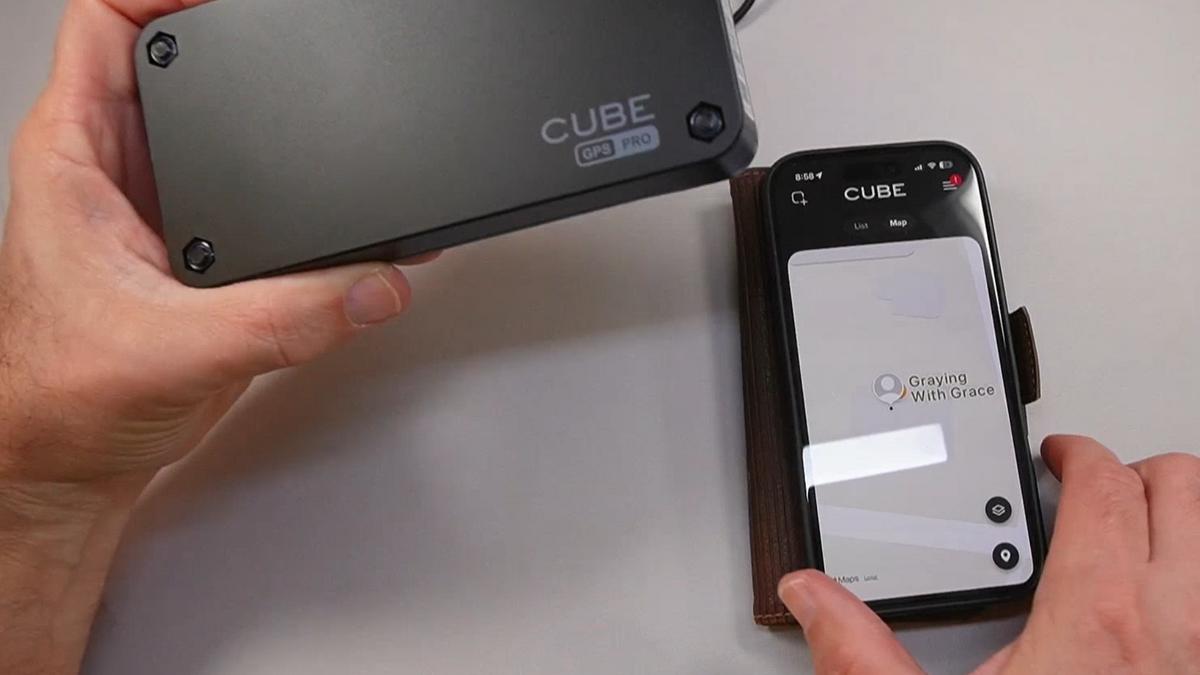
This product is really designed to be used by the caregiver, not the older adult. The driver doesn’t interact with it at all.
For the caregiver, you need a smartphone and basic comfort with downloading and navigating an app. The Cube Tracker app uses map-based navigation, and because it lives on your phone, you can adjust text size and zoom in on the map just like any other app.
Initial setup is manageable for most tech-comfortable adults, but if you’re less familiar with app permissions and account setup, having a younger family member walk you through it the first time wouldn’t hurt. The process itself is logical — it just has a few steps.
Once it’s running, the ongoing experience is low-effort. Open the app, see the map. That’s it.
Important Considerations
This tracker is not the right tool if the older adult in your life doesn’t have a vehicle, primarily uses rideshares, or has already stopped driving. It tracks the car, not the person.
It also requires an ongoing subscription. If budget is a concern and the subscription feels like an indefinite commitment, that’s worth weighing honestly before you start the trial.
Privacy and consent deserve a real conversation here. As I said clearly in the video, you should always get permission before installing this on anyone’s vehicle. Placing a tracker on a car without the driver’s knowledge is not only ethically problematic — it may carry legal implications depending on your state or province. This tool works best as a family agreement, not a covert operation.
If your loved one is at a stage where they would genuinely benefit from closer supervision but are resistant to oversight, a GPS tracker alone won’t resolve that underlying dynamic. It’s one piece of a larger conversation about driving safety and independence.
Always consult with your doctor or occupational therapist before making health-related safety decisions for an older adult in your care.
Help When You Need It
Cube offers customer support through the app’s settings menu, where you can access help and manage your account permissions. Since this is a subscription-based service, support is ongoing rather than a one-time purchase interaction.
The app itself handles most troubleshooting — if the device isn’t pairing or updating, the in-app guidance walks you through common fixes. For billing questions or subscription changes, those are managed through your account settings.
Check the current listing for the most up-to-date details on warranty coverage and return policy, as those terms can change.
Understanding the Cost
The Cube Pro GPS Tracker for Vehicles involves two costs: the hardware purchase and the ongoing subscription. The subscription is what activates the cellular connection that makes real-time tracking possible — without it, the device doesn’t function as a live tracker.
Paying annually works out to a lower monthly rate than month-to-month billing. If you’re planning to use this long-term, the annual plan is the more economical choice.
Compared to the cost of a single unnecessary ER visit, a missed appointment with serious consequences, or the mental health toll of chronic caregiver worry — the math tends to favor the subscription for families who genuinely need this kind of visibility.
If ongoing cost is a barrier, it’s worth comparing to other GPS tracker subscriptions in the category. Some require proprietary data plans; others plug into the OBD port and draw vehicle power. The Cube Pro’s self-contained battery and built-in SIM offer a flexibility that hardwired options don’t, which may justify the subscription for your situation.
Making It Work for You
Set up your geofence before you need it. Define a boundary that reflects your loved one’s normal driving territory — their neighborhood, their regular routes, their familiar stores. That way, an alert means something, and you’re not chasing routine trips.
Make sure that charging port cover is sealed every single time you return the unit to the vehicle. Water intrusion is preventable, and that seal is your protection.
If multiple family members are sharing monitoring responsibilities, use the same account login across everyone’s phones. Assign one person as the “first responder” for alerts so that a notification doesn’t fall through the cracks because everyone assumed someone else saw it.
Consider placing the tracker somewhere it’s protected from accidental dislodging — under the seat frame or inside a wheel well is more secure than the exterior bumper in high-traffic areas.
Name your device clearly in the app, especially if you’re eventually tracking more than one vehicle. Future-you will thank present-you for that small detail.
Our Recommendation
If you are an adult child or caregiver who lies awake wondering whether a parent made it home safely, this is a genuinely practical tool. It asks nothing of the driver and gives the caregiver meaningful, real-time visibility.
It’s best suited for families where the older adult still drives independently, where distance or busy schedules make check-in calls feel intrusive, and where there is mutual agreement about using a tracker. It works especially well in the middle stage of the independence conversation — when things are probably fine, but you need to be able to confirm that quickly.
It’s not the right fit if you need to track a person rather than a vehicle, if budget doesn’t support an ongoing subscription, or if the driving concern has already escalated to the point where keys-and-conversation needs to happen.
For the right family, in the right situation, this device quietly does exactly what it promises. That’s worth a lot.
Where to Get It
You can check current pricing and availability for the Cube Pro GPS Tracker for Vehicles through the link below. Stock and pricing can change, so the link will take you directly to the most current listing.
Final Thoughts
The gap between “they’re fine” and “I need to know where they are” is real, and it narrows over time. A tracker that asks nothing of the driver and gives steady location visibility to the people paying attention is a practical, dignified tool for that gap.
It doesn’t solve every challenge that comes with an aging parent who still drives. But it does make the quiet worry a little quieter — and some days, that matters enormously.
Have you found a way to keep tabs on an aging parent who still drives that actually worked for your family? I’d love to hear about it in the comments below. Your experience might be exactly what another reader needs to hear.