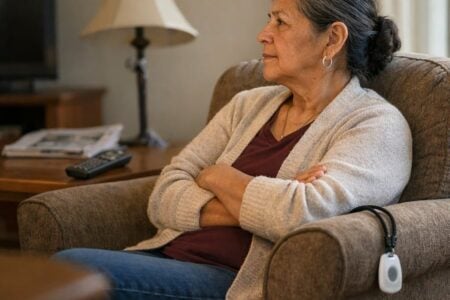
It's 2 a.m., and you're lying awake wondering whether Mom got up for the bathroom. Or you live alone and wonder how you'd call for help from the other room.
You're in the right place, and there are good ways to ease this worry. Knowing when a parent needs help starts with naming the worry, not picking a gadget.
Below, I compare five kinds of tool, including caregiver alert buttons, and spell out what each one can't do.
One question decides which fits. And none of these replaces a person checking in, or 911, or a proper medical alert service in a serious emergency.
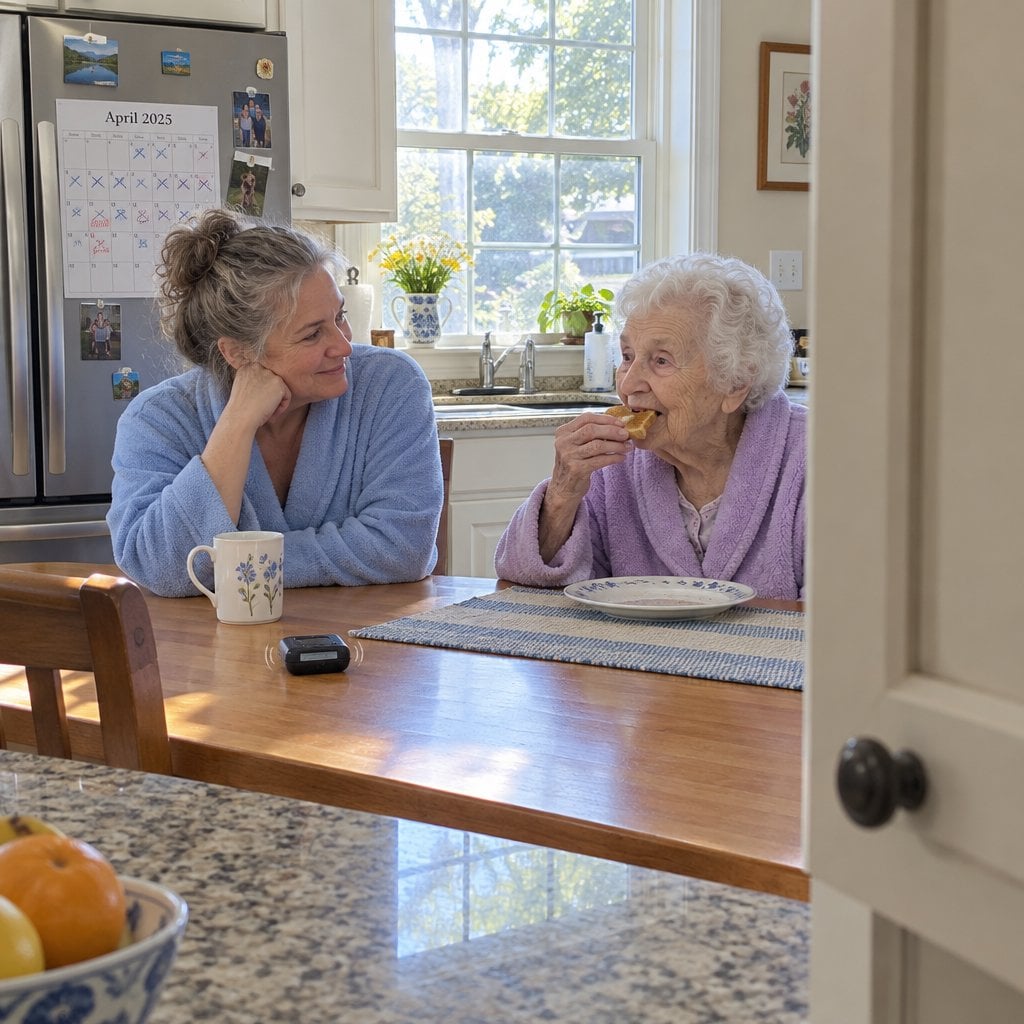
Caregiver Alert Tool Cheat Sheet
Download this free cheat sheet to find the smallest, simplest monitoring tool that matches your specific worry—so you can protect your loved one without surveillance overkill or wasted money on features you’ll never use.
First, Ask Who Needs to Act
The product follows the person. Can she remember to press a button, and is she able to?
If so, a call button works, because it depends on her. If not, you need something that reports movement, like a door chime or a bed sensor. Those tell you something happened, not whether she's okay.
Here's the trade-off, plainly: the more a product sees, the more it can protect, and the more it can feel like hovering.
Which worry is yours?
- Calling for help
- Slipping out of the house
- Getting up at night
- Not knowing what's happening in a room
Whichever you pick, tell the person before you install anything. Someone who is watched without being told can feel it.
I'd start with the worry, not the gadget: "I lie awake wondering if you're okay. What would you be comfortable with?" That's how to tell a parent about a monitor, and it keeps her in charge of the decision.
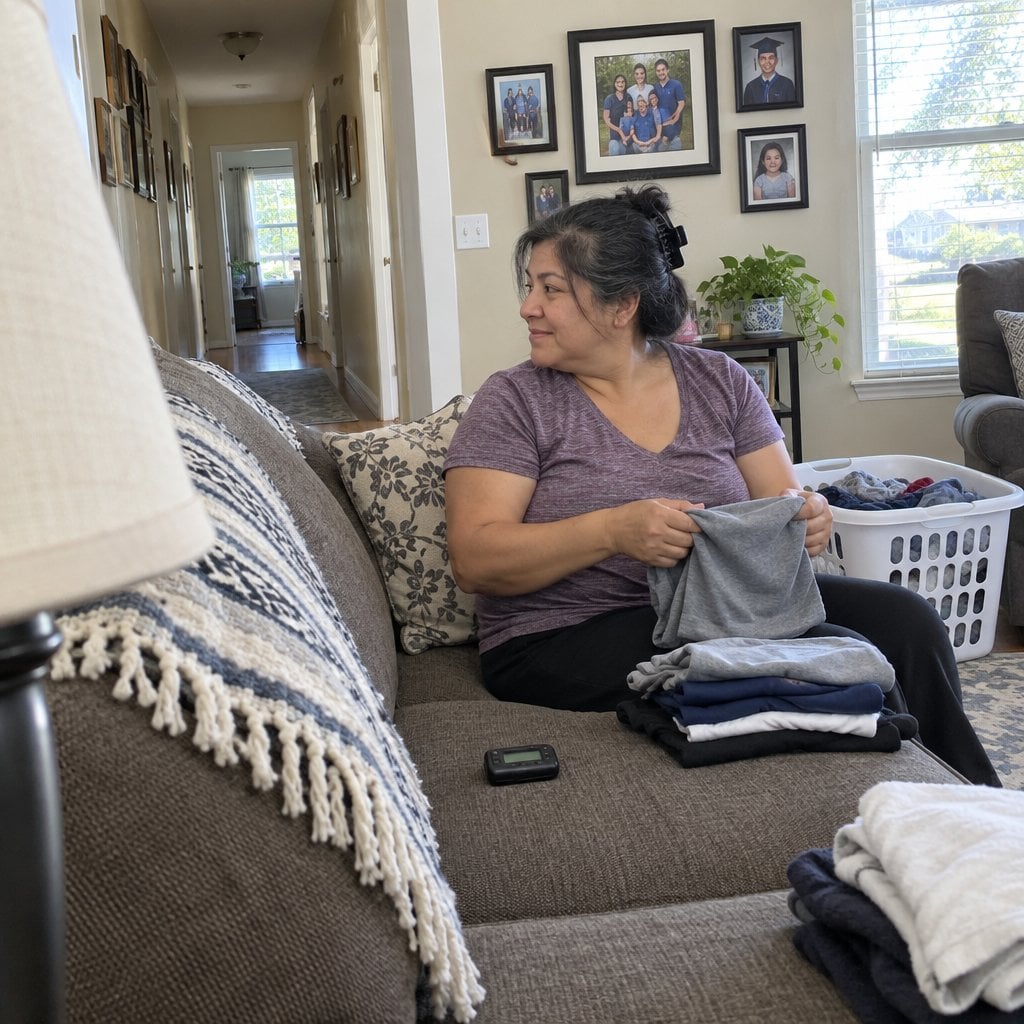
Caregiver Alert Buttons: Wireless Call Buttons and Pagers


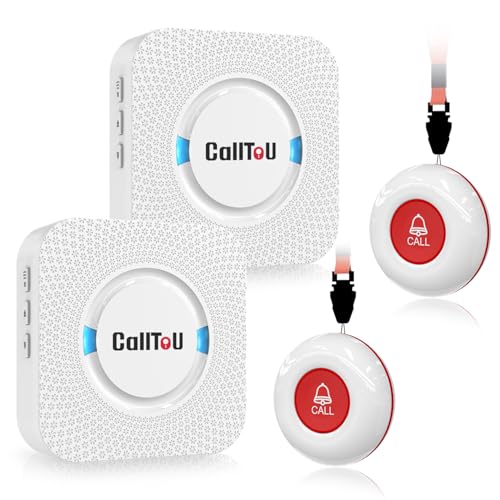


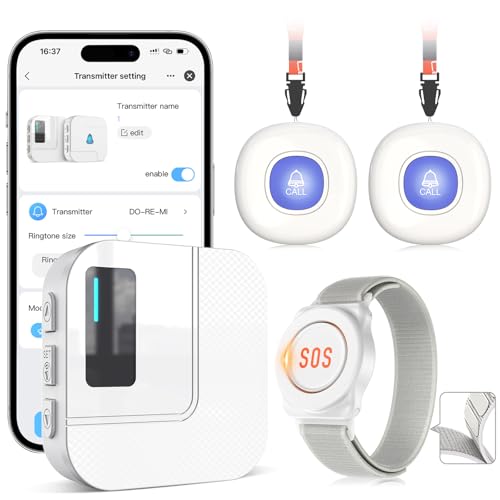
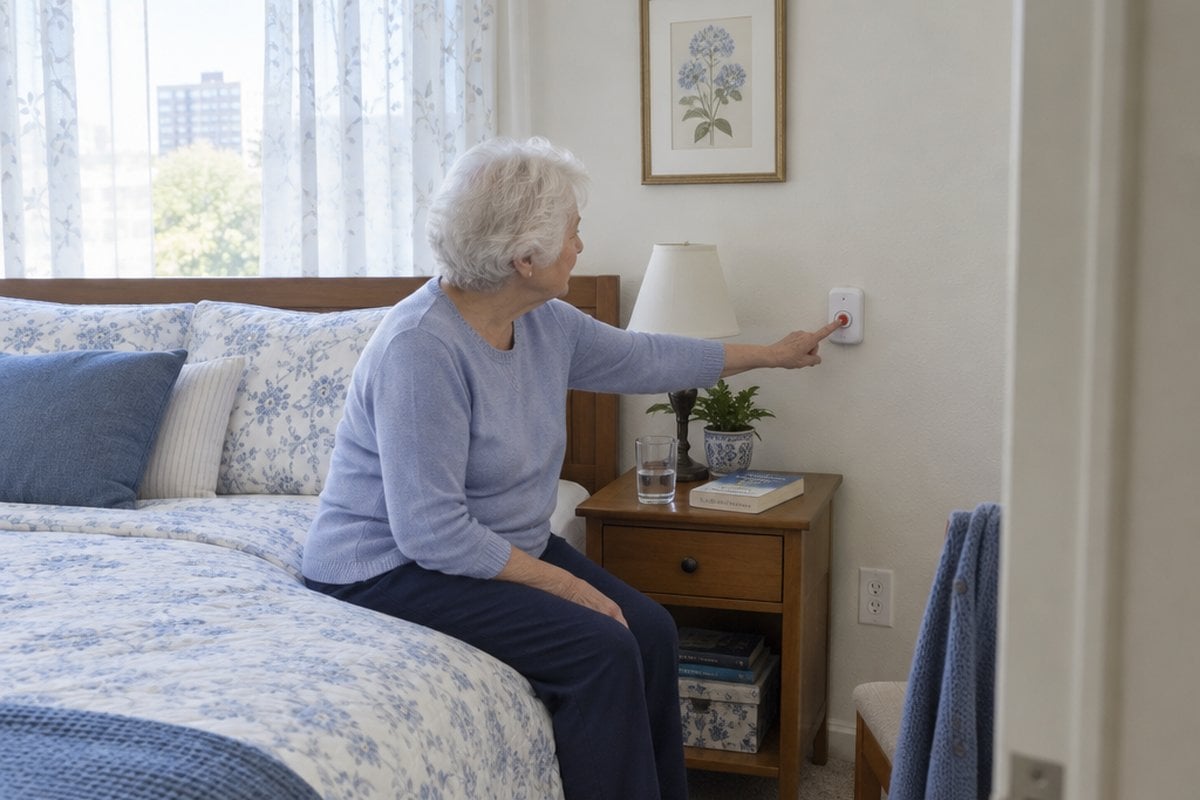
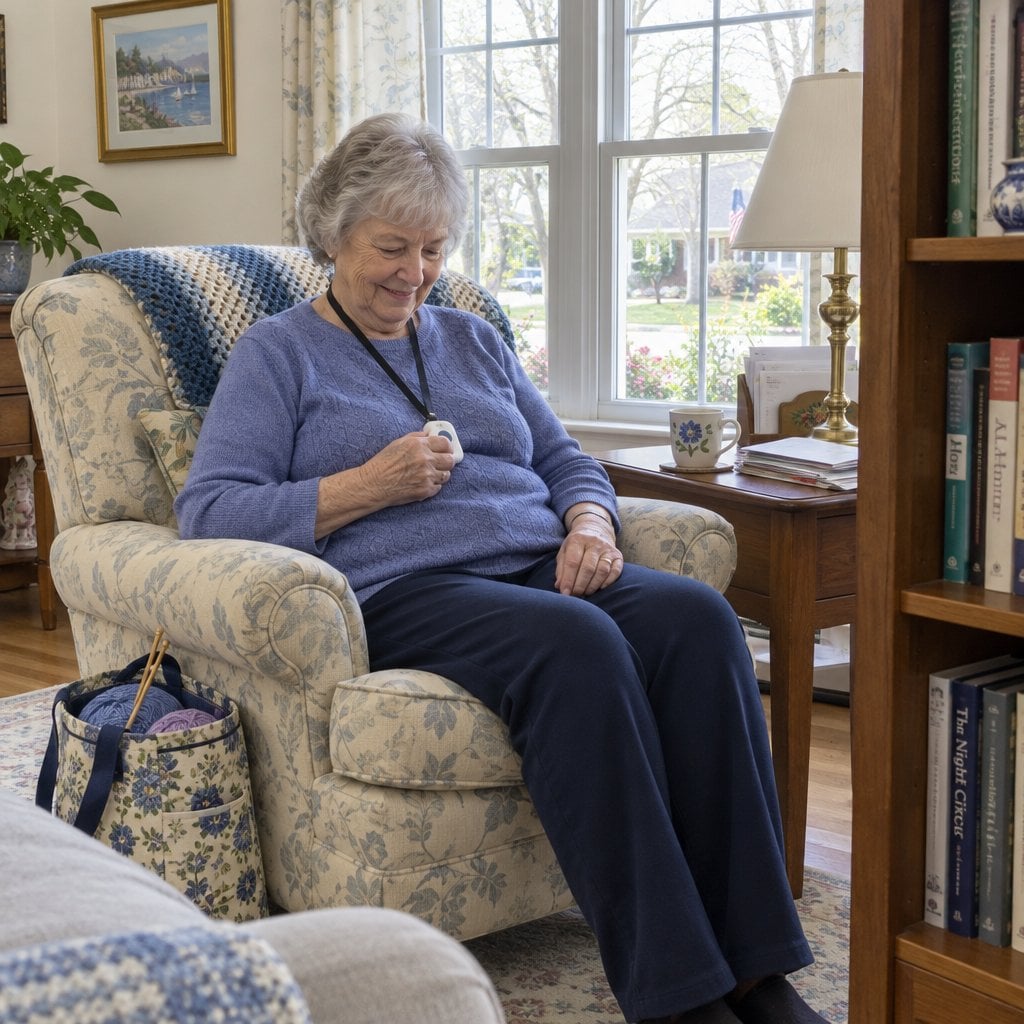
A caregiver pager is the simplest fix for someone who is thinking clearly and stays home. She presses a button, a portable receiver rings for you, and there's no monthly fee.
It works as a call button for a parent who lives alone only if someone is nearby to hear it.


Smart Caregiver Pager System
I put the Smart Caregiver Pager System first because setup is about as easy as it gets. In my video, the box held a pager, two call buttons with batteries, two lanyards, and mounting tape and screws.
You put in batteries. No Bluetooth syncing, no app, no wifi.
I'd wear one button on a lanyard and mount the other at the bedside. The pager clips to a belt, has two tones, and keeps sounding until you switch it off.
Range is about 300 feet, and weather can affect it. Batteries last about 6 to 12 months, and I named US-based support and a lifetime warranty as pluses.
Here's the catch: it won't help if she falls and can't press the button. It's in-home only and doesn't call 911. A pager rings you, while a medical alert service rings a monitoring center, but I pointed out it might save some of the $30 to $50 monthly cost.
CallToU: The Shower-Ready One
The CallToU receiver and button are both waterproof. I dunked the button in my video and it still worked, so it can be worn in the shower.
Range is about 500 feet, and you can add buttons later (those may need the syncing steps in the manual). One volume setting is silent and only flashes the light, so check it. It's plugged in, so it won't work in a power failure. You need a backup plan.
STECHRO: Loud, With Long Range
Stechro provided the unit for my video. I called its receiver one of the loudest I've tested, up to 120 decibels.
The STECHRO pager is rated for 1,500 feet, usually outdoors. Walls and floors cut that down, so test at the farthest points. The button is splash-proof, not submersible, so hang it beside the tub.
Full House: Easy to Mount
The Full House back plate works as a bracket with two screws, or you can use foam tape. A sticker tells visitors what the button is for.
Range is about 1,000 feet outdoors and 500 through walls. If you're wondering how far a caregiver pager reaches through walls, the answer is less than the box says. It's splash-proof, so never submerge it. Anyone at risk of falling should wear the lanyard, with a backup for when it comes off.
What a Button Can't Do
It does nothing after a fall that leaves her unable to reach it. Do call buttons work for dementia? Only if the person remembers and is able to press one.
The receiver must be carried or within earshot, and range drops through walls and floors. It reaches no one far away.
Still, a button is a small piece of independence. She decides when to use it.
Door Chimes and Door-Open Alerts
A door chime suits a caregiver in the same home who worries about someone slipping out, especially at night. It tells you a door opened, and sometimes that's exactly enough.


I demoed the SECRUI Door Chime. It's a plug-and-play wireless chime that alerts you the moment a door opens, with no wiring, no app and no learning curve.
It says a door opened, not who or why, and it can ring all day with ordinary comings and goings. It won't stop anyone.
Do door alarms work if the caregiver is asleep? Only if you will wake to the chime. For an alert when an elderly person leaves the house at night, that's the question to ask yourself first.
A chime is a way to notice, not a way to lock anyone in.
Bed Exit Sensors That Vibrate a Pager
A bed alarm sensor quietly tells you the person has stood up, without waking them. It suits a caregiver who needs to know when a fall-risk or wandering person gets up at night.


The CallToU Bed Alarm pairs an infrared motion sensor with a pager. The person wears nothing.
You place the sensor one to three feet from the bed edge. In my video it picked me up when it was too close, so I moved it about three feet away. Then it caught me standing up and ignored gentle motion.
The pager has a vibration mode, which helps if the person is sensitive to noise. Range varies by home, so test it from the rooms where you'll be.
Do bed sensors cause false alarms? I found fewer than with a bed pad, but it needs some tweaking.
It only covers the bed. It tells you they got up, not where they went or whether they're safe. You must be near the pager, and it isn't fall prevention on its own.
Quiet vibration lets you sleep and lets them keep their night. For a wandering dementia night alarm setup, my guide to bed sensors and door alarms for overnight dementia care goes deeper.
Camera and Audio Monitors, and Camera-Free Fall Detection
Camera and Audio Room Monitors With Built-In Alerts
An elderly monitor shows and tells you the most, which makes it the most watched-over option. The conversation comes first. It suits a family that wants to see and hear a room, or one device with an SOS button, reminders and temperature alerts.


The Zaguoroo Elderly Monitor has two-way talk and infrared night vision. In my video, the screen slept and nothing was recorded.
Its call button has an SOS on the back and four front buttons: general call, move, toilet, and drink or food. The lanyard fits only a wrist, so buy a longer one for the neck.
Range is about 1,000 feet, with no wifi or fees. It's in-home only, so you can't leave the camera home and take the monitor to work.
The person must know to press the button. Mind extension cord trip hazards.
For elderly monitoring privacy, keep cameras out of bathrooms, and only put one in a bedroom if she agrees to it. A camera shows a moment, not a whole day, so check what each model actually sends before buying.
Camera-Free, WiFi-Based Fall Detection
Want to monitor an elderly parent without cameras? I also demoed the NOMO Smart Care Medical Alert System. It's a camera-free, WiFi-based fall detection system that sends instant alerts to family caregivers without a lens in the home.
It needs steady home internet and a smartphone. It's a fall alert, not a way to prevent wandering. Detection isn't perfect, so it can miss things or raise false alarms, and it isn't a monitored emergency service.
Caregiver Alert Tool Cheat Sheet
Download this free cheat sheet to find the smallest, simplest monitoring tool that matches your specific worry—so you can protect your loved one without surveillance overkill or wasted money on features you’ll never use.
Start With the Smallest Tool That Fits
Match the tool to the worry:
- Button: for the person who can press it.
- Chime: for the door.
- Bed sensor: for the night.
- Camera monitor: when you need to see and hear.
- Camera-free detection: for fall alerts without a lens.
Then ask what she'd be comfortable with. It protects her dignity and often makes the tool work better. If caregiver alert buttons feel like too little or too much, my free newsletter has more practical caregiving and home safety guides, and the Home Safety and Independent Living Assessment can help you pick a starting worry.
None of these replaces a person checking in, and none substitutes for 911 or a proper medical alert service.
What's the worry that keeps you up at night, and what have you tried? Share it in the comments, and tag a family member who's doing the same juggling.