You search “assistive devices for seniors” and thirty seconds later you close the tab. The results are overwhelming, the terminology is clinical, and nothing seems to answer the actual question you’re trying to answer.
You’re not alone. “Assistive technology” sounds like something you need a medical degree to understand – but the tools themselves are practical, familiar, and genuinely life-changing when matched to the right challenge.
This guide breaks it into five plain-language categories, explains who each one is for, and gives you a clear starting point without the confusion.
The goal of every assistive device is the same: helping older adults stay independent, safe, and connected. The right tool depends entirely on the specific challenge being addressed.
Assistive Technology Starter Checklist: Find What Helps
Download this free checklist to identify which assistive devices will actually solve your mobility, memory, communication, or daily living challenges—so you can skip the guesswork and invest in tools that truly work.
What “Assistive Technology” Actually Means
The phrase sounds intimidating. It isn’t.
Assistive technology simply means any tool that helps someone do something more easily or safely. That’s it.
Think of it the way you think about eyeglasses. Nobody questions whether glasses are necessary. These tools work the same way – they fill a gap so the person can keep doing what matters to them.
The five categories covered in this guide are: mobility and safety, memory and medication, communication and connection, daily living, and how to choose and test before you buy.
Many of these tools are low-cost, widely available, and easy to set up. You don’t need a specialist to get started – you just need to know which category matches the problem you’re solving.
Mobility and Safety Devices – The Foundation of Independent Living
Mobility and safety tools are often the first assistive devices families consider – and for good reason. They address the most immediate risks and support day-to-day movement.
Common options in this category include:
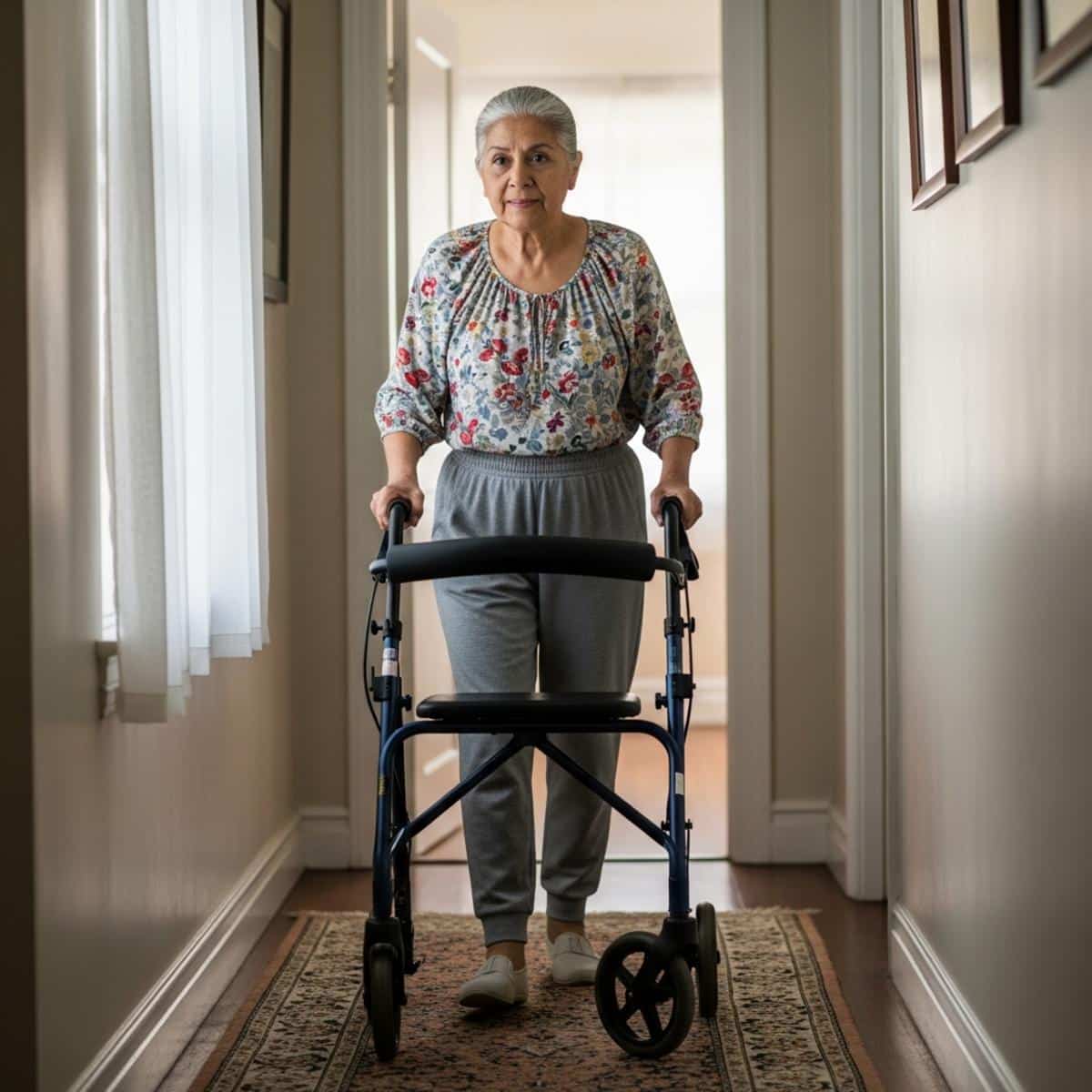
- Canes and walkers – for balance support and fall prevention
- Rollators – wheeled walkers with a seat, ideal for longer distances or fatigue
- Grab bars – mounted in bathrooms, hallways, or near stairs
- Non-slip mats and grip socks – low-cost, high-impact fall prevention
- Bed rails and assist handles – for getting in and out of bed safely
- Motion-activated nightlights – reduce fall risk during nighttime movement
The key is matching the device to the specific challenge. Balance issues require different tools than post-surgery recovery or general fatigue. Understanding how nighttime movement creates fall risk can help you identify the right starting point.
Many basic safety modifications – a grab bar, a non-slip mat, a motion-sensor light – are affordable DIY installs that take under an hour.
Mobility and safety tools aren’t signs that independence is ending. They’re the reason independence can continue.
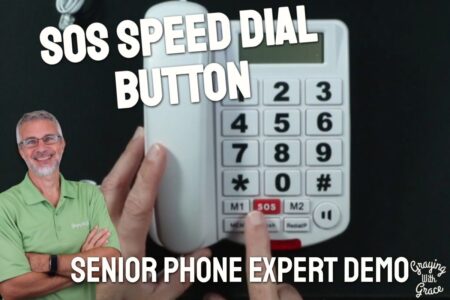
For seniors living alone or with a history of falls, a personal emergency response system – also called a medical alert system – adds a critical safety layer. Look for battery life of at least 24 hours, simple one-button operation, and GPS capability if the person leaves home regularly.


Action point: Identify the one room or daily activity where mobility or safety feels most uncertain. Start there. This room-by-room bathroom safety breakdown covers one of the most common fall locations in detail.

Memory and Medication Tools – Helping Seniors Stay on Track
Memory support devices reduce daily stress for both seniors and caregivers – without making the senior feel managed or monitored.
Common challenges these tools address:
- Missed or double-dosed medications
- Forgotten appointments or daily tasks
- Repeated questions from anxiety around forgetting
Tool types in this category:
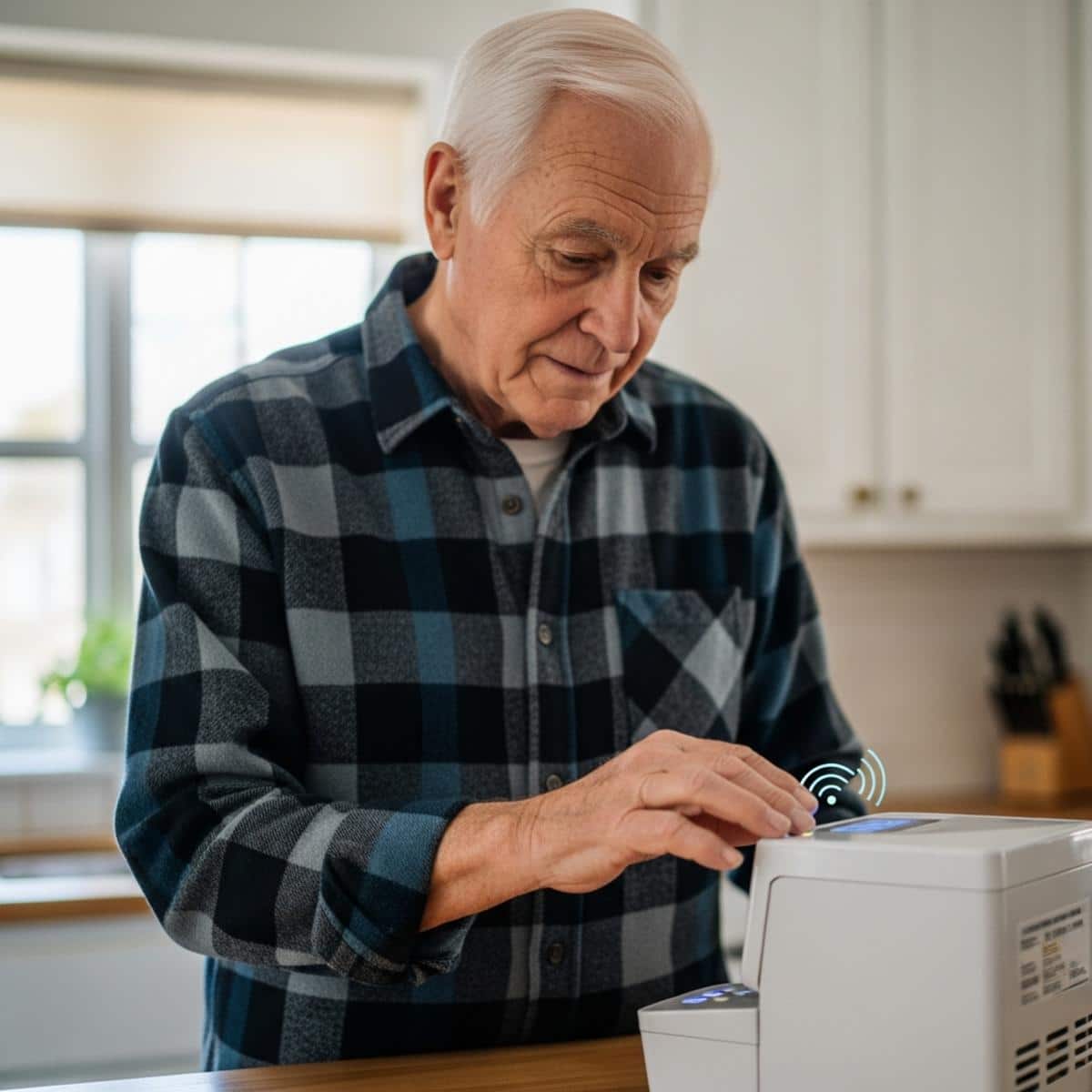
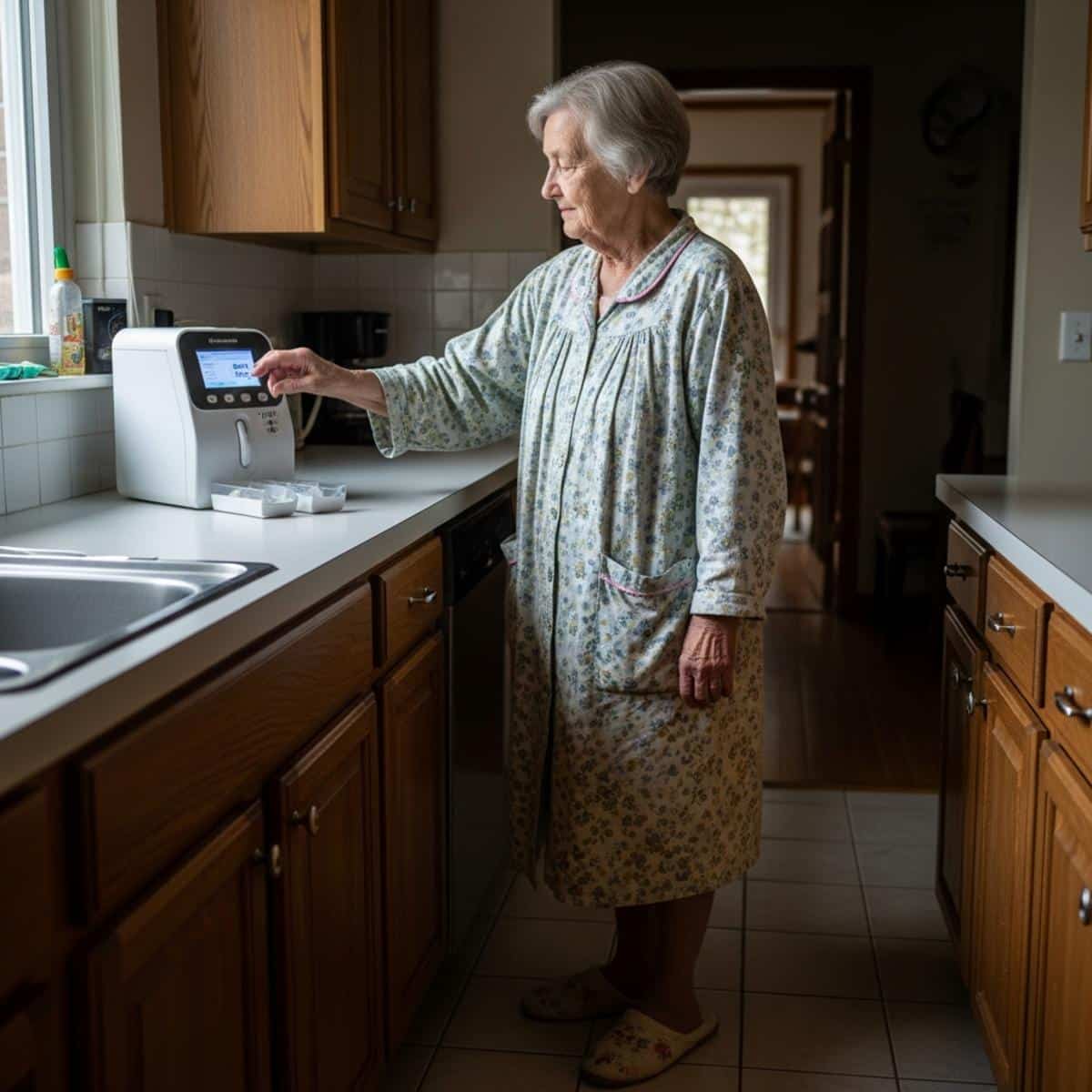
- Automatic pill dispensers – dispense the right dose at the right time, with an audible alert
- Medication reminder apps – phone-based alerts with simple interfaces
- Memory boards and digital calendars – display today’s date, schedule, and reminders passively
- Talking clocks and day clocks – for seniors who lose track of the time or day
The distinction that matters most here: tools that prompt (reminders) versus tools that automate (dispensers). A caregiver who calls daily to remind a parent about medications and a caregiver who sets up an automatic pill dispenser achieve the same outcome – but the second option removes the daily friction for everyone.
The MemoryBoard Daily Calendar is one specific tool worth exploring for families managing repeated check-in calls. It displays reminders and messages on a dedicated screen without requiring any action from the user.
Memory tools aren’t about distrust. They’re about removing unnecessary cognitive load so seniors can focus on the things they enjoy.
For medication management specifically, start with an automatic pill dispenser before moving to more complex systems. Look for timed alerts, lockable compartments, and a simple interface the senior can operate independently.


Want more expert-tested guidance on tools and strategies for aging well? Subscribe to the Graying With Grace newsletter for practical recommendations designed specifically for older adults and the people who care for them.
Communication and Connection Devices – Staying Close to What Matters
Staying socially connected is one of the most powerful contributors to senior wellbeing. The research on what isolation does to senior health is stark – and the right communication tools directly reduce that risk.
Common communication barriers seniors face:
- Small text and complicated interfaces on standard smartphones
- Hearing difficulty on phone calls
- Discomfort with video calling apps
- Vision changes that make screens harder to read
Tools that help:
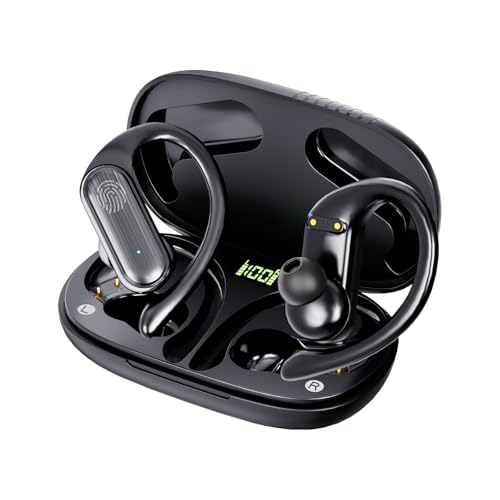
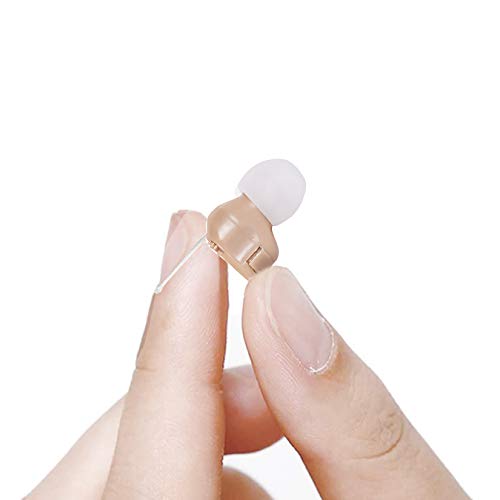
- Hearing amplifiers and amplified handsets – adjustable volume, background noise reduction
- Large-button phones – simplified dialing with fewer menus
- Simplified tablets – touchscreen devices with larger text and stripped-down interfaces
- Voice assistants – hands-free calling and reminders via smart speakers
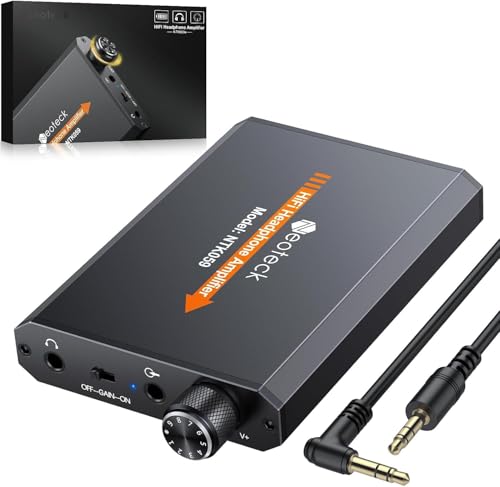
- Wireless TV headphones – for seniors who struggle to hear the television clearly
Before purchasing, identify whether the barrier is physical (hearing, vision) or comfort with technology. A senior who avoids phone calls because they can’t hear well needs a different solution than one who avoids them because the interface feels confusing.
Communication devices aren’t just tech gadgets – they’re connection tools. The goal is reducing friction between a senior and the people they love.
Hearing amplifiers are an accessible, affordable starting point. Look for adjustable volume, a comfortable fit, and background noise reduction. Protecting seniors from online scams is also worth addressing once communication tools are in place.



Action point: Ask the senior directly – what’s making it harder to stay in touch? The answer usually points directly to the right tool category.

Daily Living Devices – Independence in the Small Moments
Daily living devices address the tasks that happen dozens of times a day – opening jars, getting dressed, preparing meals, moving around the kitchen.
These aren’t dramatic tools. They’re quiet enablers of independence that most people never think about until something becomes difficult.
Common categories:
- Adaptive kitchen tools – electric can openers, jar openers, ergonomic utensils for reduced grip strength
- Dressing aids – ratchet belts, sock aids, adaptive clothing with easier closures
- Transfer and lift assists – seat lift cushions, transfer belts, bed assist rails
- Bathing aids – handheld shower heads, shower benches, long-handled sponges
- Vision and reading aids – magnifiers, large-print options, talking devices
The principle here is the same as in every other category: start with the specific problem. If opening cans has become painful, an electric can opener solves it cleanly. If getting up from the sofa is the challenge, a seat lift assist addresses that exact moment. Home modifications that support aging in place often start with these small, targeted interventions.
The right daily living device is the one the senior will actually use – not the most technically advanced option.
Assistive Technology Starter Checklist: Find What Helps
Download this free checklist to identify which assistive devices will actually solve your mobility, memory, communication, or daily living challenges—so you can skip the guesswork and invest in tools that truly work.
How to Choose, Test, and Buy Without Wasting Money
Choosing the wrong assistive device is expensive and discouraging. A few simple steps prevent that.
Start With the Problem, Not the Product
Define the specific challenge before researching solutions. “My mother keeps missing her medications” leads you directly to pill dispensers. “My father can’t hear me on the phone” leads you directly to amplified handsets. Starting with a product category and working backward creates confusion.
Ask These Questions Before Purchasing
- Is setup simple enough that the senior can operate it independently?
- What happens if something malfunctions – is support easy to reach?
- Is it adjustable as needs change over time?
- Does it have a return policy that allows real-world testing?
Use Free Resources First
Before buying, check whether a local senior center, Area Agency on Aging, or assistive device lending library has a trial option. Many communities offer this – and borrowing before buying is smart, not indecisive.
For qualifying items, Medicare and Medicaid may cover part or all of the cost. Durable medical equipment – including walkers, wheelchairs, and certain safety devices – often falls under this coverage.
When to Involve an Assistive Technology Professional
For complex or high-cost decisions – power wheelchairs, home modification planning, communication devices for significant cognitive or physical challenges – an Assistive Technology Professional (ATP) is worth consulting. ATPs assess specific needs and match them to solutions. The Assistive Technology Industry Association maintains a directory at atia.org.
Testing before buying isn’t indecisive – it’s the reason the device gets used instead of returned.
Start With One Challenge
Assistive technology doesn’t have to be overwhelming. When you organize it by category – mobility and safety, memory support, communication, daily living – the right starting point becomes much clearer.
You don’t have to figure this out all at once.
Start with the most pressing challenge. Find the simplest tool that addresses it. Build from there.
Helping seniors maintain independence isn’t about solving every problem at once – it’s about removing the specific friction points that matter most right now.
Identify one area – safety, memory, communication, or daily living – where a small tool could make a meaningful difference. Then take one step this week: research one device, check a return policy, or reach out to a local aging resource.
What are you working on right now – safety, medication management, communication, or something else? Share in the comments. Your experience might point another caregiver in exactly the right direction.