That Bluetooth speaker you bought last holiday season? The one that’s probably sitting in a drawer right now?
You had the best intentions. But somewhere between the app download, the account setup, and the third time the connection dropped, it became easier to just leave it alone.
The desire to enjoy music never went anywhere. The problem was a mismatch — the wrong device for the person using it. This guide cuts through the marketing noise to show you which music devices are genuinely simple to use, which ones only claim to be, and how to find the right fit the first time.
Senior Music Player Buyer’s Cheat Sheet: Find the Right Fit
Download our free guide to having honest conversations about aging, end-of-life wishes, and family finances—proven approaches that reduce misunderstandings and bring peace of mind to everyone involved.
Why Seniors Stop Using Music Devices — And What That Tells You About What to Buy
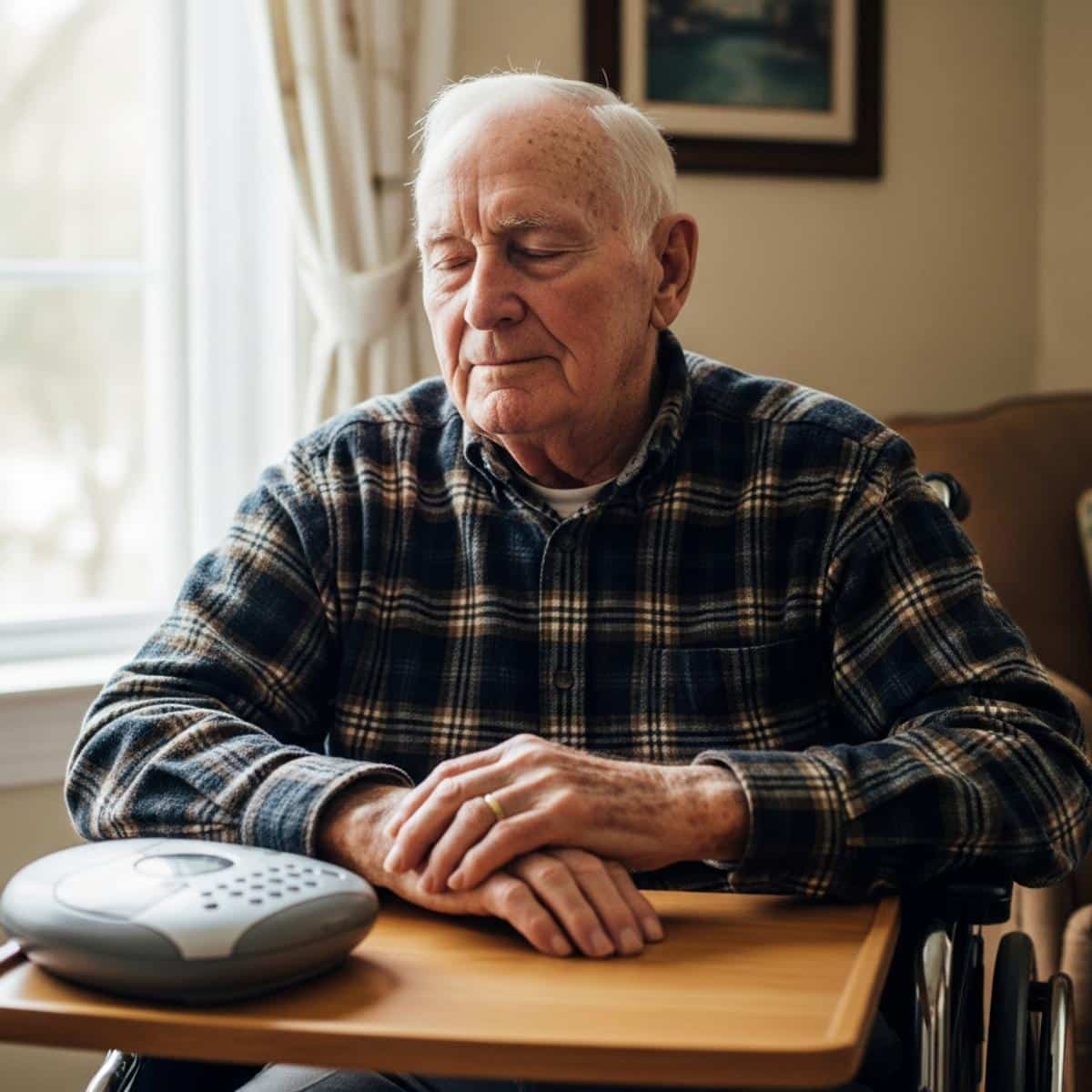
Before you buy anything, it helps to understand why devices get abandoned in the first place.
In my experience working with older adults and their families, the same five failure points come up repeatedly:
- Too many steps to start playing music — If it takes more than two or three actions to hear a song, it won’t get used consistently
- Confusing touchscreens or interfaces — Small icons, swipe gestures, and flat glass surfaces are genuinely difficult for many older adults, especially those with reduced grip strength or arthritis
- Wi-Fi and account requirements — Passwords, streaming subscriptions, and software updates create ongoing maintenance that most seniors didn’t sign up for
- Fear of breaking something — One accidental button press that changes a setting or skips to an unfamiliar screen can be enough to stop someone from touching the device again
- Sound quality that doesn’t reward the effort — If the audio is tinny or quiet, there’s no payoff for pushing through the complexity
Here’s the critical distinction caregivers often miss: setup ease and daily usability are completely different things. You might spend 20 minutes setting up a device perfectly — and your parent still can’t operate it alone six months later because the interface requires knowledge you have and they don’t.
The question that matters most isn’t ‘Is this easy to set up?’ It’s ‘Can this person start playing music without asking anyone for help?’
Ask yourself two things before buying anything:
- Can this person start playing music without asking anyone for help?
- Will this still work the same way in six months without updates or resets?
If you’re uncertain about either answer, that uncertainty is telling you something important.
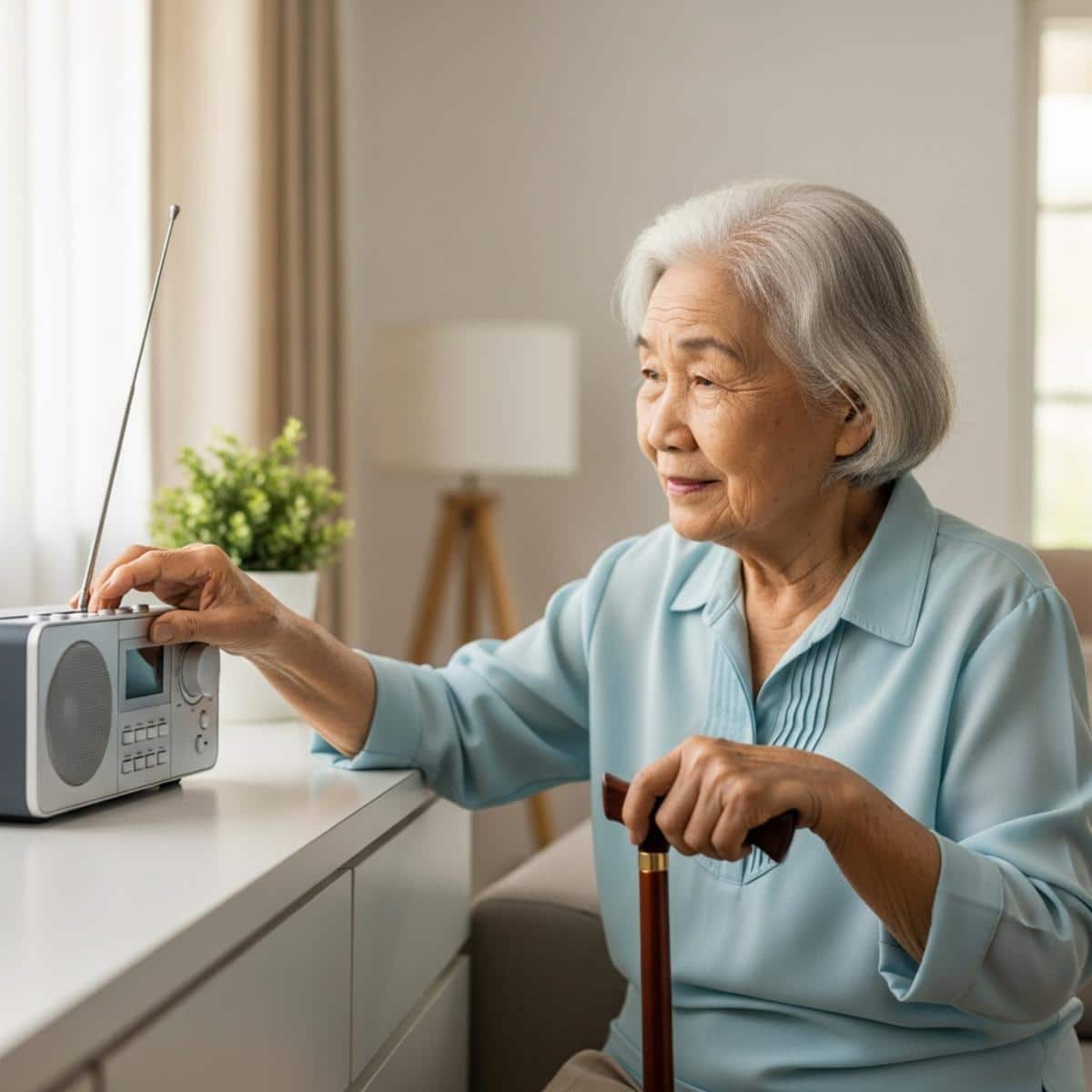
The Honest Guide to Matching a Music Device to a Senior’s Actual Tech Comfort Level
Technology comfort isn’t about age — it’s about daily habits. A 75-year-old who texts her grandchildren every morning is in a completely different category from a 75-year-old who hasn’t touched a smartphone.
Here’s a practical three-tier framework I use to match devices to people:
Tier 1 — Non-Technical
- Comfortable with a traditional radio or CD player
- Prefers physical buttons with clear labels
- No smartphone, tablet, or streaming experience
- May have mild cognitive decline or memory concerns
Tier 2 — Occasionally Technical
- Has a smartphone or tablet but uses only a few familiar apps
- Can manage simple Bluetooth pairing with help but won’t troubleshoot independently
- Comfortable once something is set up, but can’t recover from disruptions
Tier 3 — Comfortably Technical
- Uses a smartphone regularly and is comfortable with apps
- Navigates new interfaces with reasonable confidence
- Just wants better or simpler audio without managing a complex device
A note for caregivers: It’s very easy to overestimate a parent’s comfort level when you’re not watching them use a device alone. What looks effortless with you sitting next to them may fall apart completely when you leave.
Smart speakers like Amazon Echo and Google Home are marketed heavily to this audience — and they genuinely work well for Tier 3 users. But for Tier 1 and Tier 2 seniors, they regularly fail. Why? Because voice commands require remembering specific phrasing, recovering from misheard requests, and managing an account that needs periodic maintenance. That’s three invisible barriers before a single song plays.
There is no universally ‘best’ music device for seniors. There is only the best device for this specific person’s comfort level. Place your loved one — or yourself — honestly in one of these three tiers before reading the recommendations below.
Want more practical guidance on technology, safety, and independence for older adults? Subscribe to the Graying With Grace newsletter for expert-tested recommendations delivered straight to your inbox.
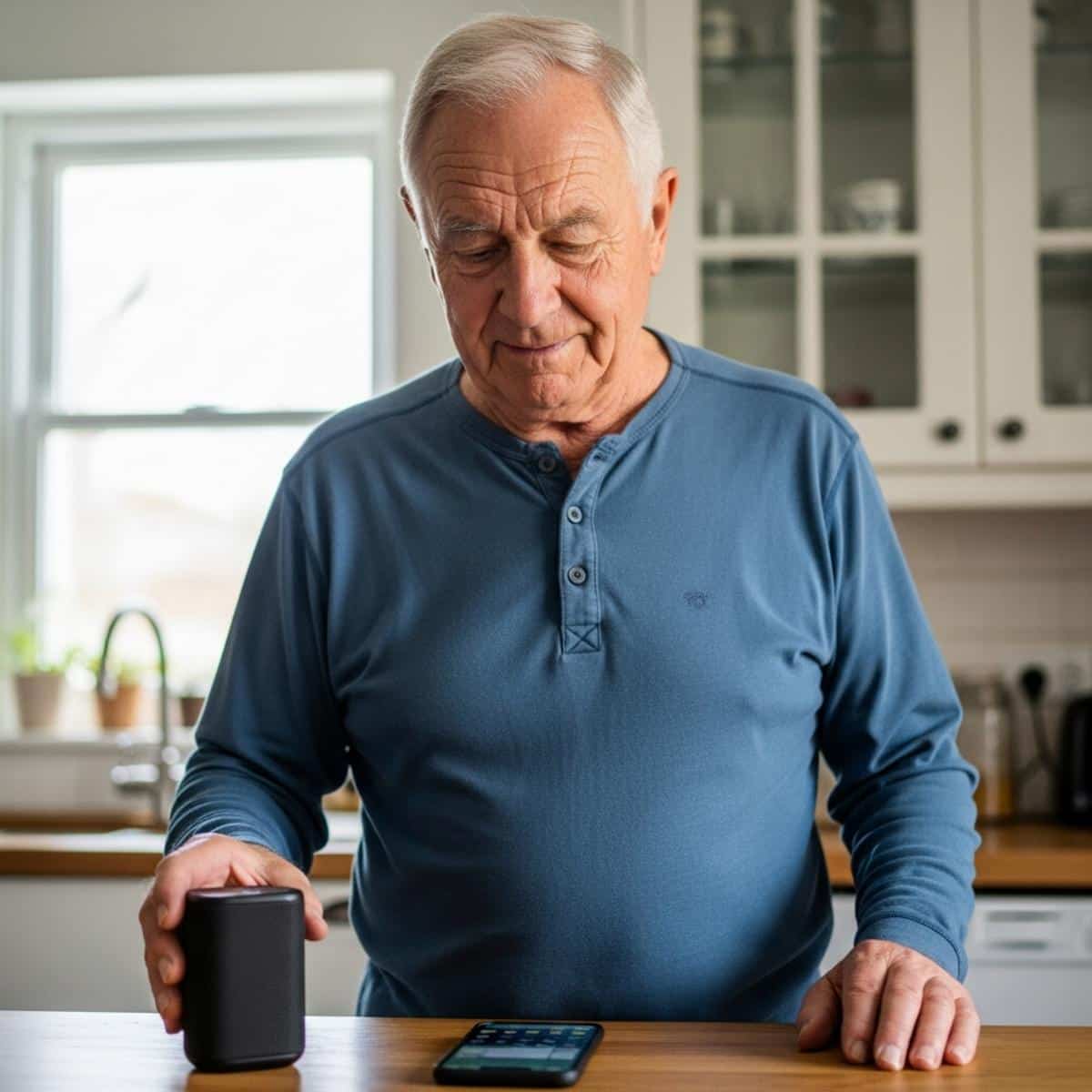
The Simplest Music Options for Seniors Who Just Want to Press Play
For Tier 1 seniors, the best music device is usually the most familiar one — updated with the right physical features to make it easy and reliable.
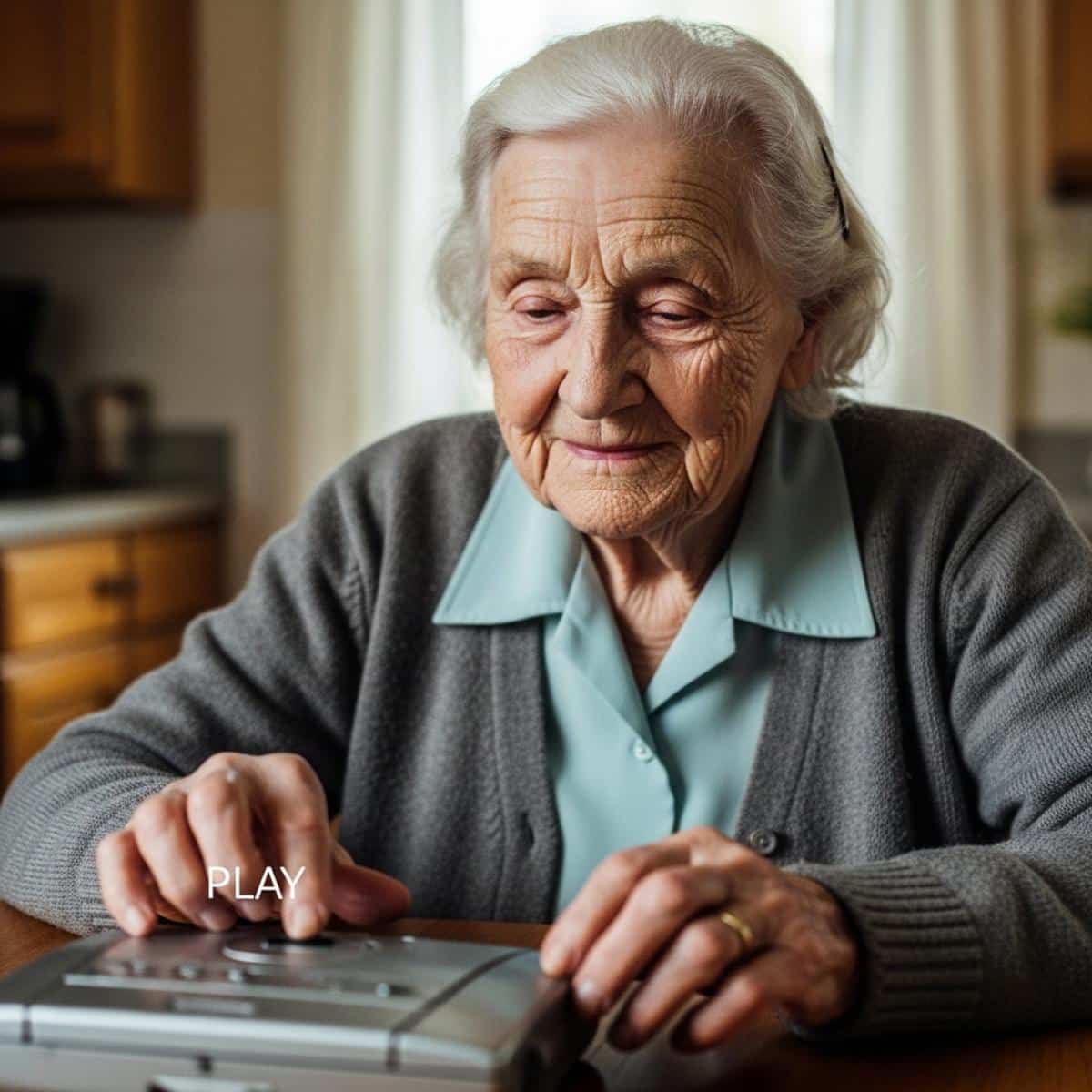
Large Button CD and Radio Players
These remain the gold standard for non-technical seniors, and for good reason: the format is already familiar.
What to look for:
- Physical buttons only — no touchscreen, no swipe gestures
- Clear, labeled controls — Play, Stop, Volume Up, Volume Down should be immediately obvious
- No wi-fi requirement — plug in, press play, done
- Easy volume control — a physical knob or large +/- buttons, not a slider on a screen
The learning curve for a well-designed CD player is nearly zero for someone who grew up with physical media. That familiarity is an asset, not a limitation.


Pre-Loaded MP3 Players
These are devices that arrive with music already on them — no downloading, no syncing, no streaming accounts, no wi-fi required.
This format is particularly well-suited for seniors with mild cognitive decline. There is nothing to manage, update, or troubleshoot. The music is simply there, ready to play.
What to look for:
- Large, clearly labeled physical buttons
- Simple navigation — ideally just a handful of categories or a shuffle option
- Adequate speaker volume for someone with mild hearing loss
- No ongoing account or subscription requirement


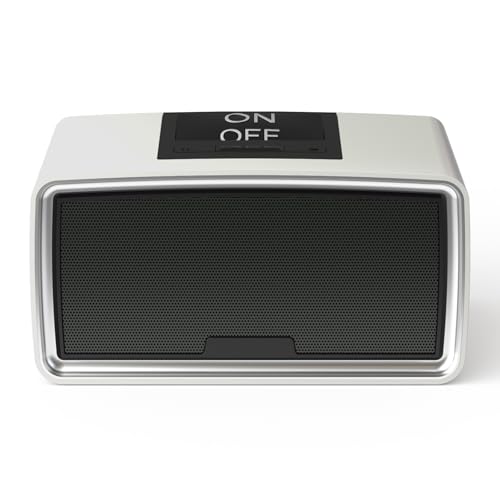

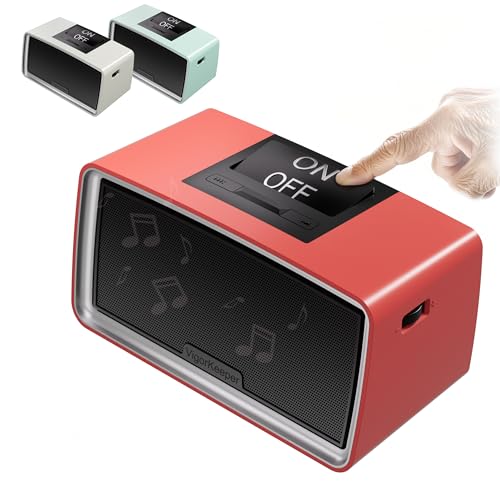

Purpose-Built Senior Music Platforms
Devices like the Memoryboard — which we’ve covered in detail in our Memoryboard daily reminder and display review — take a different approach. These are designed specifically for seniors with dementia or significant cognitive decline, with personalized song libraries set up and managed by a family member.
The senior simply listens. There’s nothing to navigate. This category is the right choice when zero independent operation is the goal — and when a family member is willing to handle the backend setup.
Sound Quality and Hearing Loss
If the senior you’re buying for has hearing loss, raw loudness isn’t the only spec that matters.
What actually affects clarity:
- Speaker size — larger drivers produce fuller, more intelligible sound
- Frequency response — emphasis on mid-range frequencies (where speech and melody live) helps more than just boosting volume
- Distance from the listener — a small Bluetooth speaker on a shelf across the room is often a poor choice for someone with hearing loss, even if it’s technically simple
If the person uses hearing aids, consult an audiologist before prioritizing speaker quality — hearing aid compatibility may matter more than any device feature. Understanding how vision and sensory changes affect daily independence applies to hearing as well — small barriers compound quickly when sensory input is already reduced.
If your loved one is most comfortable with physical buttons and familiar formats: Look for a large button CD player or pre-loaded MP3 player with physical-only controls and no wi-fi requirement. That’s the right match.
For Seniors Who Already Use a Smartphone — How to Get Great Sound Without Extra Complexity
For Tier 2 and Tier 3 seniors, the goal usually isn’t a new device to learn from scratch. It’s a speaker that makes their existing music access better — louder, clearer, more reliable — without adding steps.
Dedicated Bluetooth Speakers With Simplified Controls
For someone who already plays music on a smartphone or tablet, a good Bluetooth speaker is often the best upgrade.
What to look for specifically for senior environments:
- Large physical volume and power controls — not touch-sensitive surfaces
- Auto-reconnect — the speaker should remember the paired phone and reconnect automatically without any steps from the user. This single feature separates a used speaker from an abandoned one
- Stable Bluetooth connection — consistent pairing matters far more than extra features
- Audio quality suited to mild hearing loss — clear mid-range, adequate volume at a comfortable listening distance
The ‘just pair it once and it reconnects automatically’ feature cannot be overstated. If your parent has to re-pair the device every time they want to listen, it will stop getting used. Verify this in reviews before purchasing.


Smart Speakers — An Honest Assessment
Smart speakers (Amazon Echo, Google Home) do some things genuinely well for seniors:
- Hands-free music requests — no buttons needed
- No syncing or navigation once set up correctly
- Can be very convenient for Tier 3 users in stable, well-managed setups
But here’s what the packaging doesn’t tell you:
- Wake word sensitivity varies — ‘Alexa’ gets misheard, ignored, or accidentally triggered regularly
- Account management is ongoing — subscriptions lapse, passwords change, updates alter behavior
- Accidental purchases and unexpected skill activations are real problems
- Recovery from errors typically requires someone tech-savvy to fix remotely
The realistic profile of a senior who succeeds with a smart speaker: Tier 3, has family nearby or a tech-comfortable household, and doesn’t panic when something unexpected happens on screen.
For Tier 1 and Tier 2 seniors, smart speakers create more problems than they solve — despite how they’re marketed.
The setup test for caregivers: ‘If I set this up today and couldn’t help again for three months, would my parent still be able to use it independently?’ If the answer is uncertain, move to a simpler category. This is especially worth considering if you’re already managing caregiving responsibilities from a distance — remote troubleshooting a complicated audio device adds to that load.
Senior Music Player Buyer’s Cheat Sheet: Find the Right Fit
Download our free guide to having honest conversations about aging, end-of-life wishes, and family finances—proven approaches that reduce misunderstandings and bring peace of mind to everyone involved.
The Practical Gift Guide: Matching the Right Music Device to Your Loved One’s Profile
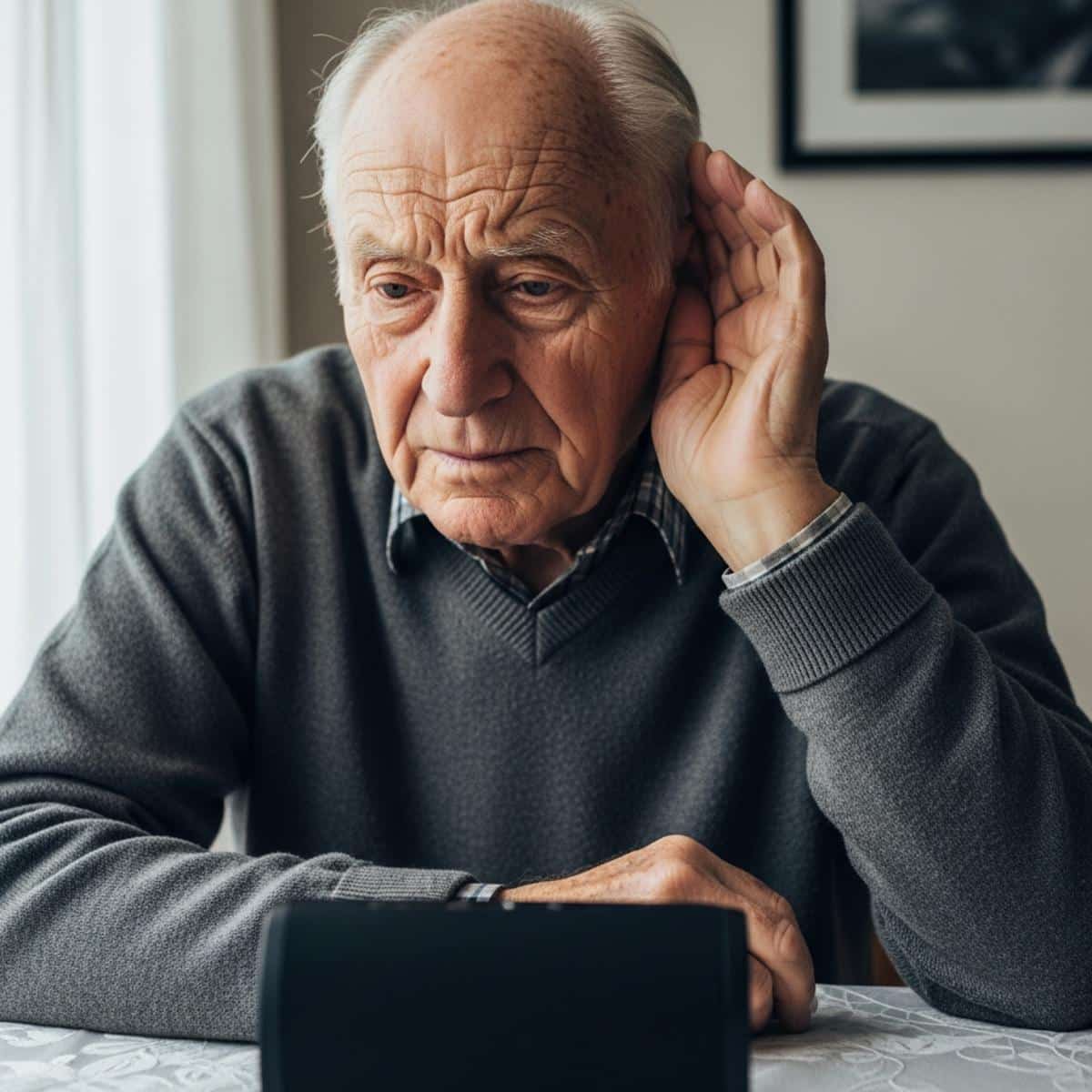
Here’s the matching guide I’d encourage you to save before shopping:
‘Completely non-technical, no smartphone, may have memory concerns’
→ Pre-loaded MP3 player or purpose-built senior music platform
→ Priority: zero-maintenance operation, nothing to manage or update
‘Comfortable with a traditional radio or CD player, no interest in streaming’
→ Large button CD player or digital radio with physical controls
→ Priority: familiar format, physical buttons only, no wi-fi required
‘Has a smartphone, uses it occasionally, wants music to be easier’
→ Simple Bluetooth speaker with one-time auto-pairing
→ Priority: auto-reconnect, keeps existing music access, improves audio quality
‘Uses smartphone regularly, technically comfortable, just wants better sound’
→ Quality Bluetooth speaker or carefully assessed smart speaker
→ Priority: audio quality, ease of daily use, household compatibility
What Caregivers Frequently Get Wrong
The most common mistake is buying based on features you value — wireless, voice-controlled, streaming — rather than the independence and simplicity the senior actually needs.
Impressive is not the goal. Used is the goal.
The one question that cuts through every product comparison: ‘Can this person start playing a favorite song, alone, in the morning, without calling me first?’
If you’re not confident the answer is yes, the device is not the right match — regardless of the price or the reviews.
One additional note on hearing aids: if the senior relies on hearing aids, the speaker’s audio output may matter less than its hearing aid compatibility. Some hearing aids connect directly via Bluetooth to select devices. Addressing sensory barriers early protects independence across every area of daily life — music included.
The Right Device Is the One That Gets Used
There is no single best music player for seniors. There is only the right match between a person’s actual comfort level and a device’s real daily usability.
Choosing a simpler device is not settling. It is the most informed, thoughtful decision you can make — because a simple device that gets used every morning is worth infinitely more than an impressive one gathering dust in a drawer.
Use the three-tier framework to place your situation honestly. Match the device to the person, not the marketing. And start with the simplest option that genuinely meets the need — you can always add complexity later if it’s wanted.
If you’ve found a music device that actually works for you or a loved one, share it in the comments. Real-world experience from families who’ve been through this helps everyone make a better decision.
And if you’re navigating other technology decisions for an older adult — whether it’s reducing isolation through connection tools or finding devices that support independence at home — the same matching principle applies: start with the person, not the product.