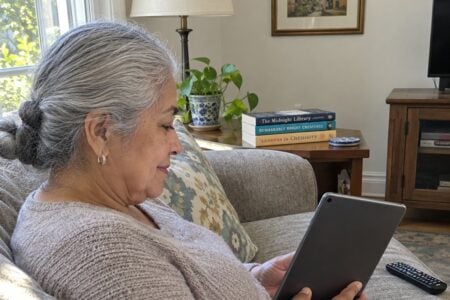
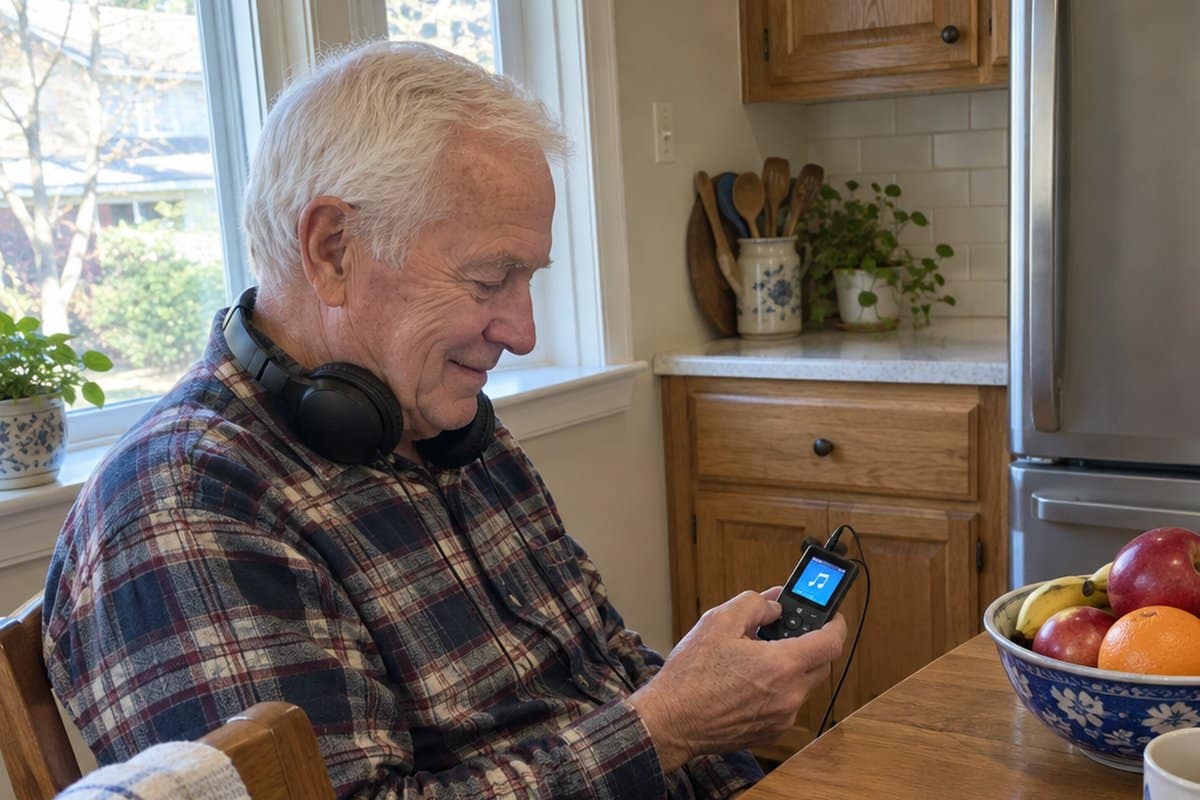
If a music player is sitting unused in a drawer, the problem usually wasn’t you. It was a device that asked too much: apps, accounts, connections that drop.
This guide helps you find a player that is simple enough to get used, whether that’s a device with buttons you can feel or easy music apps on a phone or tablet you already have.
I also point out which ones only claim to be simple.
Senior Music Player Buyer’s Cheat Sheet: Find the Right Fit
Download our free guide to having honest conversations about aging, end-of-life wishes, and family finances—proven approaches that reduce misunderstandings and bring peace of mind to everyone involved.
Why Seniors Stop Using Music Devices — And What That Tells You About What to Buy
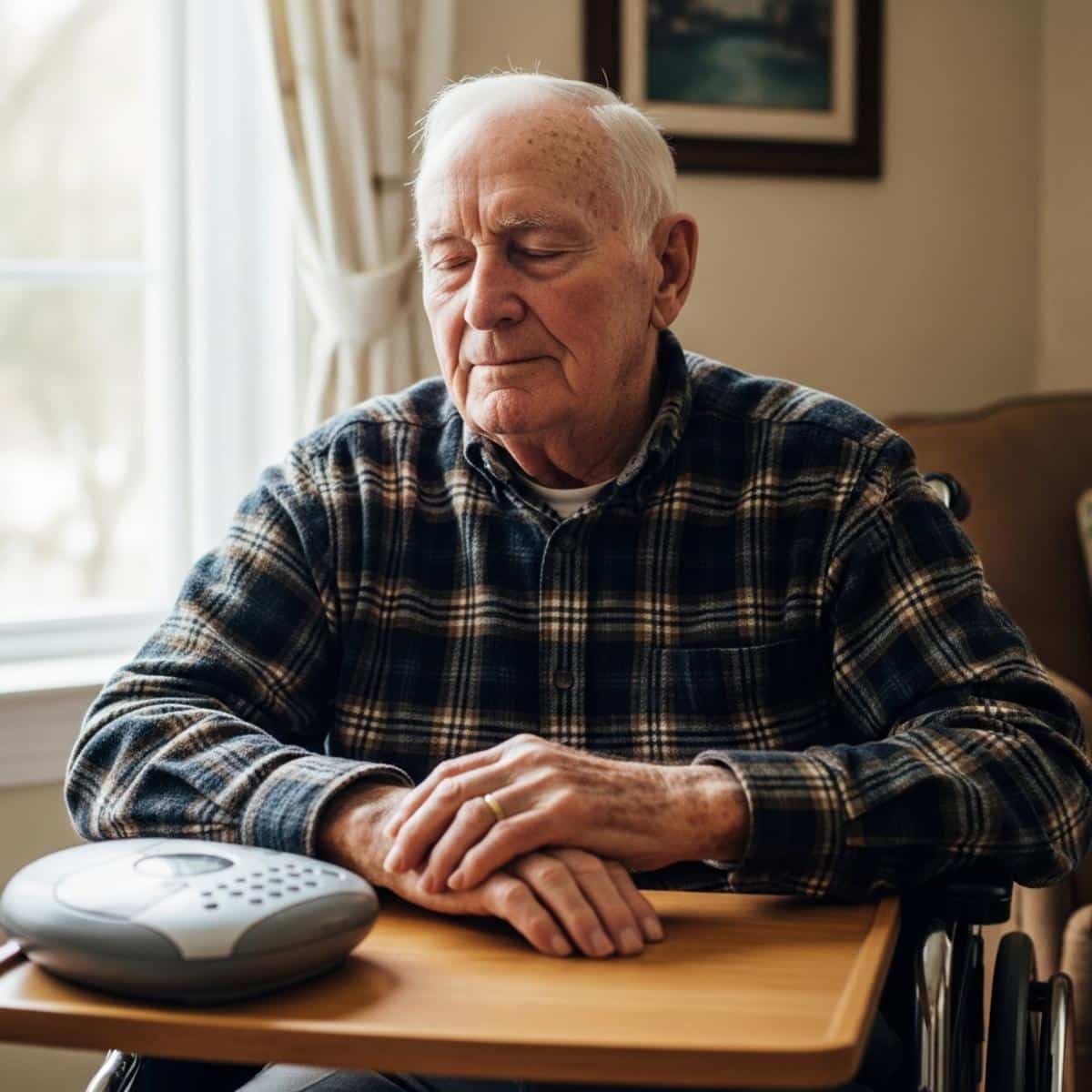
Before you buy anything, it helps to understand why devices get abandoned in the first place.
In my experience working with older adults and their families, the same five failure points come up repeatedly:
- Too many steps to start playing music — If it takes more than two or three actions to hear a song, it won’t get used consistently
- Confusing touchscreens or interfaces — Small icons, swipe gestures, and flat glass surfaces are genuinely difficult for many older adults, especially those with reduced grip strength or arthritis
- Wi-Fi and account requirements — Passwords, streaming subscriptions, and software updates create ongoing maintenance that most seniors didn’t sign up for
- Fear of breaking something — One accidental button press that changes a setting or skips to an unfamiliar screen can be enough to stop someone from touching the device again
- Sound quality that doesn’t reward the effort — If the audio is tinny or quiet, there’s no payoff for pushing through the complexity
Here’s the critical distinction caregivers often miss: setup ease and daily usability are completely different things. You might spend 20 minutes setting up a device perfectly — and your parent still can’t operate it alone six months later because the interface requires knowledge you have and they don’t.
The question that matters most isn’t ‘Is this easy to set up?’ It’s ‘Can this person start playing music without asking anyone for help?’
Ask yourself two things before buying anything:
- Can this person start playing music without asking anyone for help?
- Will this still work the same way in six months without updates or resets?
If you’re uncertain about either answer, that uncertainty is telling you something important.
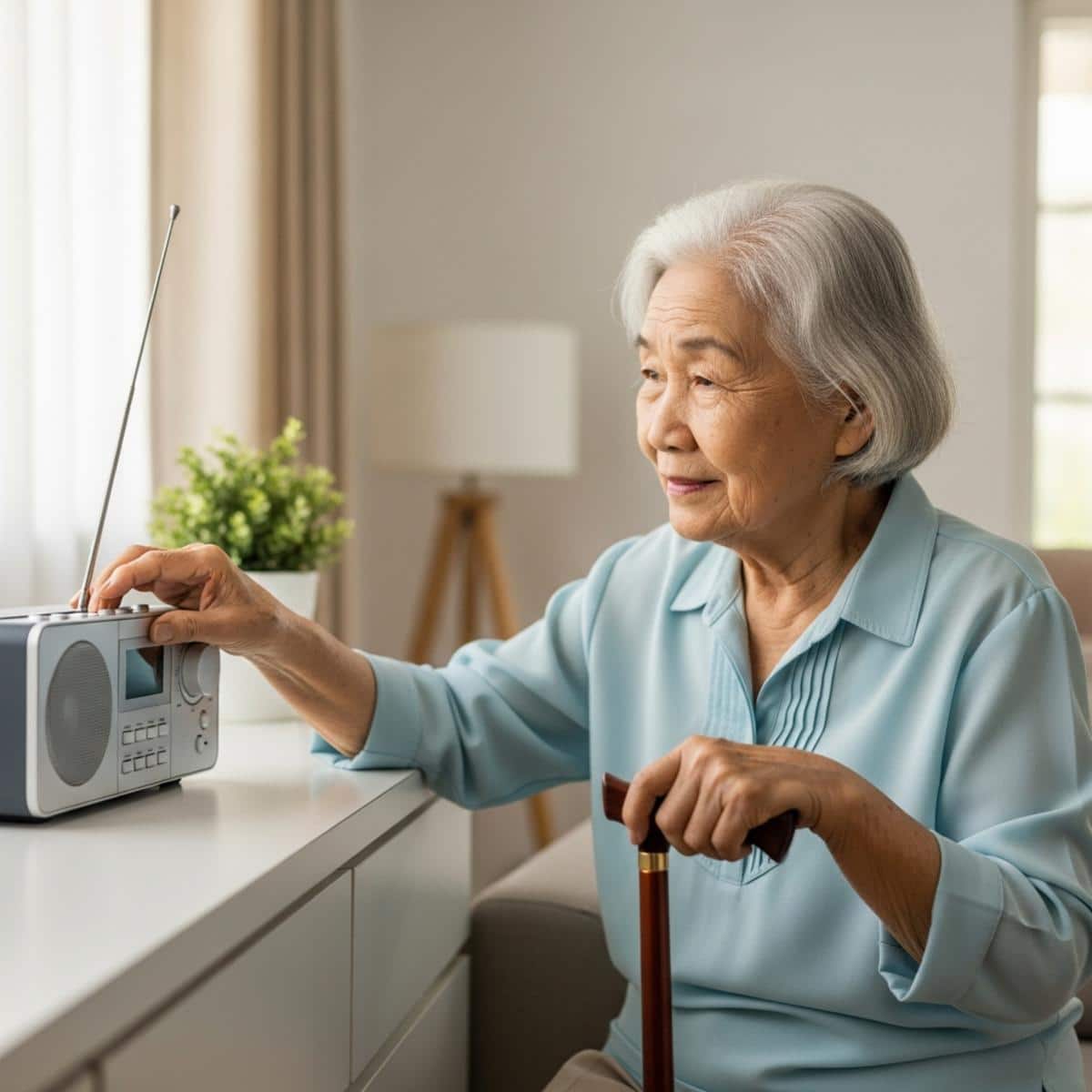
The Honest Guide to Matching a Music Device to a Senior’s Actual Tech Comfort Level
Technology comfort isn’t about age — it’s about daily habits. A 75-year-old who texts her grandchildren every morning is in a completely different category from a 75-year-old who hasn’t touched a smartphone.
Here’s a practical three-tier framework I use to match devices to people:
Tier 1 — Non-Technical
- Comfortable with a traditional radio or CD player
- Prefers physical buttons with clear labels
- No smartphone, tablet, or streaming experience
- May have mild cognitive decline or memory concerns
Tier 2 — Occasionally Technical
- Has a smartphone or tablet but uses only a few familiar apps
- Can manage simple Bluetooth pairing with help but won’t troubleshoot independently
- Comfortable once something is set up, but can’t recover from disruptions
Tier 3 — Comfortably Technical
- Uses a smartphone regularly and is comfortable with apps
- Navigates new interfaces with reasonable confidence
- Just wants better or simpler audio without managing a complex device
A note for caregivers: It’s very easy to overestimate a parent’s comfort level when you’re not watching them use a device alone. What looks effortless with you sitting next to them may fall apart completely when you leave.
If your parent might do better with a screen, there is also the easy-to-see tablet for seniors, with setup advice for family members.
Smart speakers like Amazon Echo and Google Home are marketed heavily to this audience — and they genuinely work well for Tier 3 users. But for Tier 1 and Tier 2 seniors, they regularly fail. Why? Because voice commands require remembering specific phrasing, recovering from misheard requests, and managing an account that needs periodic maintenance. That’s three invisible barriers before a single song plays.
There is no universally ‘best’ music device for seniors. There is only the best device for this specific person’s comfort level. Place your loved one, or yourself, in one of these three tiers before reading the recommendations below.
Want more practical guidance on technology, safety, and independence for older adults? Subscribe to the Graying With Grace newsletter for practical recommendations delivered straight to your inbox.
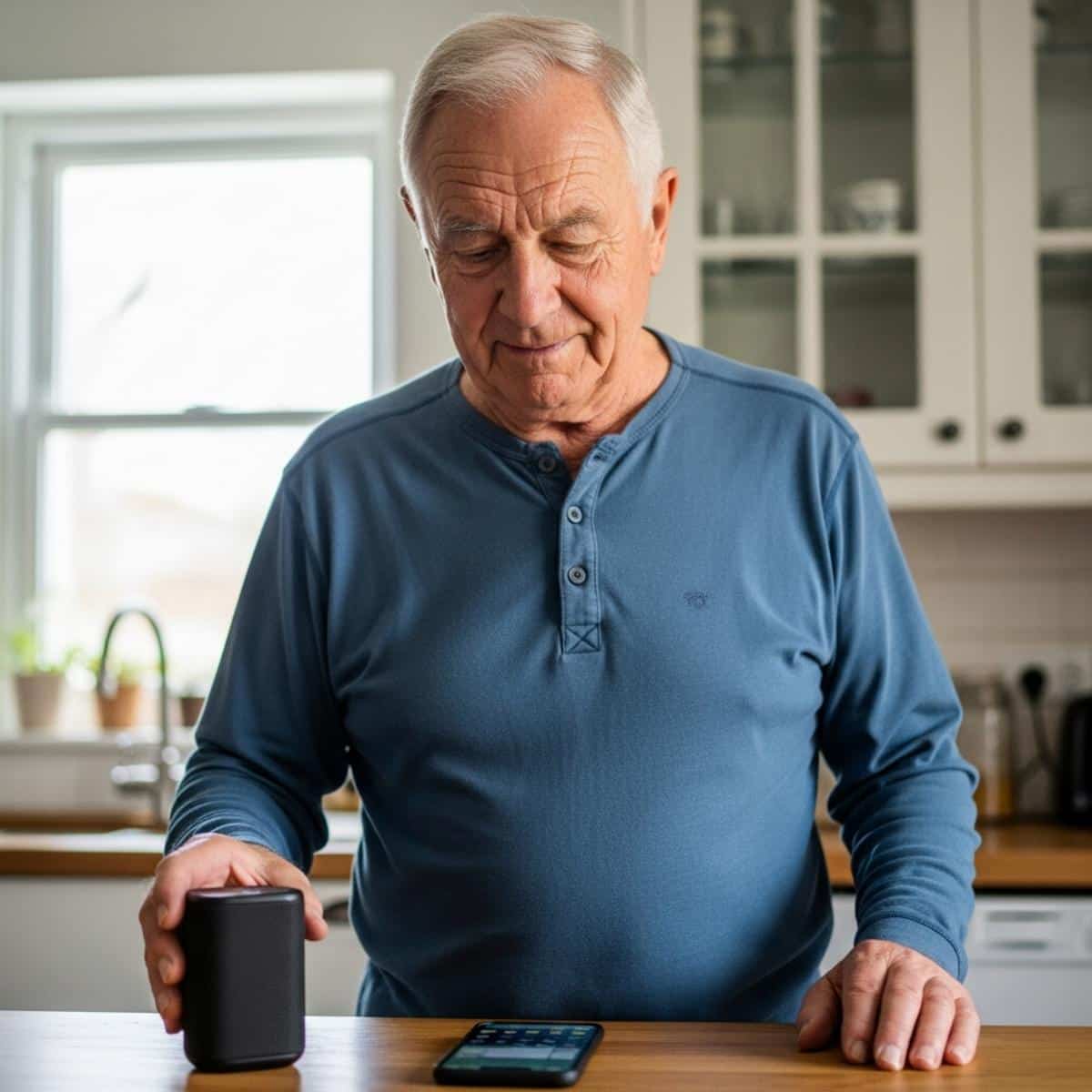
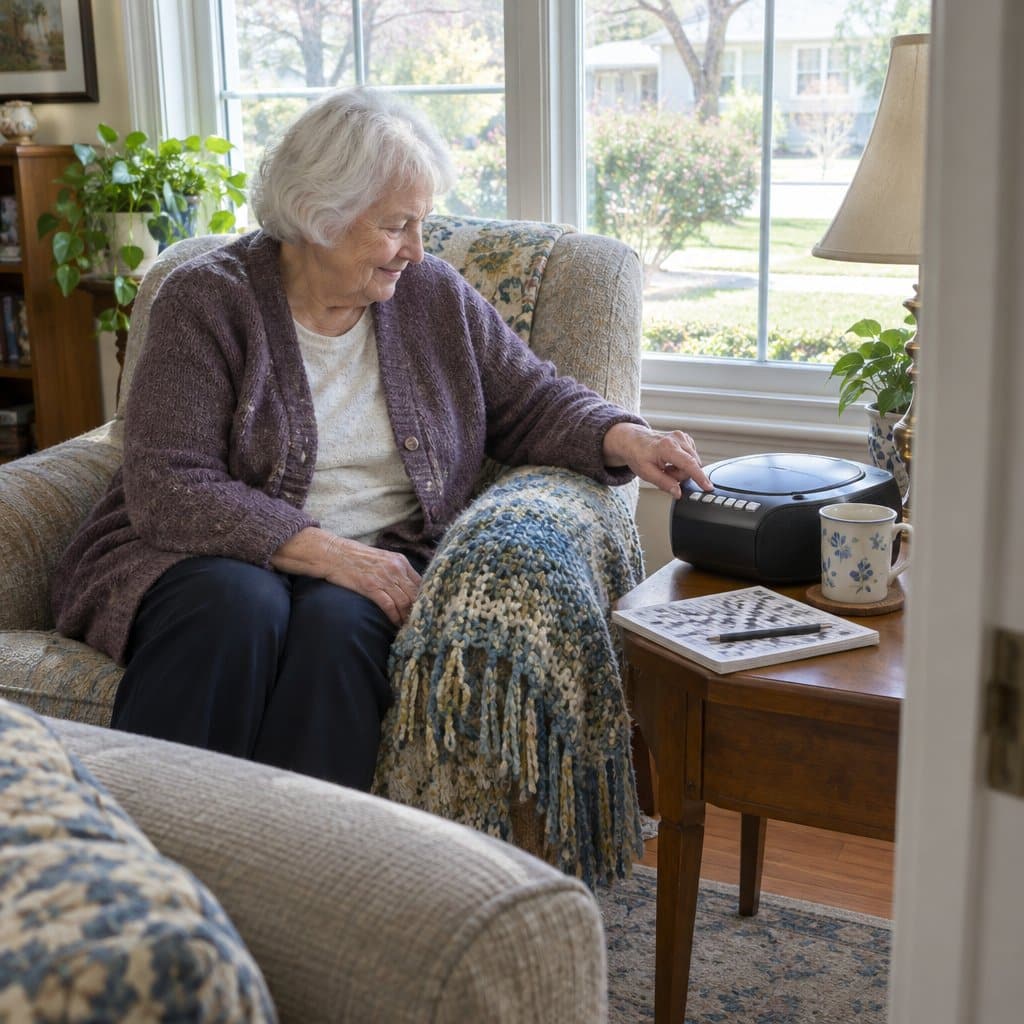
The Simplest Music Options for Seniors Who Just Want to Press Play
For Tier 1 seniors, the best music device is usually the most familiar one — updated with the right physical features to make it easy and reliable.
Large Button CD and Radio Players
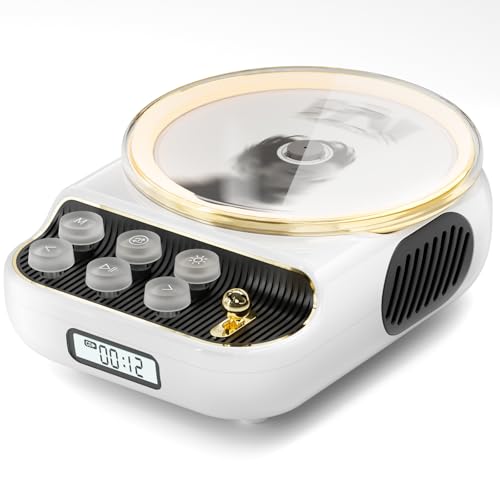
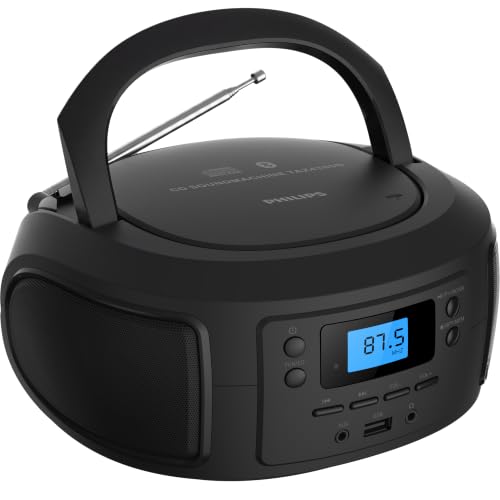
These remain the gold standard for non-technical seniors, and for good reason: the format is already familiar.
What to look for:
- Physical buttons only — no touchscreen, no swipe gestures
- Clear, labeled controls — Play, Stop, Volume Up, Volume Down should be immediately obvious
- No wi-fi requirement — plug in, press play, done
- Easy volume control — a physical knob or large +/- buttons, not a slider on a screen
The learning curve for a well-designed CD player is nearly zero for someone who grew up with physical media. That familiarity is an asset, not a limitation.




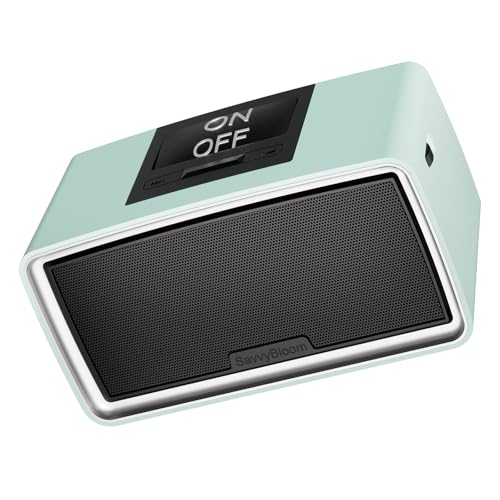
Relish Simple Radio & Music Player

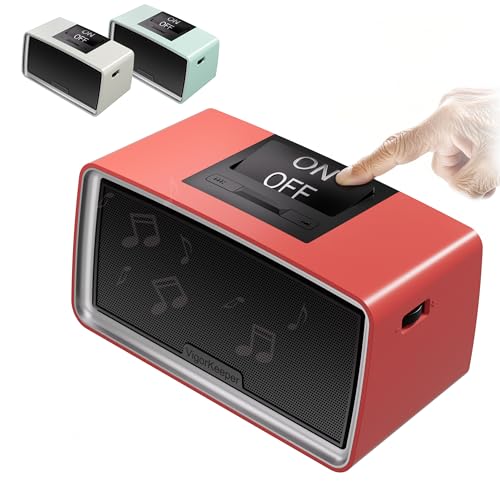
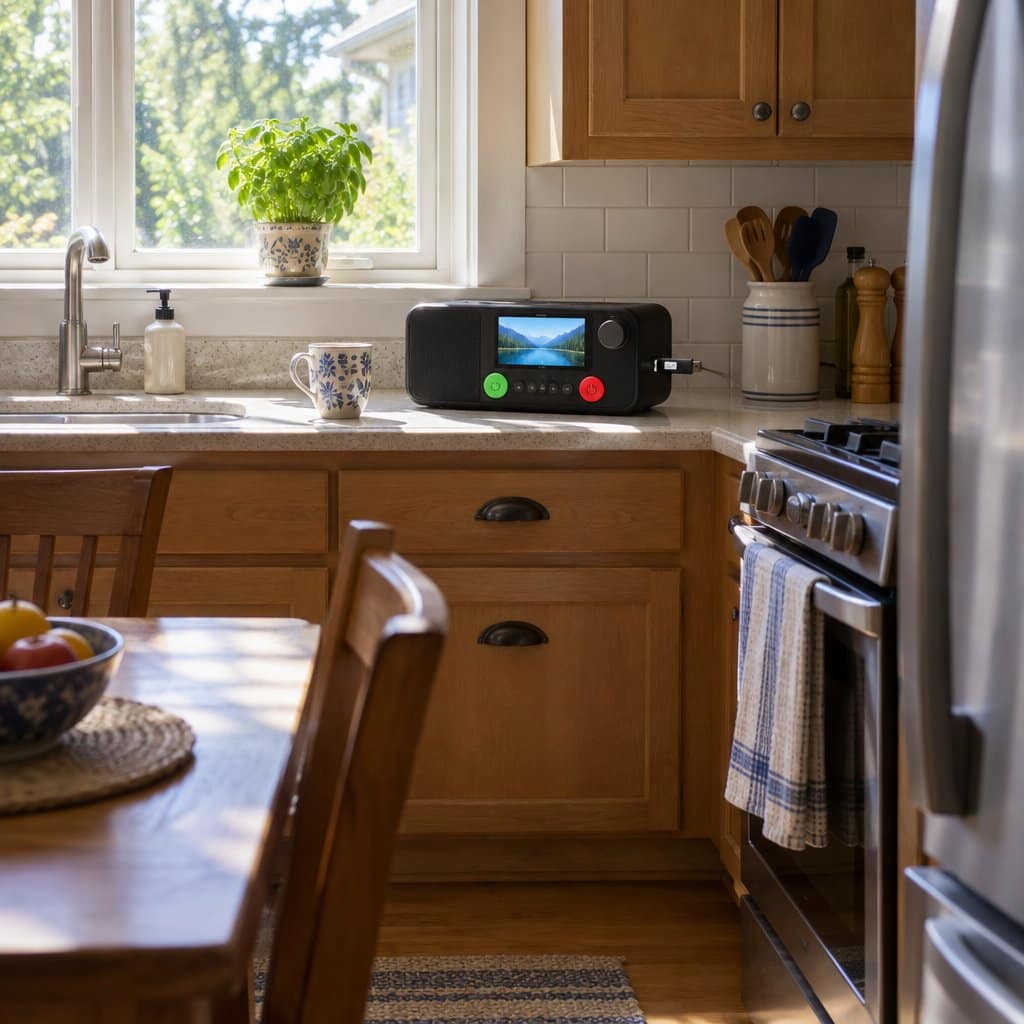
Relish Simple Radio & Music Player is a radio and MP3 player made with dementia and Alzheimer’s in mind. It also suits people with low vision or memory loss, or anyone who wants a music player with very little to figure out.
The controls are simple. There are large, clear On and Off buttons that are separate from each other, and the high color contrast makes them easy to pick out. The volume dial cannot be turned all the way to zero, so you can always tell the radio is on.
You can load your own playlist on a USB stick (one is included), so a family member can fill it with familiar songs. It also plays FM and digital radio, has a headphone socket, and runs through a plug and lead. The two speakers are 3 watts each.
The trade-off is that it has no AM. If your loved one’s favorite station is only on AM, this won’t pick it up. Someone will also need to set up the playlist on the USB stick before it’s ready to enjoy.
Pre-Loaded MP3 Players
These are devices that arrive with music already on them — no downloading, no syncing, no streaming accounts, no wi-fi required.
This format is particularly well-suited for seniors with mild cognitive decline. There is nothing to manage, update, or troubleshoot. The music is simply there, ready to play.
What to look for:
- Large, clearly labeled physical buttons
- Simple navigation — ideally just a handful of categories or a shuffle option
- Adequate speaker volume for someone with mild hearing loss
- No ongoing account or subscription requirement



Sound Quality and Hearing Loss
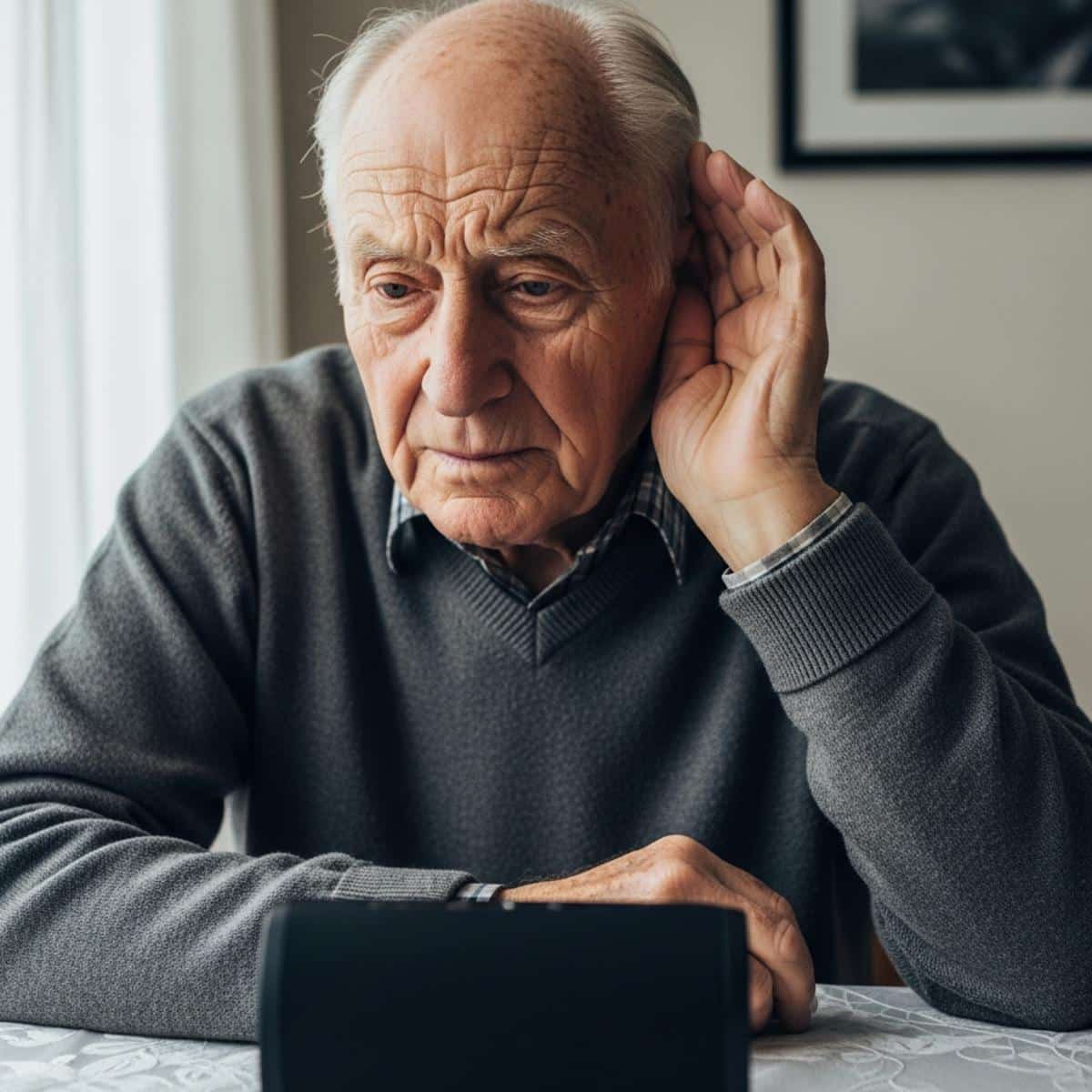
If the senior you’re buying for has hearing loss, raw loudness isn’t the only spec that matters.
What actually affects clarity:
- Speaker size — larger drivers produce fuller, more intelligible sound
- Frequency response — emphasis on mid-range frequencies (where speech and melody live) helps more than just boosting volume
- Distance from the listener — a small Bluetooth speaker on a shelf across the room is often a poor choice for someone with hearing loss, even if it’s technically simple
If the person uses hearing aids, consult an audiologist before prioritizing speaker quality — hearing aid compatibility may matter more than any device feature. Understanding how vision and sensory changes affect daily independence applies to hearing as well — small barriers compound quickly when sensory input is already reduced.
If your loved one is most comfortable with physical buttons and familiar formats: Look for a large button CD player or pre-loaded MP3 player with physical-only controls and no wi-fi requirement. That’s the right match.
Common Questions About Music Players for Seniors
A few questions come up again and again when families shop for a music player. Here are short answers.
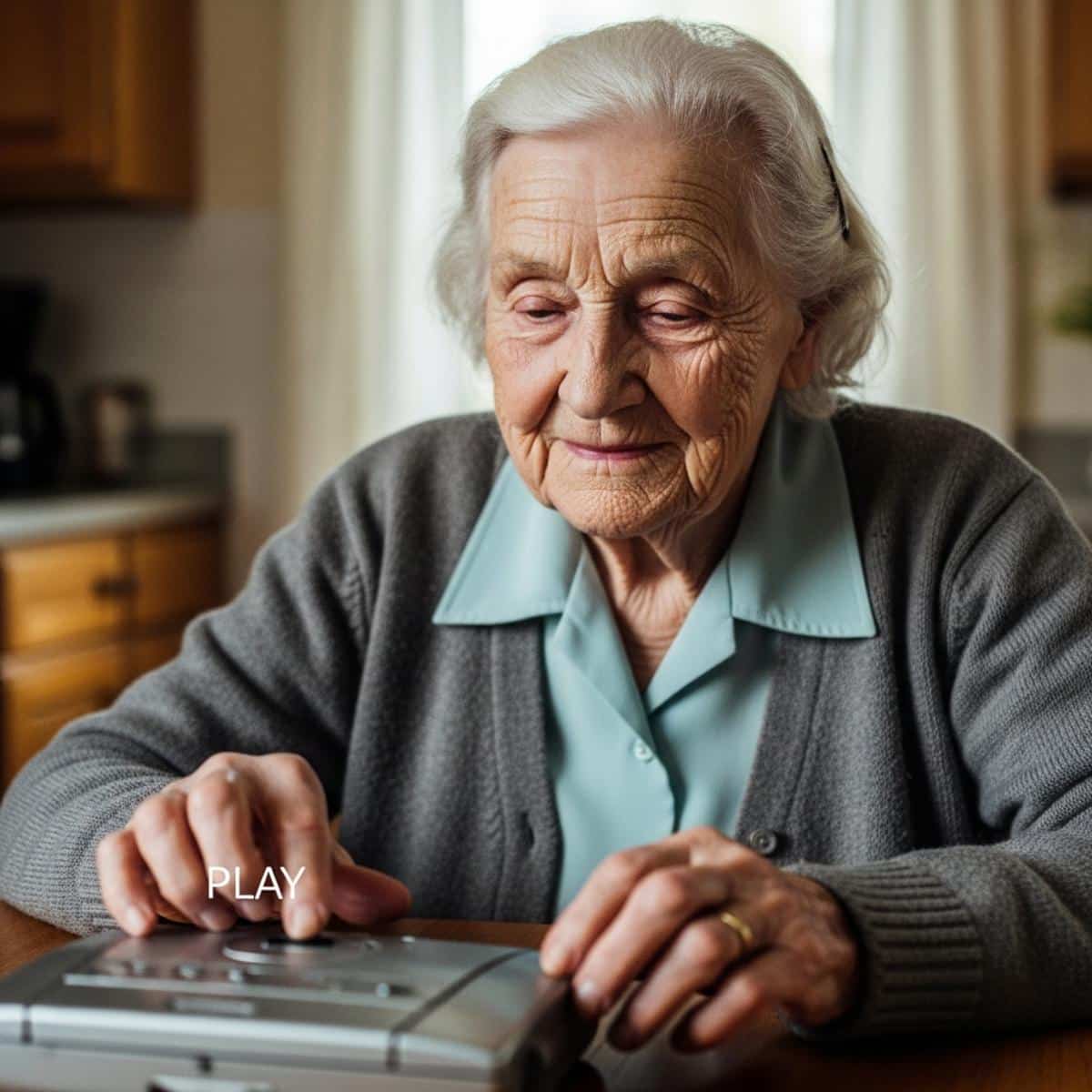
What makes a music player suitable for an older adult? Straightforward menus, large tactile buttons and a sound that confirms each press. Volume control should be easy to reach, and the build should be solid.
What should I look for if the person has a disability? Look for voice-guided menus, high-contrast displays and text sizes you can adjust. One-touch buttons and hearing aid compatibility matter a great deal too. If tiny buttons are the problem, a CD player with large, simple buttons is worth a look.
How is an audiobook player different from a regular MP3 player? Audiobook players may offer bookmarking and slower playback, which helps listeners follow along. Some also make it simpler to find and pick a book.
What screen should I look for? A large, clear screen with adjustable text. Backlit screens or e-ink displays are easier on the eyes in changing light.
Do any players come with music already on them? Yes. Some come with music from the eras and genres older listeners tend to like, so there is nothing to download or transfer.
Does an easy player really help? I think so. Music can lift mood and well-being, and a player someone can run alone supports their independence and cuts frustration.
The trade-off is that features vary a lot from player to player. A pre-loaded one may not hold the songs your loved one wants, so check that before you buy.
Live Piano-Bar Music Without Discs or Downloads
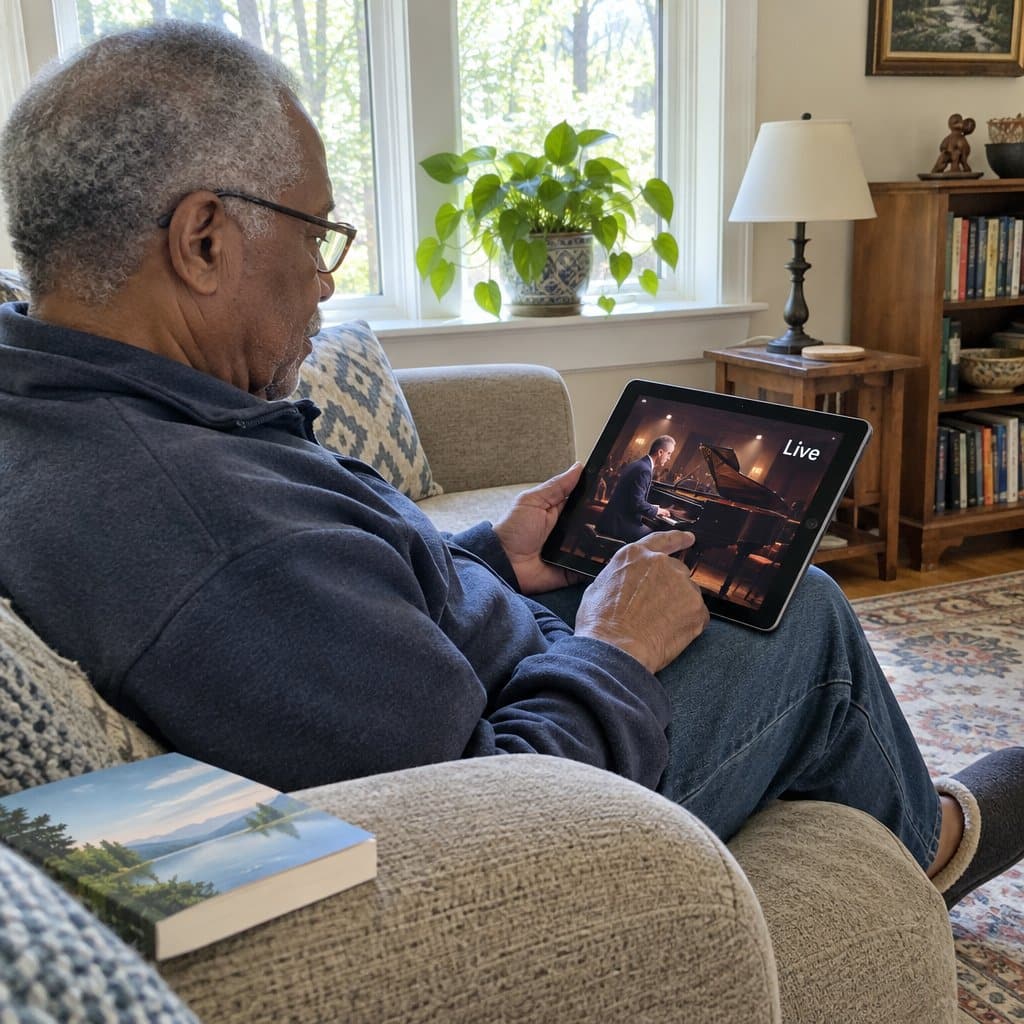
If a music app sounds like too much to learn, there is another way to get music into the house. Elmer’s Tunes is a live and pre-recorded music streaming service, and it does not need a separate player.
The host, Dennis Elmer, performs classic hits in an intimate piano bar setting. He takes requests during the show, so your loved one can take part instead of just pressing play on a playlist.
Access is set up as a simple icon installed on a device they already have. That means no discs to load and no songs to download. You can also get into the library of earlier streaming events, so a missed show is not lost.
Say your mother already has a tablet and likes the old standards. A single icon on the screen could be all she needs to open, and the music is there. If she likes to hear a favorite song again, I have a simple guide to rediscovering favorite music that may help you find ideas for requests.
It is one of many entertainment apps for seniors, and if streaming apps are new to your family, that guide is a good next stop.
The trade-off is that it lives on a phone, tablet or similar device. Someone with no such device, or no wish to use one, will be better off with a large button CD player or a pre-loaded MP3 player.
What to Look For in an MP3 Player a Senior Can Use
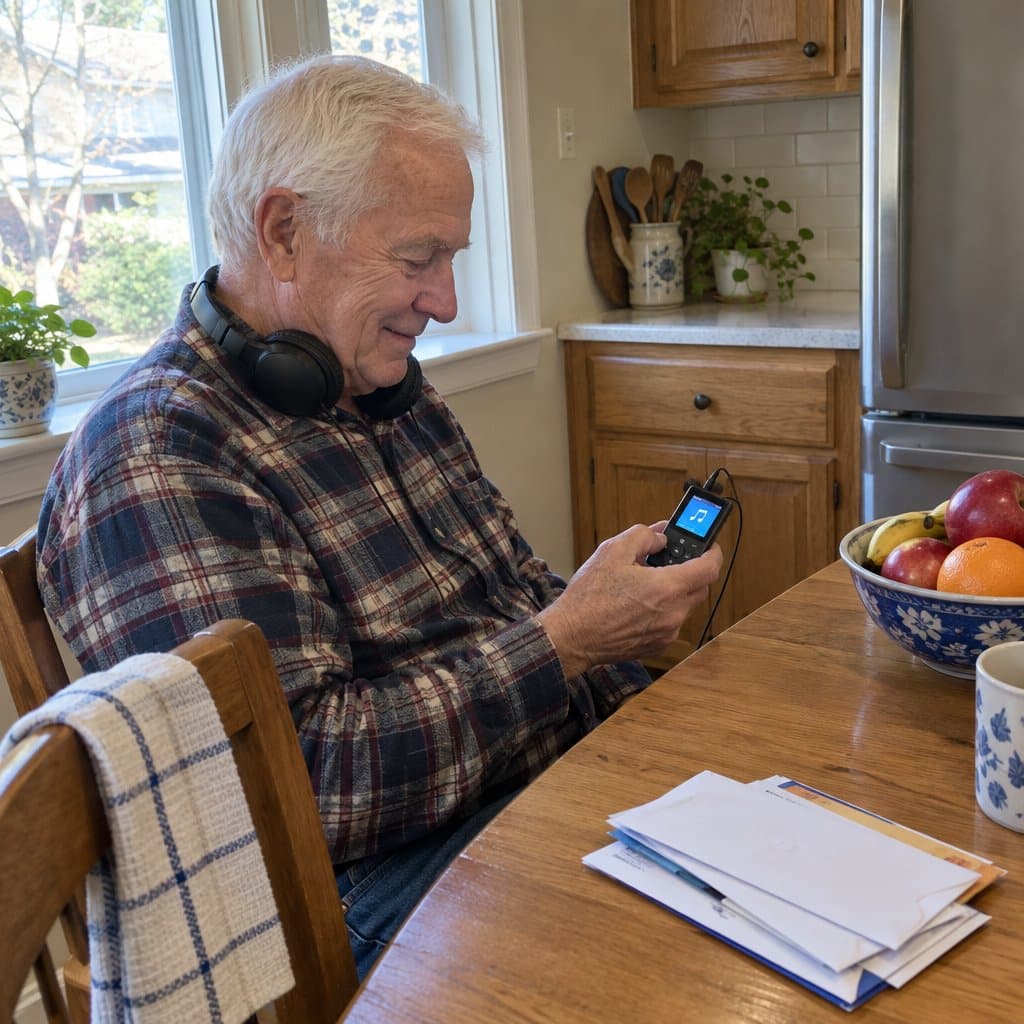
A portable MP3 player can work well for an older adult, as long as it suits the person’s eyesight and dexterity. Here is what I would check before you buy.
Screen: pick a large, bright display so artist and song titles are easy to read. Over 1.7 inches is a good rule of thumb, and it saves a lot of squinting.
Controls: tactile buttons beat touchscreens, which can be touchy or confusing. A physical on/off button, plus buttons for play, pause and moving between songs, keeps things simple. Some players have a single shuffle button and no screen at all, which suits someone who does not want to pick songs.
Build: look for a sturdy, thicker player that feels substantial in the hand. Drops happen, especially with less dexterity, and a solid body holds up better.
Sound: look for support for several audio formats, so your files play without fuss. Some players need other file types converted to MP3 first. A built-in equalizer lets you adjust the sound to your hearing.
Connectivity: Bluetooth is handy but not needed by everyone. A headphone jack means wired headphones, with one less thing to charge. If you do want wireless, Bluetooth headphones work with many players.
Storage and battery: aim for at least 16GB built in and a long battery life. A microSD card slot lets you add more later. Some players run for dozens of hours per charge.
Extras: radios, voice recorders and audiobook players or audiobook features can be nice. Just make sure playing music stays easy.
If you like the sound of a physical button for everything, large button CD players are another route. The trade-off with small portable players is that the buttons and screens can be tiny, so check them against the person’s eyesight and dexterity.
Phinistec Z6 Digital Audio Player
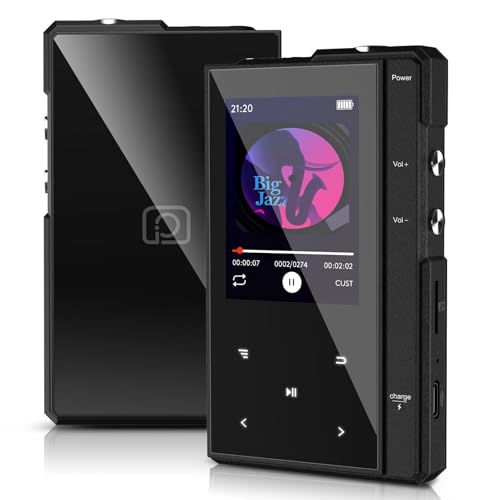
The Phinistec Z6 is a digital music player with a 32GB memory, and it can take a memory card up to 256GB if you want to carry more. It also has an FM radio and a built-in speaker, so you can listen without headphones.
The battery is what stands out. It is rated for up to 90 hours of playing, which works out to about a month between charges if you listen around three hours a day. That means less time hunting for a charger.
It uses a mix of a 2.4-inch touchscreen and physical buttons. Having real buttons to press is handy if a touchscreen alone gets frustrating. It also has Bluetooth 5.0 for connecting to wireless headphones, a speaker, or a car stereo.
The trade-off is that this is still a screen-and-menu device, with more settings than a basic player with a few big buttons. If you want something you can turn on and play with no setup, someone may need to load the music and pair the headphones for you the first time.
AGPTEK G02 Clip MP3 Player

The AGPTEK G02 is a clip-on MP3 player with no screen and no Bluetooth. It holds 8GB of music and also picks up FM radio. A sweatproof silicone case comes with it.
The controls are two slider switches. One flips between music and radio, and the other picks repeat or shuffle. There are no menus to get lost in, so it suits someone who wants to press play and walk.
The battery gives about 10 hours of music at medium volume after roughly 2.5 hours of charging. Radio listening shortens that. It weighs 0.49 ounces and measures 1.97 by 1.43 by 0.61 inches, and the clip lets you attach it to a collar or waistband.
The trade-off is the setup. It does not play iTunes music directly. Songs have to be converted to MP3 and copied over with the included USB cable, which usually means a helper unless you are comfortable with a computer. Earphones are not in the box, so you will need to buy a pair.
For Seniors Who Already Use a Smartphone — How to Get Great Sound Without Extra Complexity
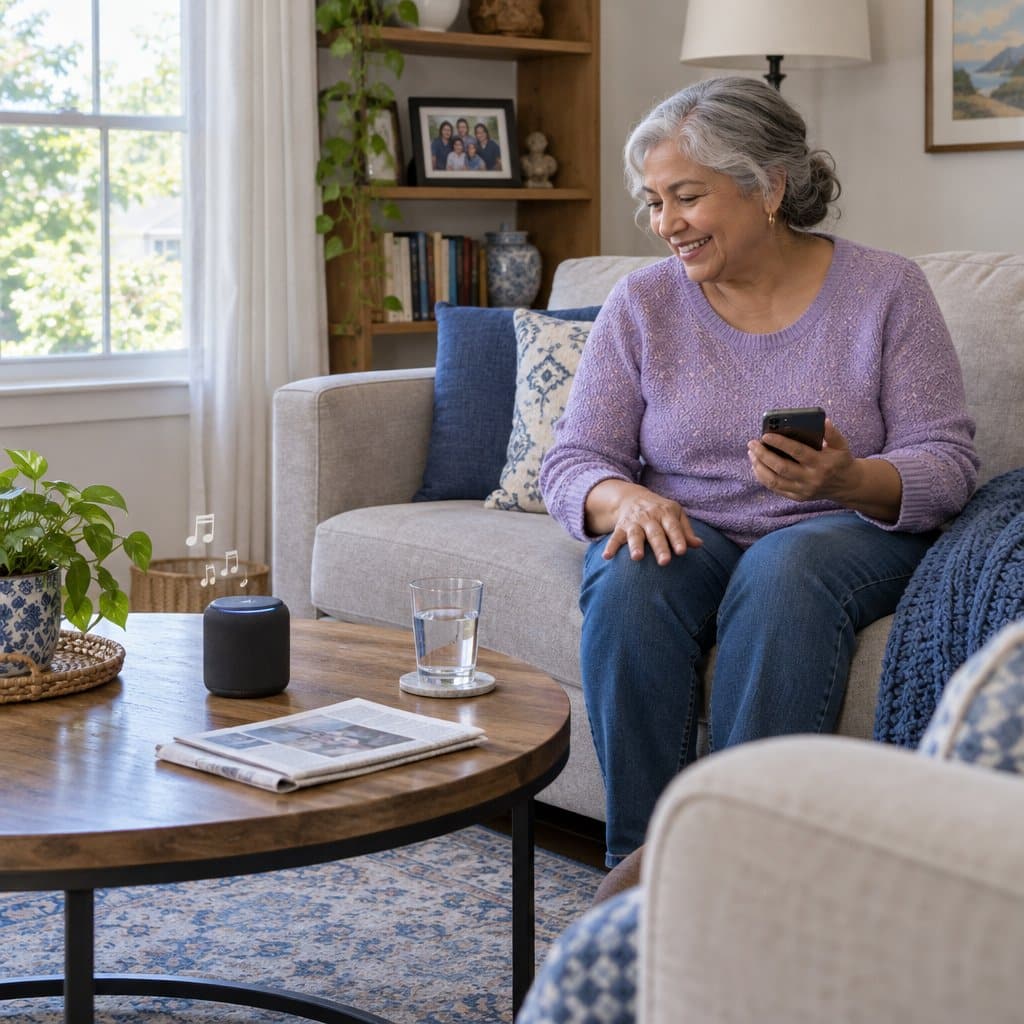
For Tier 2 and Tier 3 seniors, the goal usually isn’t a new device to learn from scratch. It’s a speaker that makes their existing music access better — louder, clearer, more reliable — without adding steps.
Dedicated Bluetooth Speakers With Simplified Controls
For someone who already plays music on a smartphone or tablet, a good Bluetooth speaker is often the best upgrade.
What to look for specifically for senior environments:
- Large physical volume and power controls — not touch-sensitive surfaces
- Auto-reconnect — the speaker should remember the paired phone and reconnect automatically without any steps from the user. This single feature separates a used speaker from an abandoned one
- Stable Bluetooth connection — consistent pairing matters far more than extra features
- Audio quality suited to mild hearing loss — clear mid-range, adequate volume at a comfortable listening distance
The ‘just pair it once and it reconnects automatically’ feature cannot be overstated. If your parent has to re-pair the device every time they want to listen, it will stop getting used. Verify this in reviews before purchasing.


Smart Speakers — An Honest Assessment
Smart speakers (Amazon Echo, Google Home) do some things genuinely well for seniors:
- Hands-free music requests — no buttons needed
- No syncing or navigation once set up correctly
- Can be very convenient for Tier 3 users in stable, well-managed setups
But here’s what the packaging doesn’t tell you:
- Wake word sensitivity varies — ‘Alexa’ gets misheard, ignored, or accidentally triggered regularly
- Account management is ongoing — subscriptions lapse, passwords change, updates alter behavior
- Accidental purchases and unexpected skill activations are real problems
- Recovery from errors typically requires someone tech-savvy to fix remotely
The realistic profile of a senior who succeeds with a smart speaker: Tier 3, has family nearby or a tech-comfortable household, and doesn’t panic when something unexpected happens on screen.
For Tier 1 and Tier 2 seniors, smart speakers create more problems than they solve — despite how they’re marketed.
The setup test for caregivers: ‘If I set this up today and couldn’t help again for three months, would my parent still be able to use it independently?’ If the answer is uncertain, move to a simpler category. This is especially worth considering if you’re already managing caregiving responsibilities from a distance — remote troubleshooting a complicated audio device adds to that load.
Senior Music Player Buyer’s Cheat Sheet: Find the Right Fit
Download our free guide to having honest conversations about aging, end-of-life wishes, and family finances—proven approaches that reduce misunderstandings and bring peace of mind to everyone involved.
Easy Music Apps and Streaming Services for Phones and Tablets
If your loved one already uses a phone or tablet, a music app may be all they need. No app is perfect, so the goal is to match the app to the person’s preferences. Music is only one kind of app older adults enjoy, and entertainment apps like games and puzzles are worth a look too.
For a senior, simplicity and ease of use matter more than a long feature list. Let them try a few apps for a short time before settling on one. If an app has a free trial, use it before paying for anything.
Several music player apps for Android are known for being easy. Phonograph is light, easy to use and has no ads. Musicolet works offline and keeps extras to a minimum. Oto Music has simple navigation and is free. Rocket Music Player works with Google Assistant.
BlackPlayer EX is simple and minimalistic with no ads. Neutron Music Player is the pick for someone who is sensitive to sound quality, though its screen layout is not the best.
Streaming services are the other route, and these are the ones that stand out:
- Amazon Music Unlimited: with an Echo speaker, Alexa lets someone search for music hands-free, which helps if arthritis makes touchscreens hard.
- Pandora: it builds personalized music from what the listener likes, and its paid versions have no ads.
- Spotify: it offers a wide range of music and lets you download songs with a subscription. The family plan links up to six accounts.
- YouTube Premium: it makes playlists easy and suggests music by genre and mood. It is also a good way to find old classics and fresh music.
- Apple Music: it works best on a Mac, iPad or iPhone but also has an app for Android phones, and you can contact its support team if there is trouble.
The trade-off is ads. The free versions of Pandora, Spotify and YouTube are full of them, and a surprise ad is exactly the sort of thing that can confuse someone. A paid plan avoids that, but it means a subscription to keep track of.
The Practical Gift Guide: Matching the Right Music Device to Your Loved One’s Profile
Here’s the matching guide I’d encourage you to save before shopping:
‘Completely non-technical, no smartphone, may have memory concerns’
→ Pre-loaded MP3 player with large buttons
→ Priority: zero-maintenance operation, nothing to manage or update
‘Comfortable with a traditional radio or CD player, no interest in streaming’
→ Large button CD player or digital radio with physical controls
→ Priority: familiar format, physical buttons only, no wi-fi required
‘Has a smartphone, uses it occasionally, wants music to be easier’
→ Simple Bluetooth speaker with one-time auto-pairing
→ Priority: auto-reconnect, keeps existing music access, improves audio quality
‘Uses smartphone regularly, technically comfortable, just wants better sound’
→ Quality Bluetooth speaker or carefully assessed smart speaker
→ Priority: audio quality, ease of daily use, household compatibility
What Caregivers Frequently Get Wrong
The most common mistake is buying based on features you value — wireless, voice-controlled, streaming — rather than the independence and simplicity the senior actually needs.
Impressive is not the goal. Used is the goal.
The one question that cuts through every product comparison: ‘Can this person start playing a favorite song, alone, in the morning, without calling me first?’
If you’re not confident the answer is yes, the device is not the right match — regardless of the price or the reviews.
One additional note on hearing aids: if the senior relies on hearing aids, the speaker’s audio output may matter less than its hearing aid compatibility. Some hearing aids connect directly via Bluetooth to select devices. Addressing sensory barriers early protects independence across every area of daily life — music included.
The Right Device Is the One That Gets Used
There is no single best music player for seniors. There is only the right match between a person’s actual comfort level and a device’s real daily usability.
Choosing a simpler device is not settling. It is the most informed, thoughtful decision you can make — because a simple device that gets used every morning is worth infinitely more than an impressive one gathering dust in a drawer.
Use the three-tier framework to place your situation realistically. Match the device to the person, not the marketing. And start with the simplest option that truly meets the need. You can always add complexity later if it’s wanted.
If you’ve found a music device that actually works for you or a loved one, share it in the comments. Real-world experience from families who’ve been through this helps everyone make a better decision.
And if you’re navigating other technology decisions for an older adult — whether it’s reducing isolation through connection tools or finding devices that support independence at home — the same matching principle applies: start with the person, not the product.